Customer service software centralizes support conversations, ticketing, knowledge, automation and reporting. Buyers should compare channel coverage, routing, self-service, AI allowances, service-level controls and the total cost of adding agents or higher-volume support.
Start by comparing Zendesk, Freshdesk, Intercom. Then narrow the shortlist around your real workflow, integrations and total cost rather than choosing from a feature checklist alone.

Customer service software centralizes support conversations, ticketing, knowledge, automation and reporting. Buyers should compare channel coverage, routing, self-service, AI allowances, service-level controls and the total cost of adding agents or higher-volume support. This guide focuses on products already represented in the Verwick software directory so buyers can move directly from category research into deeper product profiles.
| Software | Best fit | Evaluation role |
|---|---|---|
| Zendesk | Best for configurable multichannel customer service operations that need room to scale. | Strong first demo |
| Freshdesk | Best for email-first support teams adding knowledge, routing and AI over time. | Focused alternative |
| Intercom | Best for conversational support teams combining messaging, automation and proactive engagement. | Useful shortlist option |
| Help Scout | Best for small and midsize teams that want a more personal shared-inbox experience. | Useful shortlist option |
| Chatwoot | Best for teams that value an open-source customer inbox and a low-cost website-chat starting point. | Useful shortlist option |

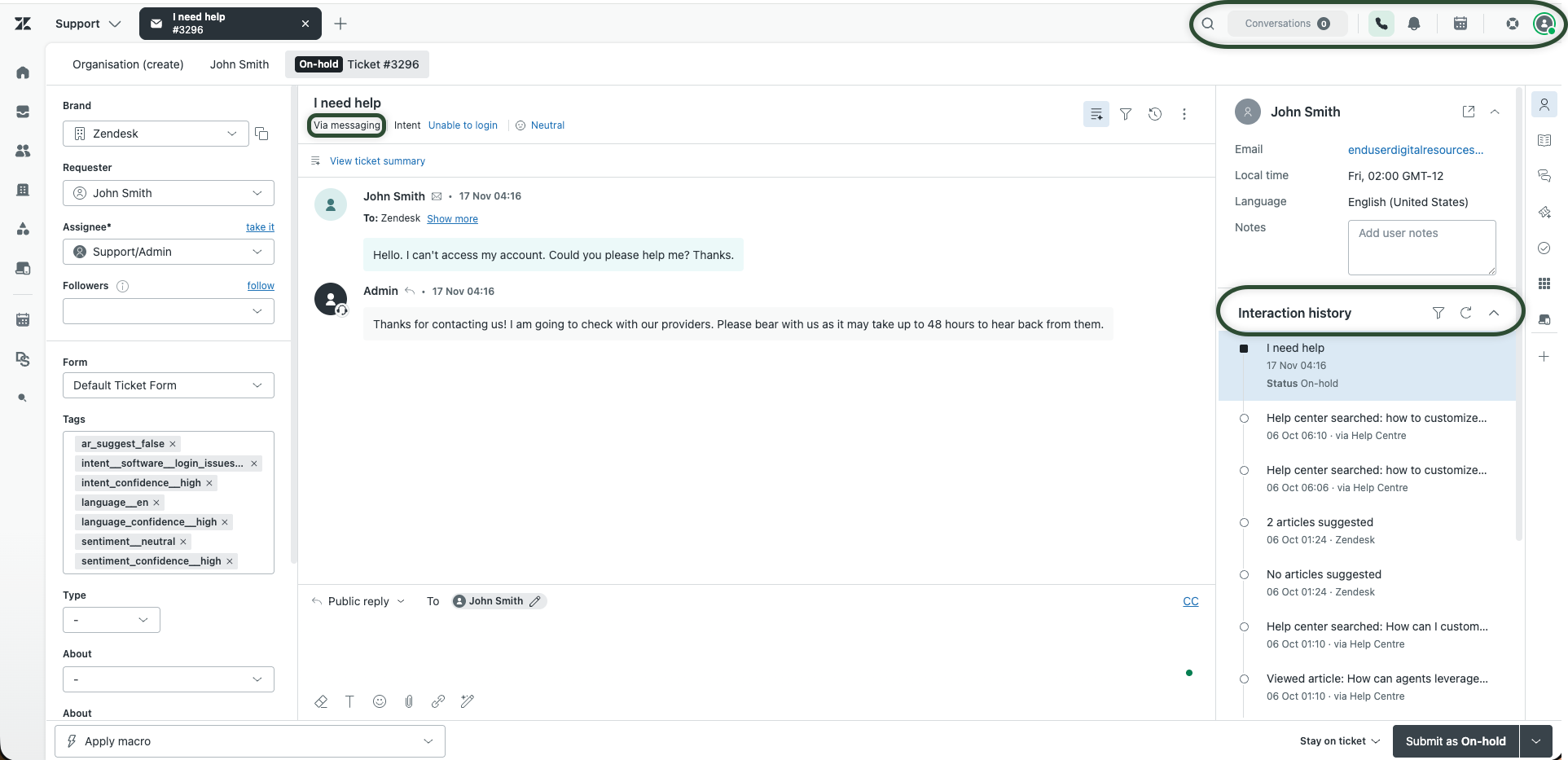
Best for configurable multichannel customer service operations that need room to scale. Use the Verwick profile to review the current product summary, pricing model, trial information, integrations, pros and cons, and other buyer details before shortlisting it.
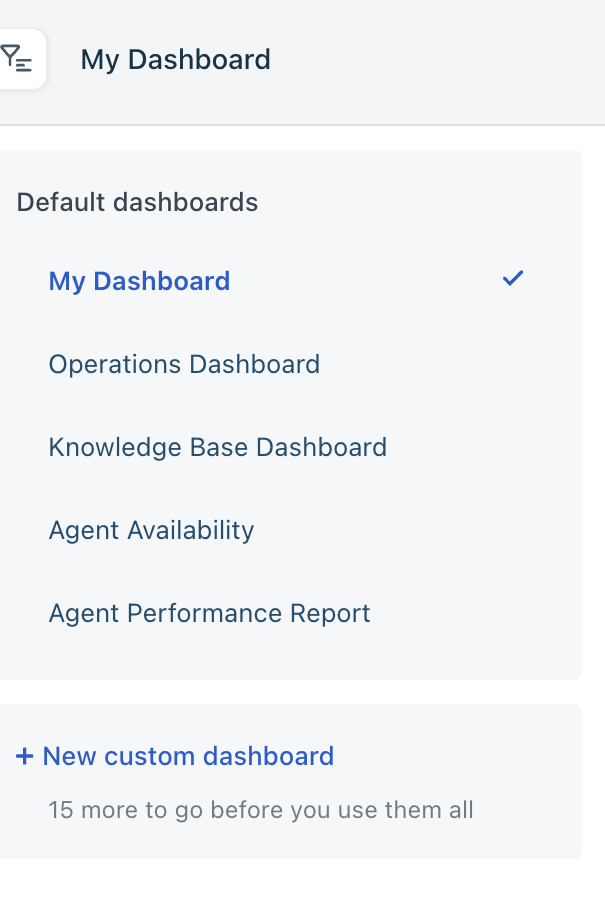
Best for email-first support teams adding knowledge, routing and AI over time. Use the Verwick profile to review the current product summary, pricing model, trial information, integrations, pros and cons, and other buyer details before shortlisting it.
Best for conversational support teams combining messaging, automation and proactive engagement. Use the Verwick profile to review the current product summary, pricing model, trial information, integrations, pros and cons, and other buyer details before shortlisting it.
Best for small and midsize teams that want a more personal shared-inbox experience. Use the Verwick profile to review the current product summary, pricing model, trial information, integrations, pros and cons, and other buyer details before shortlisting it.
Best for teams that value an open-source customer inbox and a low-cost website-chat starting point. Use the Verwick profile to review the current product summary, pricing model, trial information, integrations, pros and cons, and other buyer details before shortlisting it.
Document the process you are trying to improve, the people involved, the systems that exchange data with it and the decisions the software must support. A shorter list of concrete requirements makes demos far more useful than a broad feature wishlist.
Headline pricing is only one part of the decision. Include implementation, onboarding, seats, usage allowances, premium features, integrations, support tiers and any internal administration required to keep the system working well.
Ask how your team can export records, attachments, settings and reporting data if you later change systems. A strong product fit should not depend on making migration unnecessarily difficult.
Use the Verwick Software Finder to browse software profiles, categories, pricing information, integrations and alternatives. You can also use the software comparison tool to compare two products side by side.