
Project Resource Management

Plan people, capacity, and workloads across every project.

Manage team availability, skills, assignments, utilization, and resource demand in one connected workspace. Give every project the right people while preventing overload and keeping delivery plans realistic.

πŸ‘€
View resourcesPeople, roles, skills, and assets
β–¦
Check availabilityCapacity, schedules, and time off
βœ“
Assign workMatch resources to project demand
β†—
Track utilizationWorkloads across every project
βš–
Rebalance plansResolve gaps and prevent overload

Everything your team needs to manage resources clearly

Resource Planning
Skills & Roles
Availability
Workload Balancing
Utilization Reporting
Resource Visibility

Manage people, roles, and assignments in one place.

Bring team members, contractors, roles, skills, schedules, and active assignments into a unified resource view. Managers can quickly understand who is doing what and where support is needed.

  • Organize resources by team, department, role, or skill.
  • See current assignments and upcoming project demand.
  • Keep resource information connected to tasks and project plans.
Explore workload management
KolApp project resource management dashboard
Capacity & Staffing

Match available resources to project demand.

Plan assignments around real capacity, working hours, time off, and existing commitments. Find the right person for each project before schedules become overloaded.
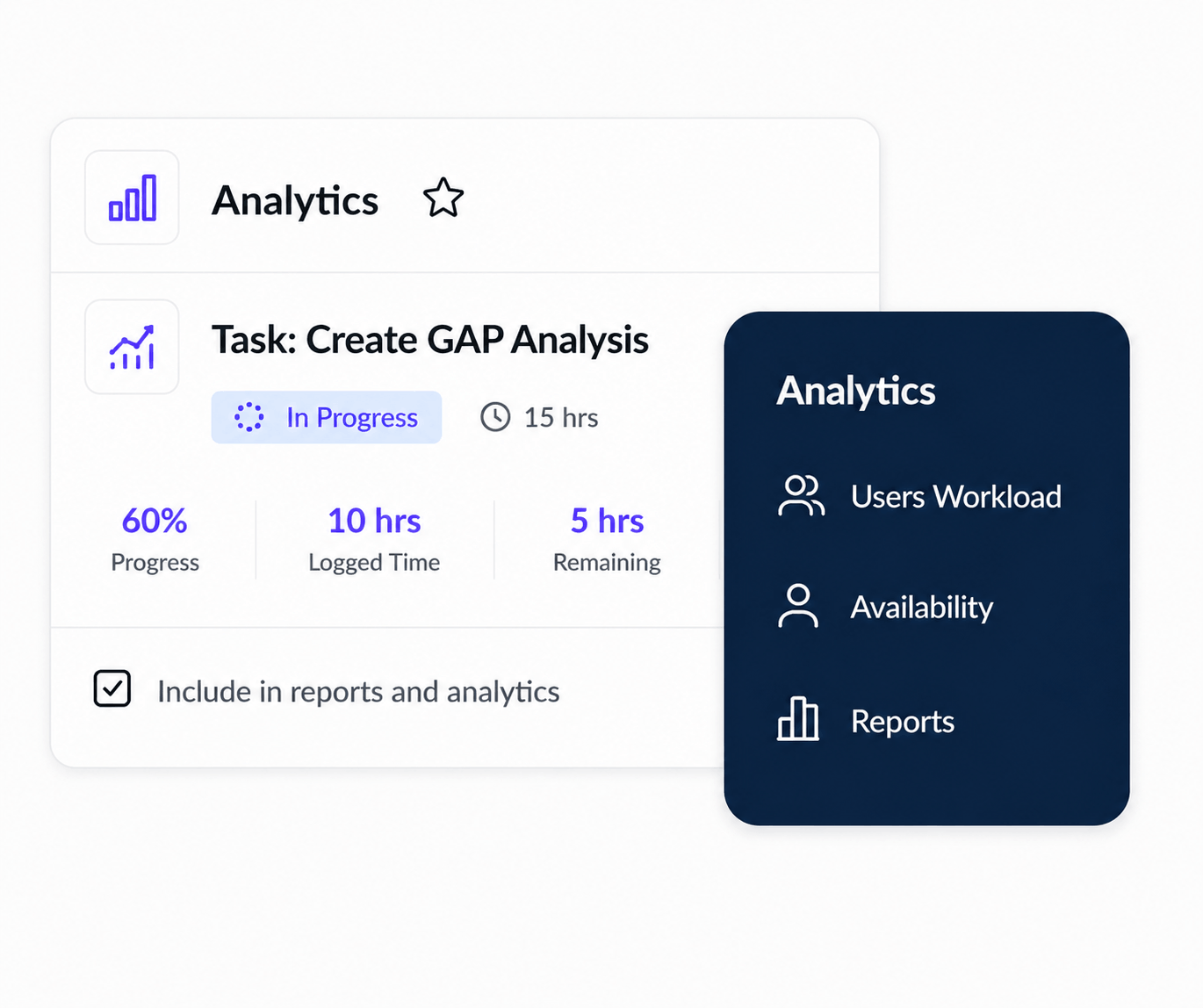
  • Compare available capacity across people, roles, and teams.
  • Match skills and availability to upcoming project needs.
  • Plan new work using realistic staffing assumptions.
Explore capacity management
KolApp resource capacity and staffing report
Cross-Project Workloads

Prevent overload and resource conflicts.

See how assignments from different projects affect the same people and teams. Catch double bookings, workload pressure, and scheduling gaps before they delay delivery.
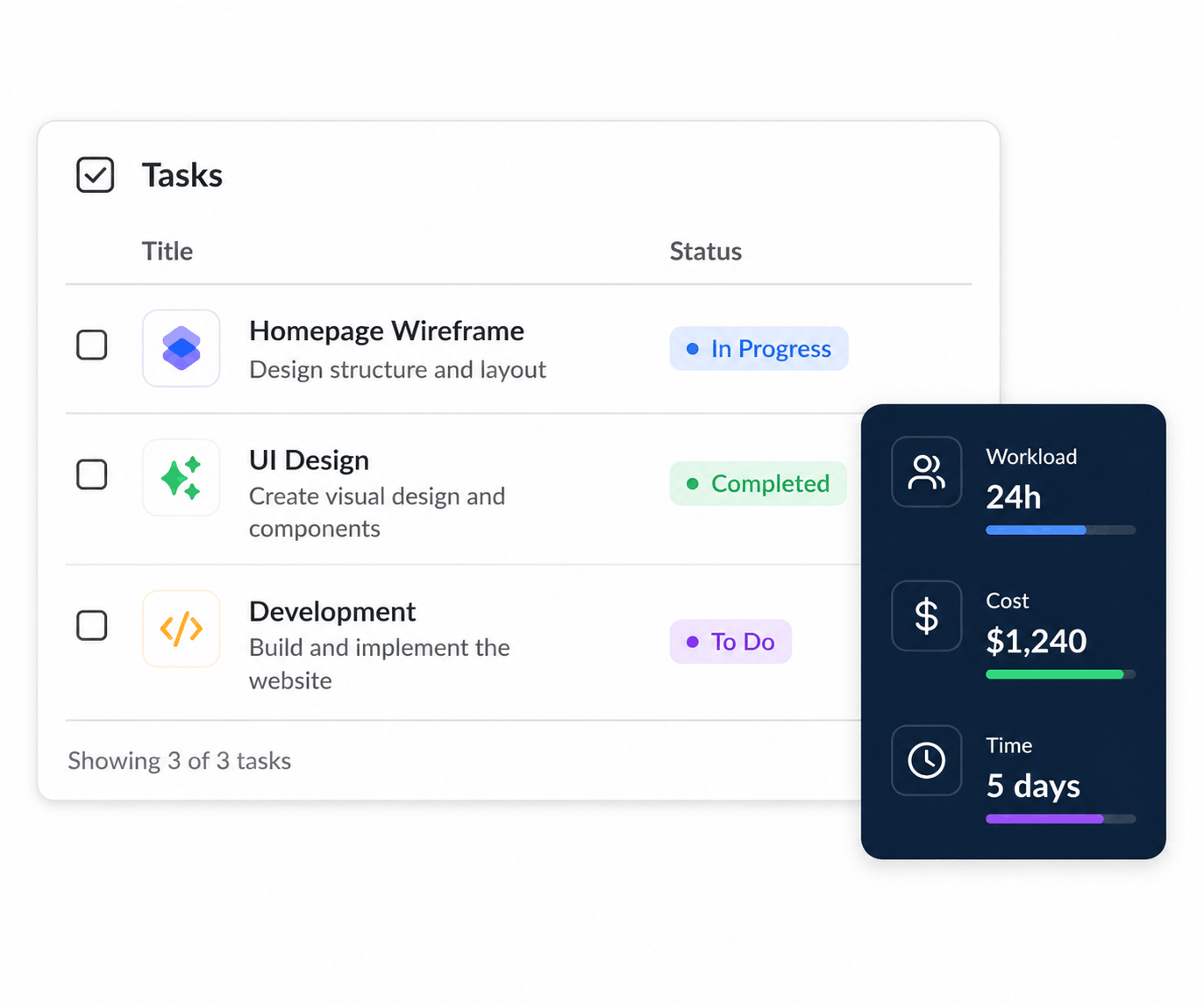
  • Identify overlapping assignments across active projects.
  • See who is overallocated, underused, or available.
  • Move work or adjust timelines before conflicts grow.
Explore conflict detection
KolApp cross-project resource assignments and workload view
Utilization & Reporting

Understand resource performance across projects.

Track planned workload, billable time, utilization, availability, and future demand from one reporting layer. Give managers the insight to make better hiring, staffing, and delivery decisions.
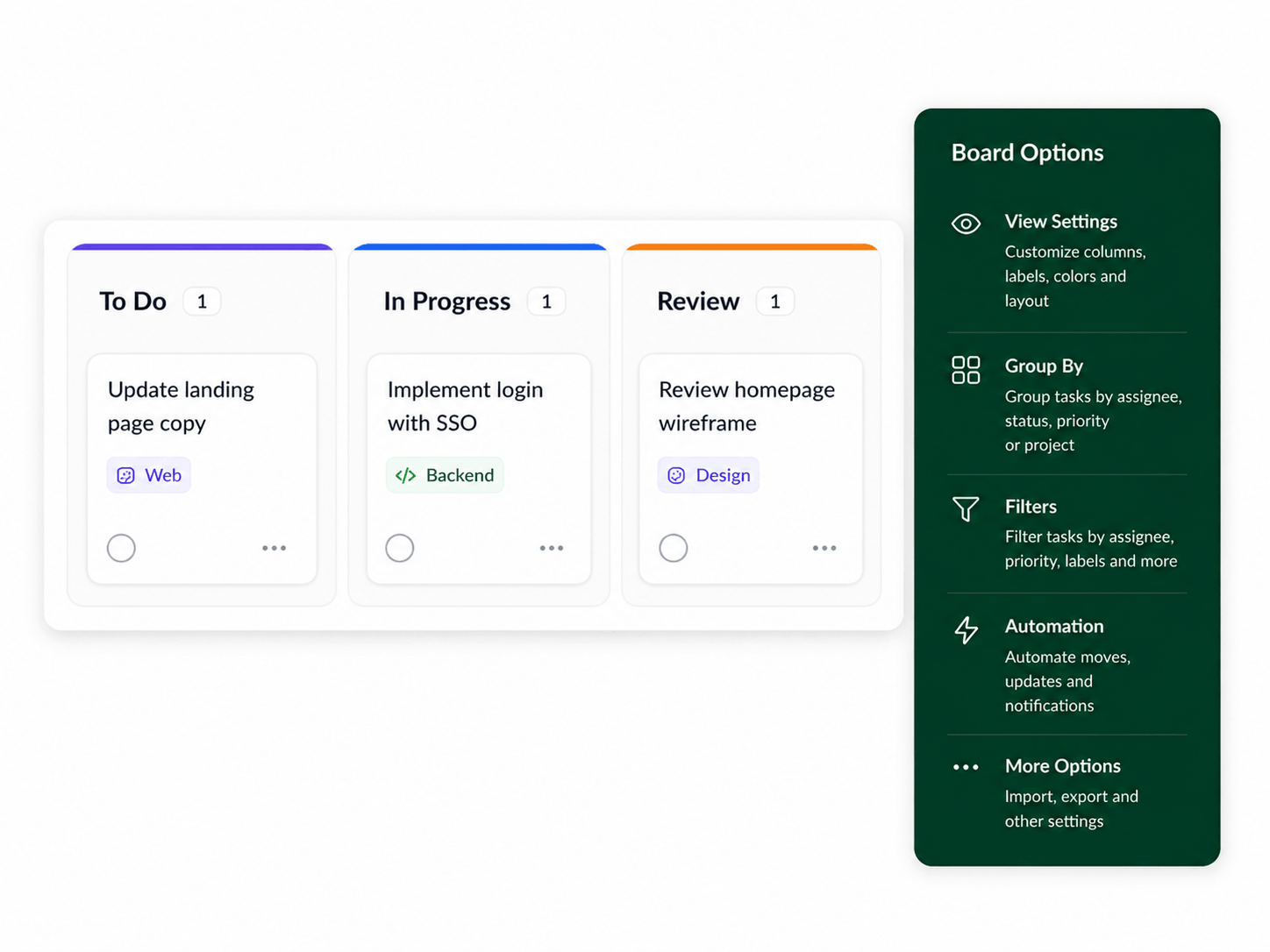
  • Compare planned capacity with assigned and completed work.
  • Review utilization by person, role, team, or project.
  • Forecast future demand and identify resource gaps earlier.
Explore resource reports
KolApp project resource utilization and workload planning view
Key Benefits

Keep resources balanced, productive, and connected.

KolApp connects resource planning with project execution so managers can assign work confidently, protect team capacity, and keep every initiative moving forward.

πŸ‘€

Find the right resources

Match skills, roles, availability, and project needs without searching through spreadsheets.

βš–

Balance every workload

See resource pressure across projects and redistribute work before teams become overloaded.

β†—

Plan future demand

Use capacity and utilization data to anticipate staffing gaps and make better plans.