
Automation

Let your projects run themselves.

Create smart rules that trigger actions instantly, so nothing slips, no one forgets, and every task keeps moving forward automatically.

⚡
Create rule Choose a trigger and condition
⏰
Detect event Due dates, status changes, or updates
↗
Run action Notify, assign, update, or email
☰
Log history Track every automation that runs
✓
Work moves Projects keep flowing automatically

Everything your team needs to automate delivery

Smart Rules
Deadline Reminders
Status Triggers
Run History
Email Templates
Automation Center

Standardize work. Scale execution.

Build once. Reuse forever. Turn your best processes into powerful, repeatable rules for your entire team.
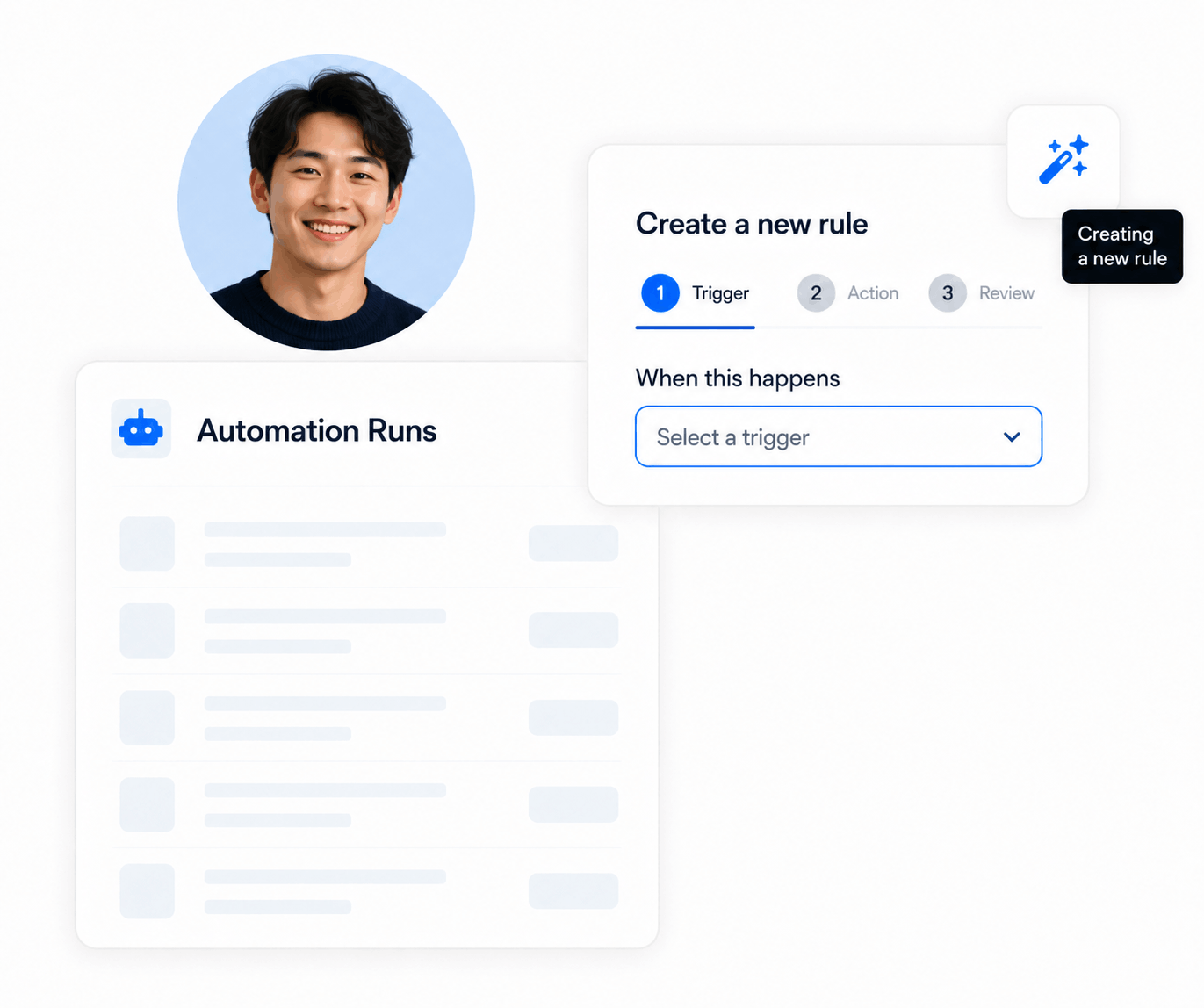
  • Design workflows with tasks, milestones, and structure tailored to how your team works.
  • Assign roles, trigger actions, and eliminate guesswork with rules running in the background.
  • Keep projects moving without constant manual follow-up.
Explore project templates
KolApp automation center
Deadline Automation

Never miss an important date again.

Set intelligent rules that alert your team before deadlines hit, so you stay ahead, not behind.
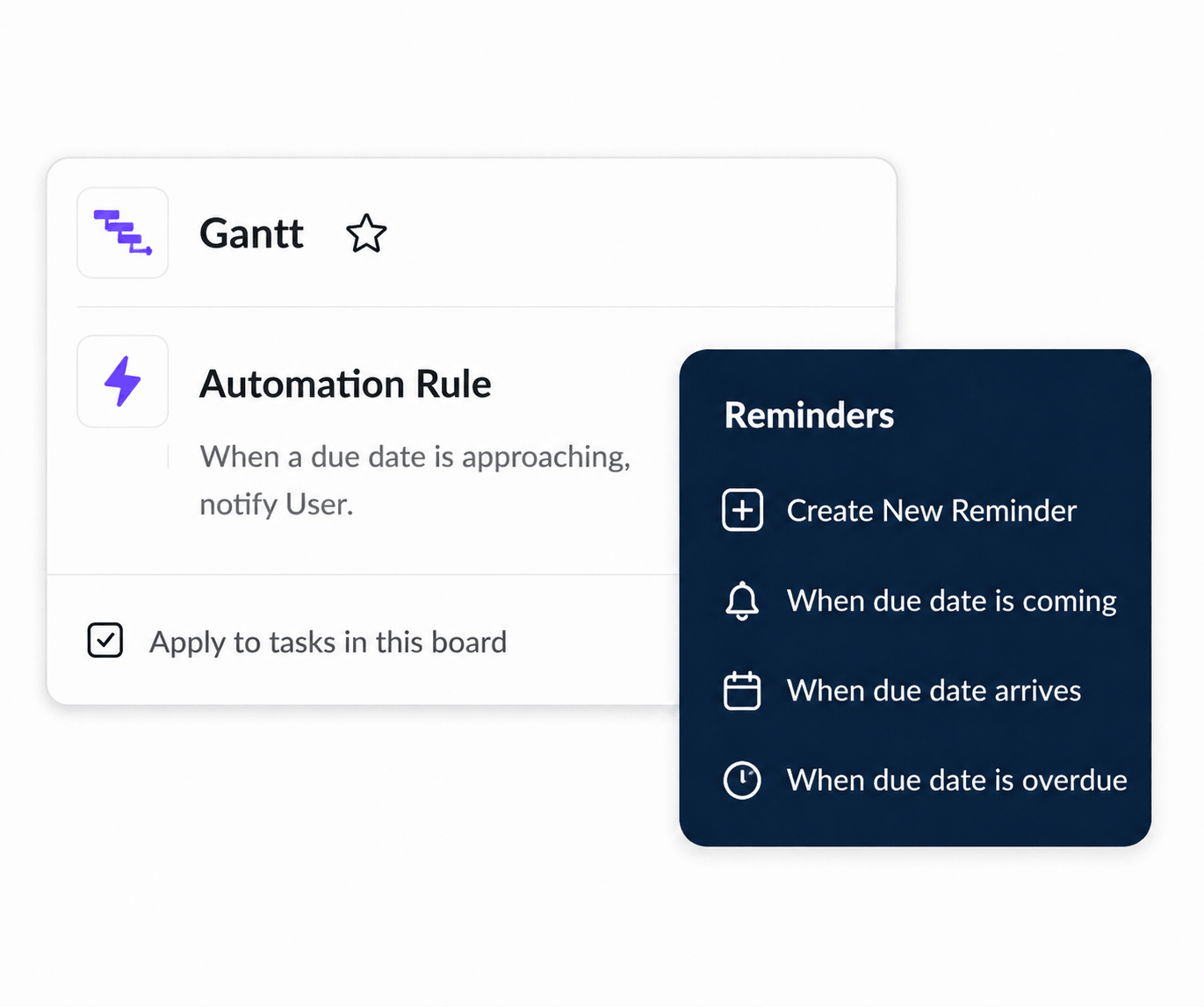
  • Start with ready-made workflows that include deadline alerts and automation rules.
  • Create custom rules that notify users instantly when timelines shift.
  • Run rules automatically whenever your selected condition is met.
Explore automated notifications
KolApp deadline automation
Rule Builder

Create automation rules in minutes.

Build simple if-this-then-that rules that update tasks, notify team members, and keep projects moving automatically.
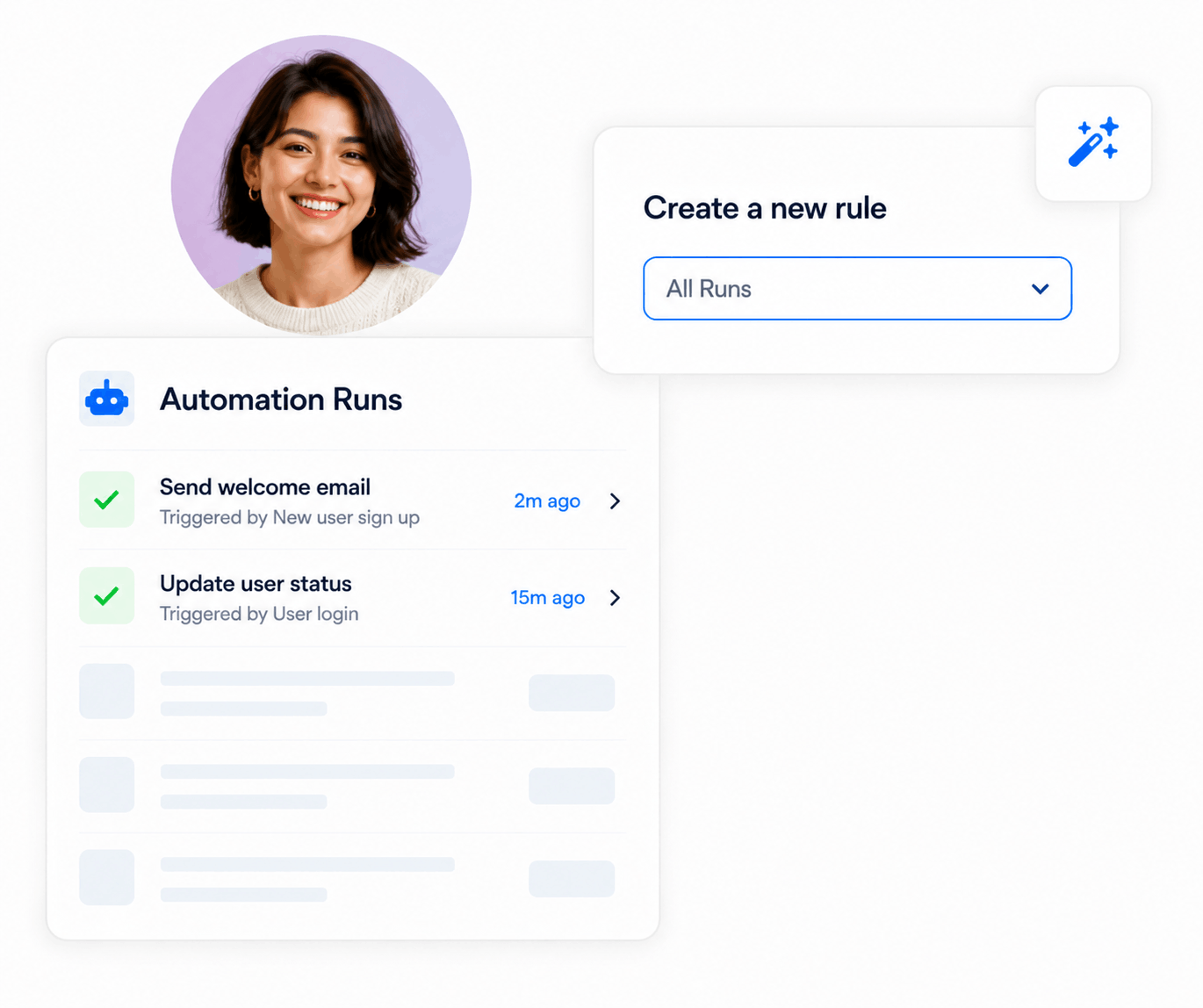
  • Run rules when work changes to Done, In Review, Blocked, or Overdue.
  • Automatically assign owners, update priority, or send notifications.
  • Create rules that are easy to understand, edit, and reuse.
Explore task workflows
KolApp automation rule builder
Run History

See every rule that runs.

Track what automation ran, when it ran, and what action it completed so your team always has visibility.

  • View completed automation actions across tasks and projects.
  • Know exactly which rule triggered and what changed.
  • Use a clear audit trail for confidence and accountability.
Explore reports & analytics
KolApp automation run history
Email Templates

Customize the messages your team receives.

Create reusable email templates and drop in dynamic fields like task name, owner, status, project, and due date.

  • Personalize alerts with live task and project details.
  • Standardize communication for every workflow.
  • Send consistent, automated updates without writing every message manually.
Explore email notifications
KolApp automated email templates
Key Benefits

Automate repetitive work and keep projects moving.

KolApp automation helps teams standardize workflows, trigger alerts, update tasks, send emails, and maintain visibility without manual follow-up.

⚡

Trigger actions

Run rules when tasks change, deadlines approach, or project conditions are met.

✉

Notify teams

Send reminders, email summaries, and stakeholder updates automatically.

☰

Track history

See every automation that ran and understand exactly what changed.