
Plan releases, coordinate development teams, track technical work, monitor capacity, and manage every stage of IT and software delivery from one connected workspace.
IT and software work moves quickly across teams. KolApp gives technology leaders one place to track projects, sprints, resources, budgets, automation rules, capacity, and delivery health.
Build structured project plans, assign owners, track dependencies, manage technical deliverables, and keep stakeholders updated as work moves from backlog to production.
Coordinate developers, engineers, product managers, IT teams, deadlines, dependencies, and project owners in one place.
Update sprint plans, tickets, owners, priorities, dependencies, and budgets as technical needs change.
Monitor project owners, budget status, progress, risks, team capacity, and delivery health across every IT and software initiative.
See which projects are on track, at risk, delayed, over budget, or blocked.
Track delivery progress, cost trends, technical risks, and project health before issues grow.
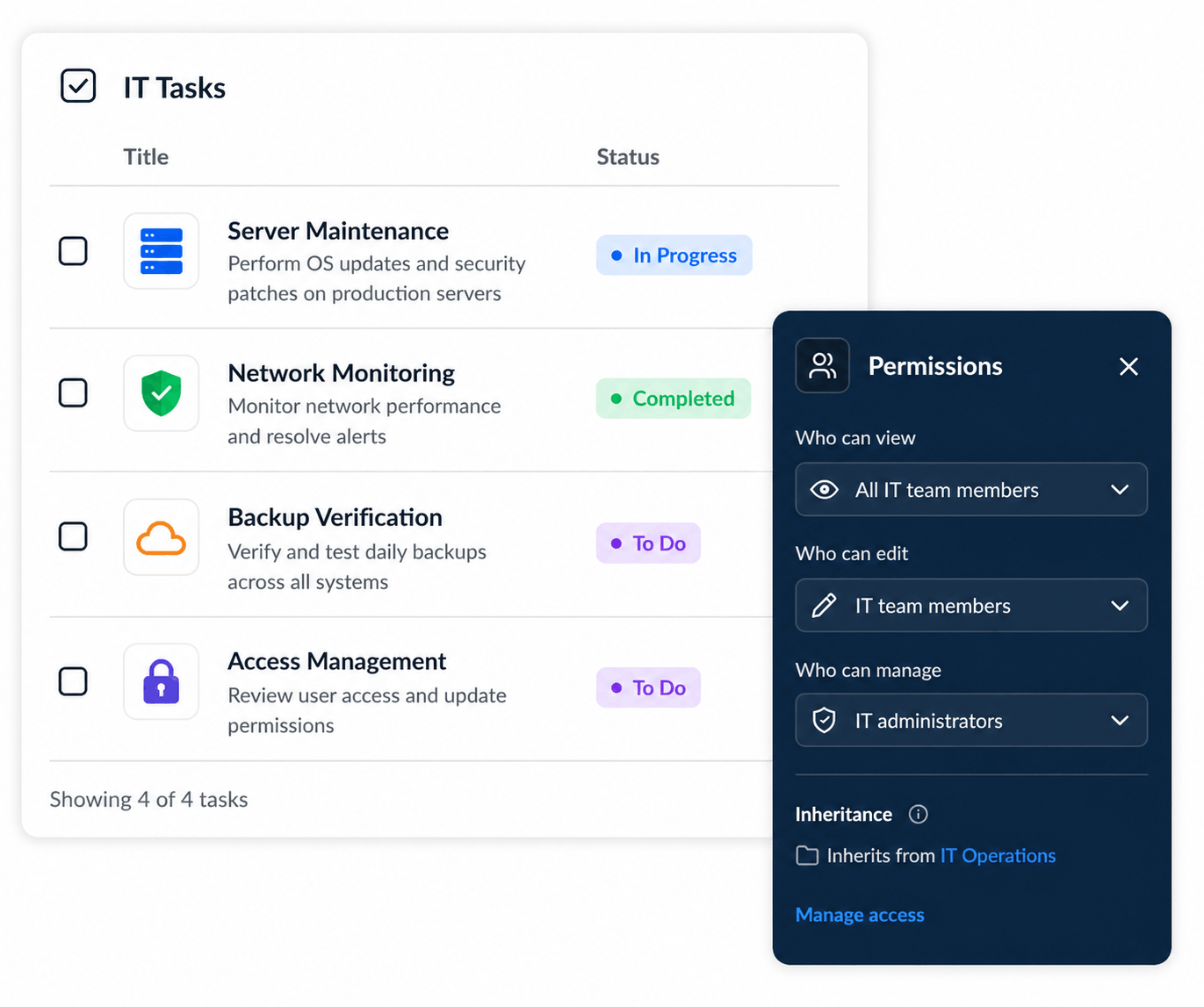
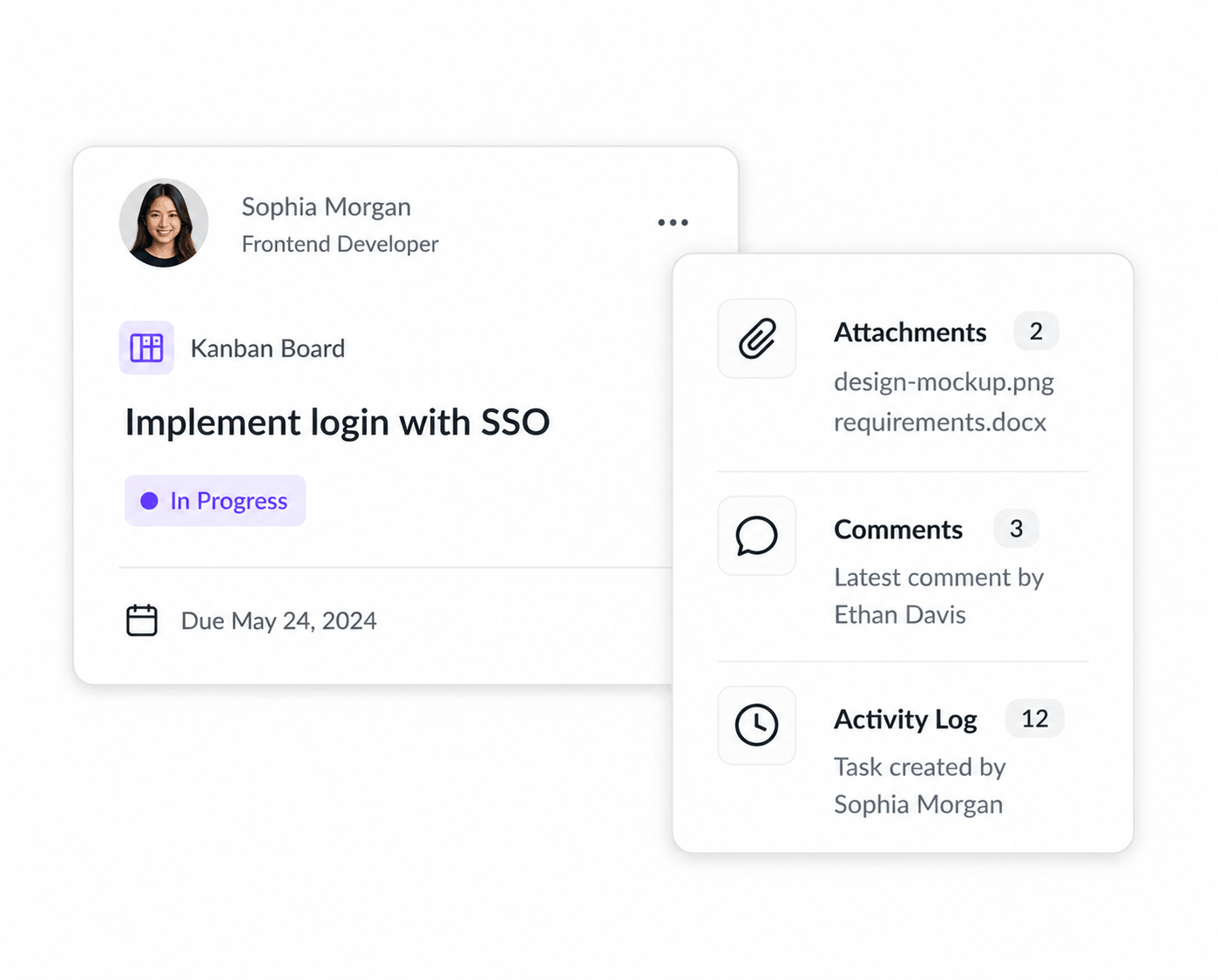
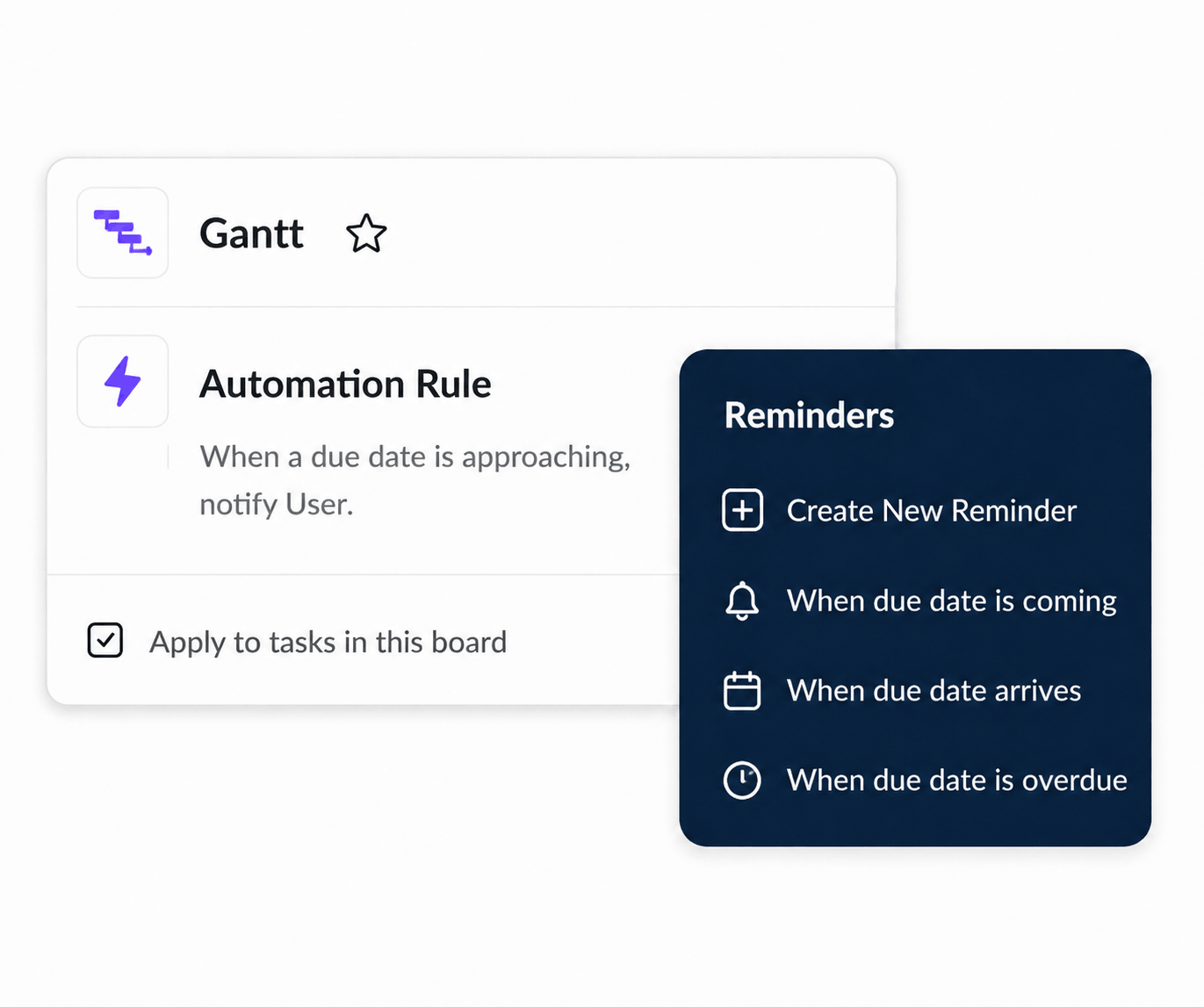
Set rules that react to project changes automatically. Notify stakeholders, assign owners, update priorities, and move technical work forward without manual follow-up.
React when ticket type, status, due dates, dependencies, or assignments change.
Send alerts, update tickets, assign technical owners, and standardize engineering handoffs.
Track scheduled work, sprint demand, team availability, deadlines, support workloads, and engineering capacity across the organization.
Understand how much engineering capacity is assigned, available, or overcommitted.
See where developers, engineers, support teams, or IT specialists are stretched and where support is needed.
Coordinate projects, sprints, budgets, resources, automation, and release milestones without losing visibility across your technology portfolio.