ClickUp vs monday.com
Pricing, features & key differences for 2026

ClickUp and monday.com both provide flexible work management, but their workspace models differ. ClickUp combines tasks, Docs, chat, time tracking and workload tools in a deeper hierarchy, while monday.com emphasizes configurable boards, columns, dashboards and visual automations. The better fit depends on whether your team wants a broad all-in-one workspace or a board-first system that can be shaped around different business processes.
ClickUp vs monday.com at a glance
| Area | ClickUp | monday.com |
|---|---|---|
| Free plan | Free Forever | Free plan available |
| Entry paid plan | Unlimited: $7/user/month billed yearly | Basic: $9/seat/month billed yearly |
| Project structure | Spaces → Folders → Lists → Tasks | Workspaces → Boards → Groups → Items |
| Views | 15+ customizable views | Board-based views including table, Kanban, timeline and Gantt |
| Docs / knowledge | Built-in Docs and Wikis | Workdocs and connected board workflows |
| Time tracking | Native time tracking and timesheets | Time Tracking Column on eligible plans |
| Resource planning | Workload, capacity and portfolio workload tools | Workload view/widget and dashboards |
| Automation | Triggers, conditions, actions, templates and AI builder | Code-free recipes, custom automations and workflow builder |
Pricing: ClickUp vs monday.com
ClickUp currently lists Free Forever, Unlimited at $7 per user/month billed yearly, Business at $12 per user/month billed yearly, and custom Enterprise pricing. ClickUp lists native time tracking, goals and portfolio management, resource management and unlimited integrations on Unlimited, while Business adds advanced dashboard capabilities and higher automation allowances.
monday.com uses a tiered work management model with Free, Basic, Standard, Pro and Enterprise plans. Its current annual pricing starts at $9 per seat/month for Basic, with higher tiers unlocking more advanced views, automation, integrations, reporting and resource-management capabilities. Teams should compare the specific feature limits they need rather than price alone because both products gate some advanced capabilities by plan.
Core project management features
 ClickUp workspace
ClickUp brings tasks, Docs, Whiteboards, dashboards, goals, chat, portfolios and time tools together across its workspace hierarchy.
ClickUp uses a deeper hierarchy and bundles tasks, Docs, Wikis, Whiteboards, dashboards, goals, chat, portfolios and time tools into the same platform. It supports 15+ customizable views, including List, Board, Gantt, Calendar, Table and Workload.

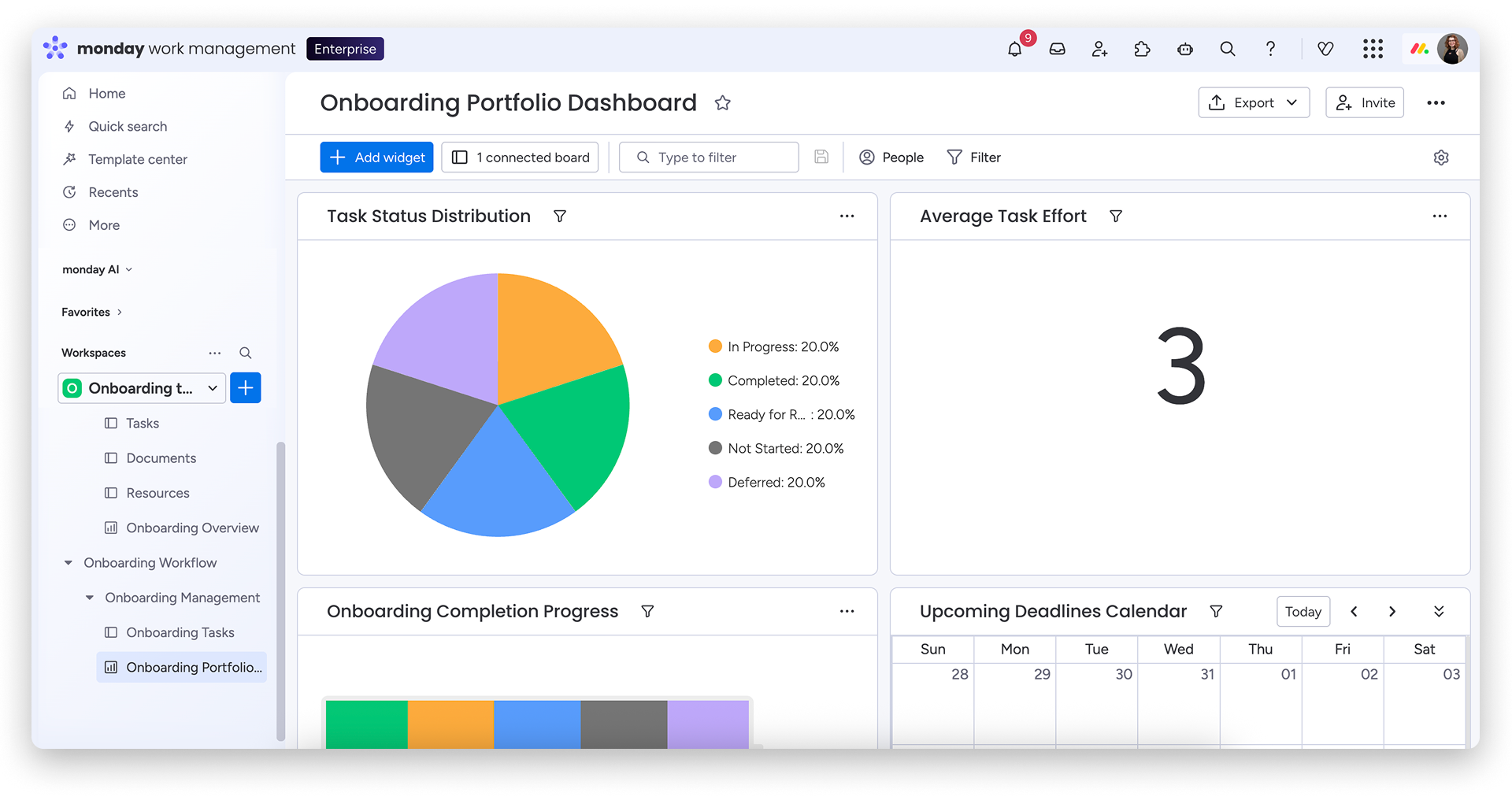
monday.com is built around configurable boards and columns. Teams can model projects, campaigns, requests, operations and other workflows without changing the basic board experience. The same underlying work can then feed dashboards and multiple project views.
Automation and AI
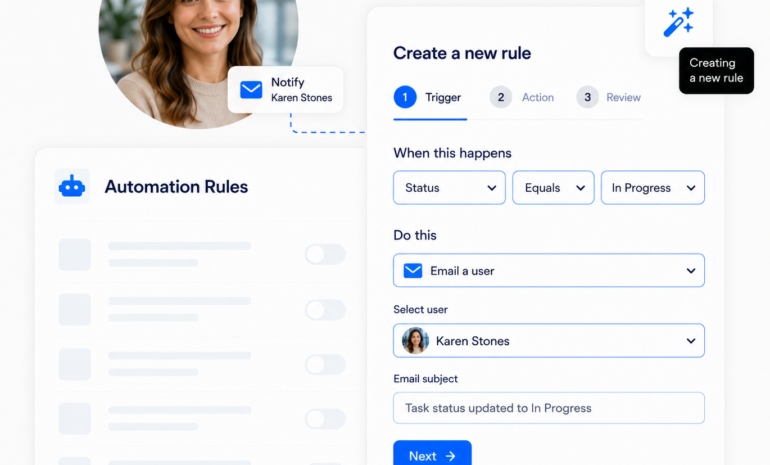
Both platforms support no-code workflow automation. ClickUp Automations use triggers, conditions and actions, offer 100+ templates, and can use ClickUp Brain to build automations from natural-language instructions. monday.com provides ready-made and custom automation recipes for actions such as notifications, assignments, date reminders, item creation and status-driven workflows.
The practical difference is how automation fits the product model: ClickUp automation operates across its task hierarchy, while monday.com automation is closely tied to boards and can also connect workflows across boards. Teams with highly standardized board processes may find monday.com’s visual model familiar, while teams consolidating tasks, docs and communication may value ClickUp’s broader workspace context.
Resource management and workload planning
ClickUp’s Workload view can visualize capacity by day, week or month and measure workload using time estimates, tasks, sprint points or supported custom fields. Its portfolio workload tools are aimed at seeing capacity across multiple initiatives.
monday.com combines Workload with dashboards, time estimates and time tracking. Managers can use workload data to identify overloaded or underutilized team members and combine it with project reporting widgets.
Time tracking
ClickUp has native task timers, manual time entries, billable-time settings, timesheets and reporting. Time can be recorded from tasks and several workspace surfaces, and ClickUp also supports time-tracking integrations.
monday.com provides a Time Tracking Column that lets users start and stop timers on work items. It can be paired with estimates, formulas, automations and dashboard widgets to compare planned and actual effort.
Which teams should consider each platform?
ClickUp may fit teams that want:
- Tasks, Docs, Wikis, chat and project reporting in one workspace
- Built-in time tracking and detailed workload controls
- A deeper hierarchy for organizing many teams and projects
- Sprint management and engineering-friendly workflows alongside general project work
monday.com may fit teams that want:
- A visual board-first workflow model
- Highly configurable columns and business processes
- Accessible no-code automations
- Dashboards that combine information from multiple boards
ClickUp and monday.com alternatives
Teams evaluating these products often compare Asana as well. See our monday.com vs Asana comparison, or browse the Project Management Software directory to explore more options.
Frequently asked questions
Does ClickUp or monday.com have a free plan?
Yes. Both offer free plans, but their limits differ. Check current plan limits before rollout if you need advanced views, automations, integrations or resource management.
Which has built-in time tracking?
ClickUp includes native time tracking with timers, manual entries and timesheets, with availability and limits varying by plan. monday.com offers a Time Tracking Column on eligible plans and can surface tracked time in dashboards.
Can both tools manage team workload?
Yes. ClickUp provides Workload and capacity controls, while monday.com provides Workload views/widgets that can use effort and scheduling data to visualize capacity.
Which is easier to customize?
Both are highly customizable in different ways. monday.com emphasizes boards and configurable columns, while ClickUp offers a deeper hierarchy, ClickApps, custom fields and many workspace views.
Do ClickUp and monday.com support automations?
Yes. Both support trigger-based no-code automations. Limits and advanced capabilities depend on plan.
Can I migrate from monday.com to ClickUp or vice versa?
Both platforms provide import options, but the data models differ. Test a representative project first so statuses, owners, dates, custom fields, dependencies and attachments map as expected before migrating the full workspace.