NordPass vs 1Password
Pricing, features & key differences for 2026


NordPass and 1Password cover many of the same password-management basics, but their plan structures are meaningfully different.
NordPass offers a free personal tier and a Family plan for six accounts, while 1Password‘s personal lineup centers on paid Individual and Families subscriptions with a 14-day trial. Both provide password generation, autofill, secure storage, sharing, cross-platform apps, and tools for identifying compromised credentials.
This guide focuses on the differences that matter when choosing between them rather than simply listing every feature.
NordPass vs 1Password: quick comparison
| Category | NordPass | 1Password |
|---|---|---|
| Free personal plan | Yes | No ongoing free personal tier advertised; 14-day trial |
| Personal paid plan | Premium | Individual |
| Family plan | 6 accounts | Up to 5 family members |
| Password health tools | Password Health on Premium/Family | Watchtower alerts |
| Breach monitoring | Data Breach Scanner on Premium/Family | Watchtower alerts for compromised credentials/sites |
| Secure sharing | Yes; capabilities vary by plan | Yes |
| Major desktop/mobile platforms | Windows, macOS, Linux, Android, iOS | Windows, macOS, Linux, Android, iOS |
| Business offerings | Teams, Business, Enterprise | Business and enterprise-oriented offerings |
Plans, promotions, and feature packaging can change. Pricing and plan details should be verified with each vendor before purchasing.
The biggest difference: NordPass has a free tier
For buyers who want to start without a subscription, this is one of the clearest differences. NordPass advertises a Free personal plan with core password-management functionality. Its Premium and Family tiers add capabilities such as Password Health, Data Breach Scanner, file attachments, and broader premium functionality.
1Password’s personal offering is subscription-based. Its Individual and Families plans include a 14-day free trial, after which a paid subscription is required.
That makes the first buying question straightforward: if an ongoing free tier is a requirement, NordPass belongs on the shortlist. If you are already comfortable paying for a password manager, the comparison becomes more about workflow, security model, family structure, and ecosystem.
Pricing and plan structure
NordPass
NordPass offers Free, Premium, and Family plans for personal use. The Family plan supports six separate accounts. NordPass frequently sells Premium and Family subscriptions using longer-term promotional pricing, so the effective monthly price can depend on term length and the offer available when you buy.
1Password
1Password lists Individual and Families plans for personal use. At the time of this guide’s October 2026 verification, its official pricing page showed promotional first-year annual-billing prices of $2.99 per month for Individual and $4.49 per month for Families, with regular prices shown as $3.99 and $5.99 per month respectively. The Families plan supports up to five family members.
Buyer takeaway: Compare the full renewal cost and billing term rather than only the promotional monthly equivalent. NordPass’s free tier also changes the value equation for buyers who do not need premium functionality.
Password security and breach monitoring
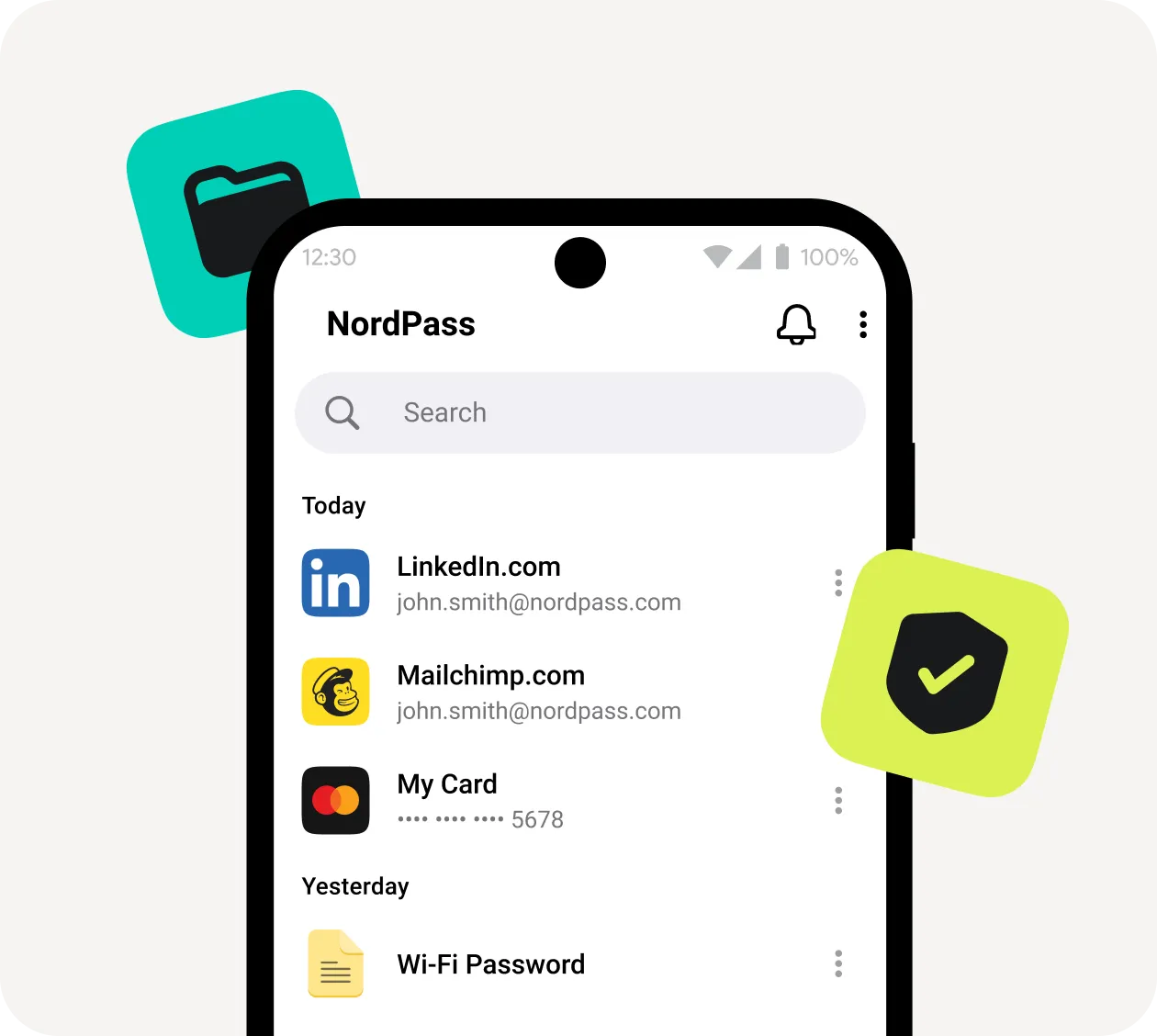
Both products go beyond storing passwords. NordPass Premium and Family include Password Health and a Data Breach Scanner. Password Health is designed to surface weak, old, or reused credentials, while the breach tool helps identify exposed data.
1Password provides Watchtower, which alerts users to weak or reused passwords, vulnerable credentials, and compromised websites. 1Password also describes its vault data as end-to-end encrypted and protects accounts using an account password plus a Secret Key.
The terminology differs, but the practical buying question is similar: how effectively does each product help you identify credentials that need attention, and which security workflow feels easier to act on?
Family accounts: six NordPass accounts vs five 1Password members
NordPass Family supports six separate encrypted vaults/accounts. 1Password Families supports up to five family members and includes shared vaults plus family administration controls.
Household size can therefore matter. A six-person household may find NordPass’s account allowance particularly relevant, while households that care heavily about shared-vault organization should compare the sharing and administration experience directly.
Sharing passwords and sensitive information
Password sharing is important for households and teams that otherwise end up sending credentials through text messages, email, or chat.
NordPass supports secure sharing, with additional shared-folder and centralized access capabilities in its business lineup. 1Password supports sharing saved items and, on Families, unlimited shared vaults with access controls.
When comparing the products, don’t just ask whether sharing exists. Consider whether you need occasional item sharing, persistent shared vaults, family administration, team permissions, or enterprise-level access controls.
Device and browser support
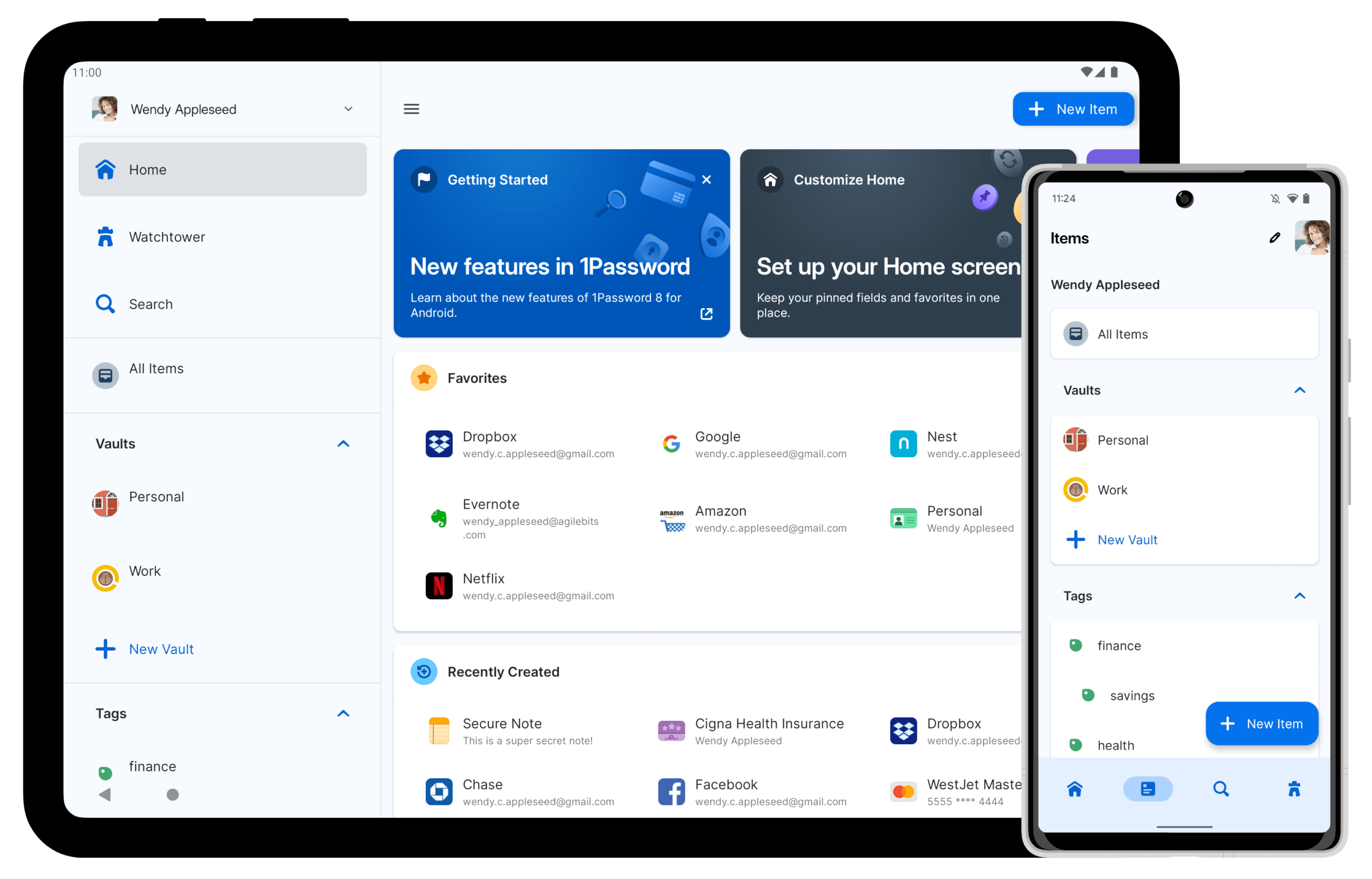
Both products are designed for multi-device use. NordPass supports Windows, macOS, Linux, Android, and iOS, along with major browsers. 1Password supports the same major desktop and mobile operating systems and extensions for browsers including Chrome, Safari, Edge, Firefox, and Brave.
For most buyers, platform availability is therefore unlikely to decide the comparison by itself. The more useful test is how autofill, unlock, synchronization, and browser-extension behavior feel on the devices you use every day.
NordPass vs 1Password for businesses
The comparison becomes more complex for organizations. NordPass separates its business offering into Teams, Business, and Enterprise. Its higher tiers add capabilities such as group and folder-based sharing, breach monitoring, enterprise SSO options, automated access management, and integrations with security platforms such as Microsoft Sentinel and Splunk.
1Password has expanded beyond consumer password management into business identity and access products. Its business and enterprise offerings include administrative controls and enterprise-oriented security capabilities, while its broader platform includes offerings around access, SaaS management, and privileged access.
Businesses should evaluate these products separately from the personal comparison. Identity provider support, provisioning, audit logs, offboarding, access policies, developer workflows, security integrations, and administrative reporting can matter more than the personal-plan differences.
Switching from another password manager
Migration should be part of the buying decision if you already have hundreds of saved credentials. NordPass provides password import functionality for moving data from other password managers and browsers. 1Password likewise provides migration/import workflows as part of its password-management ecosystem.
Before migrating an organization, test a small representative set of credentials first. Confirm that custom fields, secure notes, folders or vault organization, shared items, and other important data move as expected before retiring the previous system.
Which one fits different buyers?
Consider NordPass if…
- You specifically want an ongoing free personal option.
- Your household would benefit from six Family accounts.
- You want premium tools such as Password Health and Data Breach Scanner.
- You are already considering other Nord Security products and want to evaluate the ecosystem together.
Consider 1Password if…
- You are comfortable with a paid-only personal subscription after the trial.
- You value 1Password’s Watchtower workflow and Secret Key account-security model.
- Your household needs shared vaults and family administration for up to five members.
- You want to evaluate 1Password’s broader business identity and access ecosystem.
Questions to ask before choosing
- Do you require a permanently free plan?
- How many people need separate accounts?
- Do you primarily share individual passwords or maintain shared vaults?
- Which phones, computers, and browsers must be supported?
- Do you need breach monitoring and password-health alerts?
- For business use, which SSO, provisioning, audit, and security integrations are required?
- What will the subscription cost after any introductory promotion ends?
Frequently asked questions
Does NordPass have a free plan?
Yes. NordPass offers a Free personal plan. Premium and Family add additional security and convenience features.
Does 1Password have a free plan?
1Password advertises a 14-day free trial for its personal plans rather than an ongoing free personal tier. Check its current pricing page before signing up because offers can change.
Which supports more family members?
NordPass Family supports six accounts. 1Password Families supports up to five family members.
Can both products detect compromised passwords?
Yes, but they package and describe the functionality differently. NordPass offers Data Breach Scanner and Password Health on its premium personal plans, while 1Password uses Watchtower to surface compromised sites and vulnerable credentials.
Can I use NordPass and 1Password on multiple devices?
Both support major desktop and mobile operating systems. Plan restrictions and feature availability should be checked before purchasing, particularly if multi-device access is essential.
Are NordPass and 1Password available for businesses?
Yes. Both offer business-focused products with administration and security capabilities beyond their personal plans. Organizations should compare business tiers separately because requirements such as SSO, provisioning, auditability, and security integrations can substantially change the decision.
Explore password management software
A two-product comparison is useful when you have already narrowed your shortlist, but other password managers may fit different requirements. Use KolApp Software Finder to explore software profiles, features, pricing information, integrations, and alternatives across the password-management category.
Research note: This guide was checked against current vendor information in October 2026. Software pricing, promotions, and feature packaging change frequently, so verify important purchasing details directly with the vendor.