
Project Status Report Template: Free Download + Examples
Download a free project status report template and learn how to summarize project health, progress, budget, risks, milestones, blockers, and next steps in a format stakeholders can scan quickly.
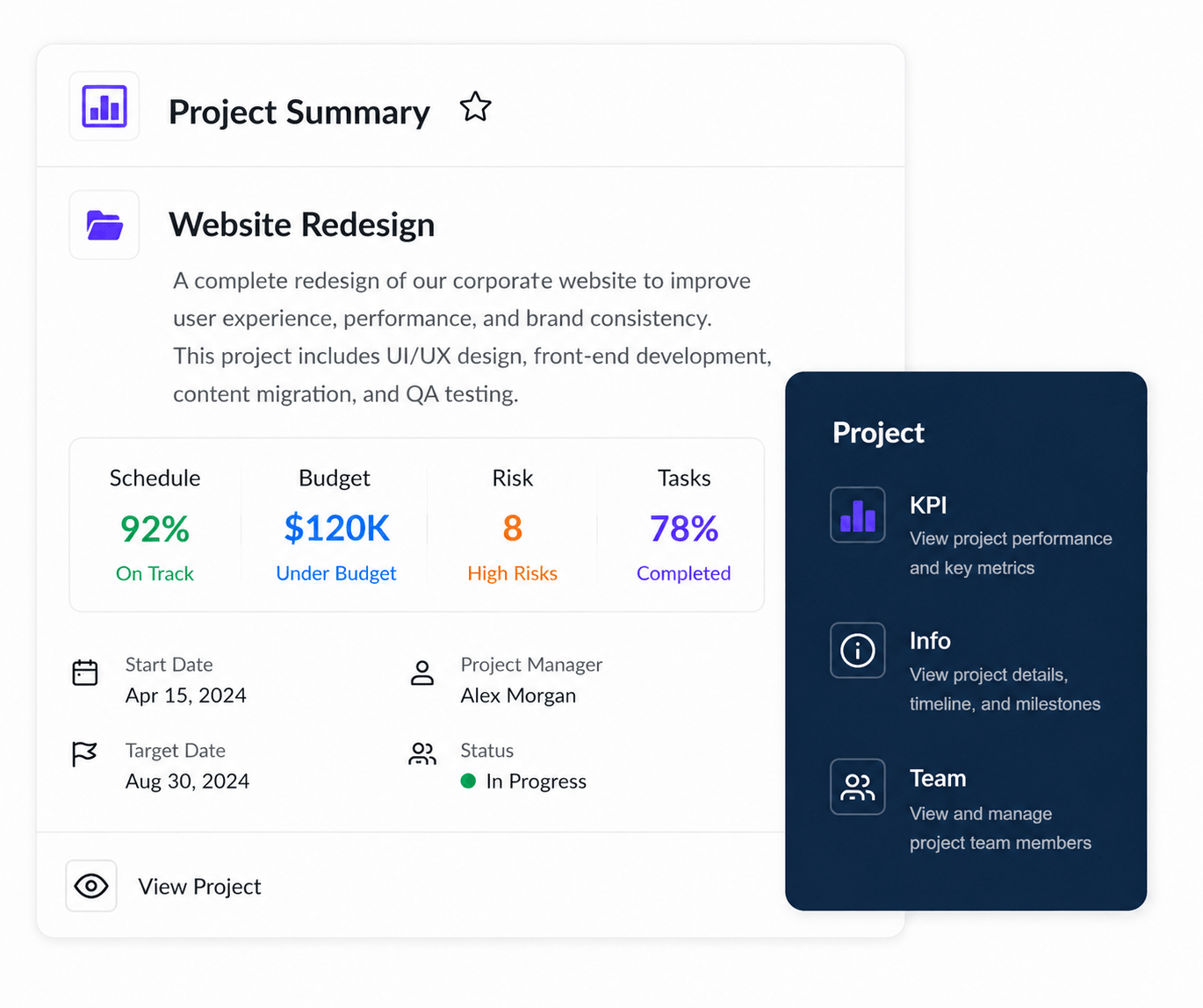
A project status report is a short recurring update that summarizes a project's current health, recent progress, upcoming work, schedule, budget, risks, blockers, and decisions that need attention.
Most active projects benefit from a weekly project status report, while longer-term initiatives may only need monthly reporting.
Free Project Status Report Template
Download the template, replace the sample data with your project information, and use the same structure for weekly or monthly updates.
What Is a Project Status Report?
A project status report gives stakeholders a concise snapshot of where a project stands right now.
It is not meant to reproduce the entire project plan or list every task the team worked on. A useful report highlights the information people need to understand whether delivery is healthy and where attention may be required.
That normally includes overall project status, recent accomplishments, upcoming milestones, schedule performance, budget health, risks, issues, blockers, and decisions that need to be made.
Teams can pull much of this information from project dashboards, task management, project timelines, and budget tracking rather than rebuilding the same data manually every week.
What Should a Project Status Report Include?
The exact format depends on the audience, but most project status report templates should contain the same core information.
Project Status Report Template
The template does not need to be complicated. A one-page structure is often enough for stakeholders to understand the most important information.
Accomplishments
Completed responsive homepage development and approved final designs for the pricing and product pages.
Upcoming
Finish content migration, begin user acceptance testing, and finalize redirects before launch.
Risks & Blockers
Final product screenshots are still pending and may delay completion of three landing pages.
Decisions Needed
Marketing approval required for revised launch date before Friday.
Use a simple project health indicator
Many teams use a green, amber, and red system because it gives stakeholders an immediate understanding of project health.
Project Status Report Example
Here is what a completed weekly project status report might look like for a website redesign.
Website Redesign
The project remains on track for launch. Core front-end development is complete and the team has moved into content migration and testing. A small risk remains around final product imagery.
How to Write a Project Status Report
A good status report should take minutes to understand. Start with the information stakeholders care about most, then add enough context for them to act.
Weekly Project Status Report Template
Weekly reports are usually a good fit for active projects because enough work changes in a week to make the update useful without creating daily reporting overhead.
If you are managing many projects, individual reports can also roll into a portfolio management view so executives can compare project health, schedules, budgets, risks, and progress in one place.
Status Reporting Should Not Mean Rebuilding the Same Report Every Friday
The biggest problem with traditional status reports is not the format. It is gathering the information.
When project data lives in tasks, timelines, budgets, resource plans, spreadsheets, and chat threads, the project manager spends time collecting information before they can even write the update.
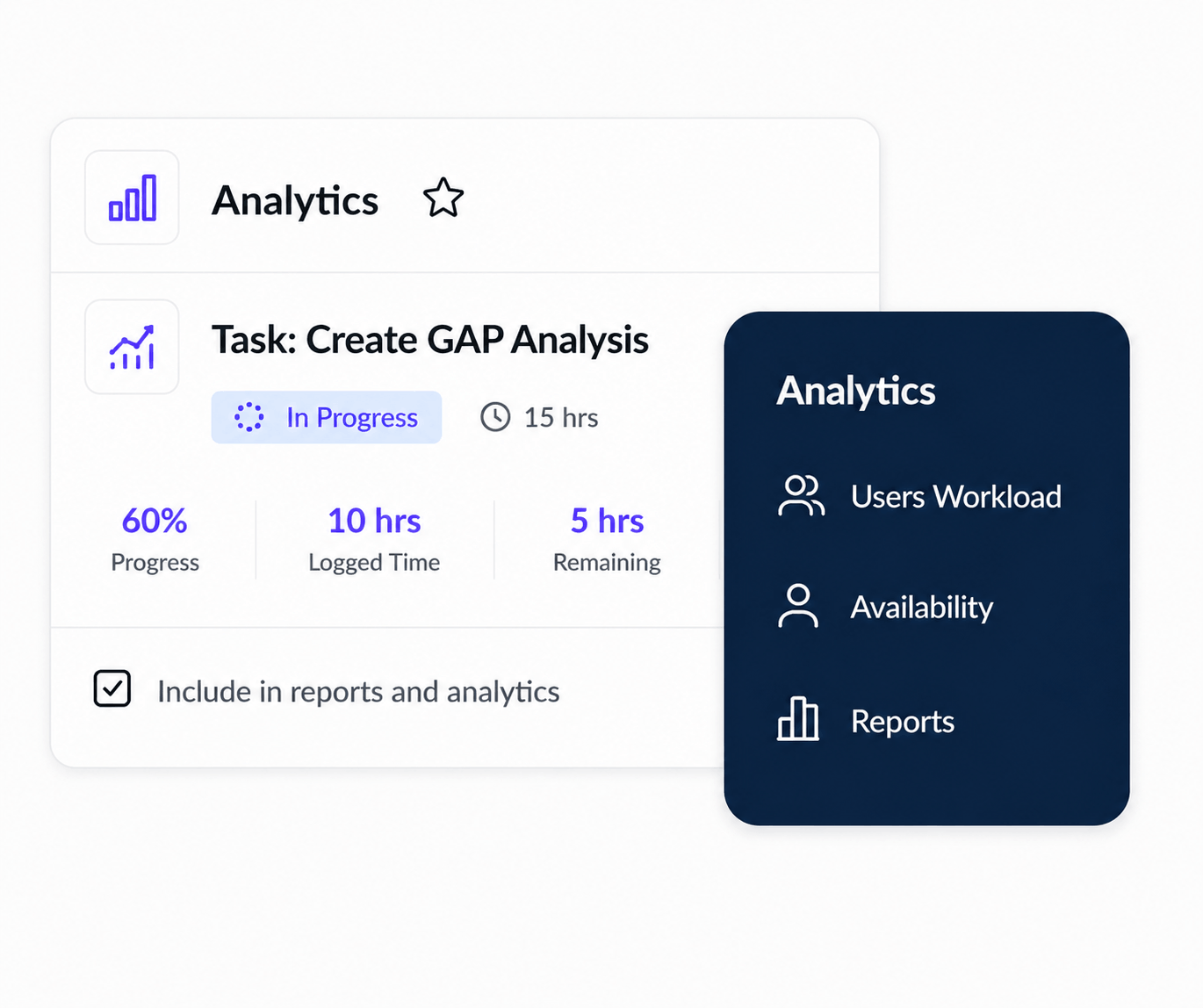
Connecting reporting directly to project execution can reduce that manual work. KolApp's reports and analytics and project dashboards keep reporting closer to the underlying project data. KolApp also supports automated project summaries by email. :contentReference[oaicite:1]{index=1}
Project Status Report Best Practices
Keep it short. A project status report should help someone understand project health quickly. If the update requires ten minutes just to figure out whether the project is on track, the report is probably carrying too much detail.
Project Status Report vs. Progress Report
The terms are often used interchangeably, but they have slightly different emphasis.
A progress report focuses primarily on work completed over a period and advancement against the project plan. A status report is a broader point-in-time view that usually combines progress with project health, budget, schedule, risks, blockers, and next steps.
For a more visual way to monitor these indicators, see our guide to project dashboards, examples, and KPIs .
Move From Manual Status Reports to Live Project Visibility
KolApp connects project management, dashboards, reporting, budgets, resource scheduling, and portfolio visibility so project information does not have to be rebuilt from scratch every reporting cycle.
Start Your Free TrialProject Status Report FAQ
What is a project status report?
A project status report is a recurring summary of project health, progress, schedule, budget, milestones, risks, blockers, and upcoming work.
What should be included in a project status report?
Include the project name, reporting period, overall health, progress, schedule, budget, recent accomplishments, upcoming milestones, risks, blockers, decisions needed, and next actions.
How often should project status reports be sent?
Weekly reporting works well for most active projects. Fast-moving initiatives may need daily reporting, while longer-term projects may only require monthly updates.
How long should a project status report be?
Keep it as short as possible while still providing the information needed for decisions. For many projects, a one-page update or compact dashboard is enough.
What does RAG status mean?
RAG stands for red, amber, and green. Green generally means on track, amber means at risk, and red indicates that the project is off track or requires intervention.
What is the difference between a status report and a progress report?
A progress report emphasizes work completed over a period. A status report provides a broader snapshot of project health, including progress, budget, schedule, risks, and upcoming work.