IT Project Management Software: 7 Best Tools for IT Teams in 2026
Compare IT project management software for infrastructure projects, software delivery, migrations, security initiatives, technical portfolios, resource planning, budgets, and cross-functional IT work.
What is IT project management software?
IT project management software helps technology teams plan and deliver projects while coordinating the people, systems, budgets, dependencies, risks, and technical work required to complete them.
IT teams rarely manage one type of work. A department may be handling a cloud migration, cybersecurity initiative, infrastructure upgrade, software implementation, application release, database migration, and support workload at the same time.
The challenge is not simply tracking tasks. IT leaders also need to know whether engineers have capacity, which initiatives are at risk, how much projects are costing, what dependencies could delay delivery, and how projects roll up into larger programs and portfolios.
KolApp's IT and software project management workspace is built around this connection between projects, technical work, resources, budgets, automation, and portfolio visibility.
7 IT project management tools to compare
These platforms approach IT work differently, from Agile development and issue tracking to portfolios, service workflows, resources, and enterprise project delivery.
Connected IT delivery
Projects, resources, budgets, automation, capacity, and portfolios.
Agile + issue tracking
Strong fit for technical teams centered on tickets and development.
Enterprise workflows
Flexible IT requests, project workflows, approvals, and reporting.
Portfolio visibility
Flexible project planning, intake, reporting, and IT portfolios.
Cross-team IT work
Projects, requests, automation, portfolios, and collaboration.
Flexible IT workflows
Projects, ticket workflows, service delivery, and automation.
Highly customizable
Roadmaps, development work, projects, docs, views, and automation.
IT project management software comparison
The biggest difference is where each platform places its emphasis.
| Software | Best fit | Project planning | Resources / capacity | Portfolio visibility | Automation |
|---|---|---|---|---|---|
| KolApp Featured | Connected IT projects + resources | ✓ | ✓ | ✓ | ✓ |
| Jira | Agile development + issues | ✓ | Limited / ecosystem | Available | ✓ |
| Wrike | Enterprise IT workflows | ✓ | ✓ | ✓ | ✓ |
| Smartsheet | IT programs + portfolio reporting | ✓ | Available | ✓ | ✓ |
| Asana | Cross-functional IT work | ✓ | ✓ | ✓ | ✓ |
| monday.com | Custom IT + service workflows | ✓ | Available | Available | ✓ |
| ClickUp | Customizable technical work | ✓ | Available | Available | ✓ |
Best IT project management software for different teams
KolApp Featured
KolApp combines project management with resource scheduling, capacity planning, budgets, automation, dashboards, and portfolio visibility. That makes it particularly useful when IT leaders need to manage not only technical tasks but also the people and investment behind multiple initiatives.
- Gantt and Kanban views
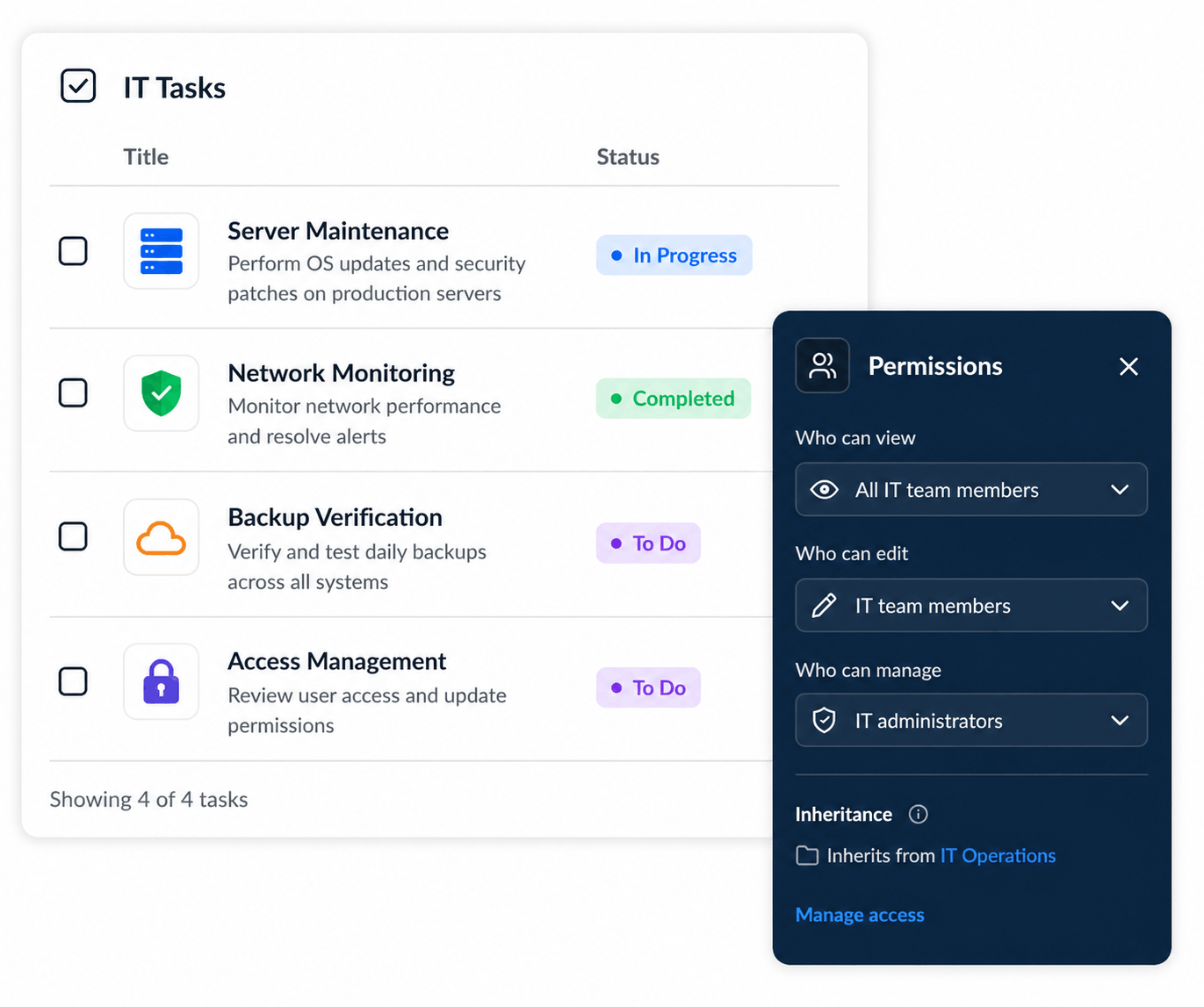
- IT tasks and technical workflows
- Resource capacity planning
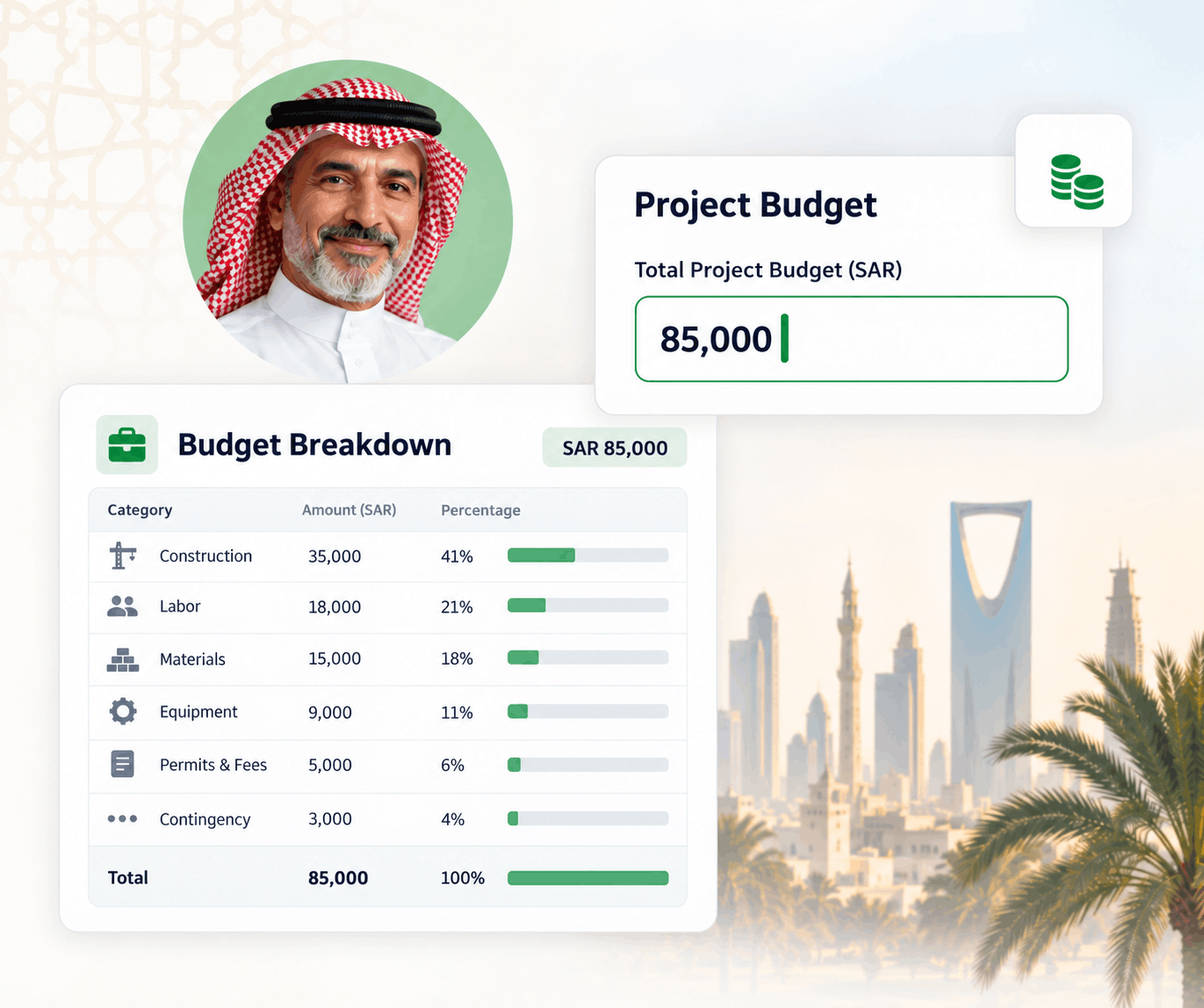
- Project budgets and costs
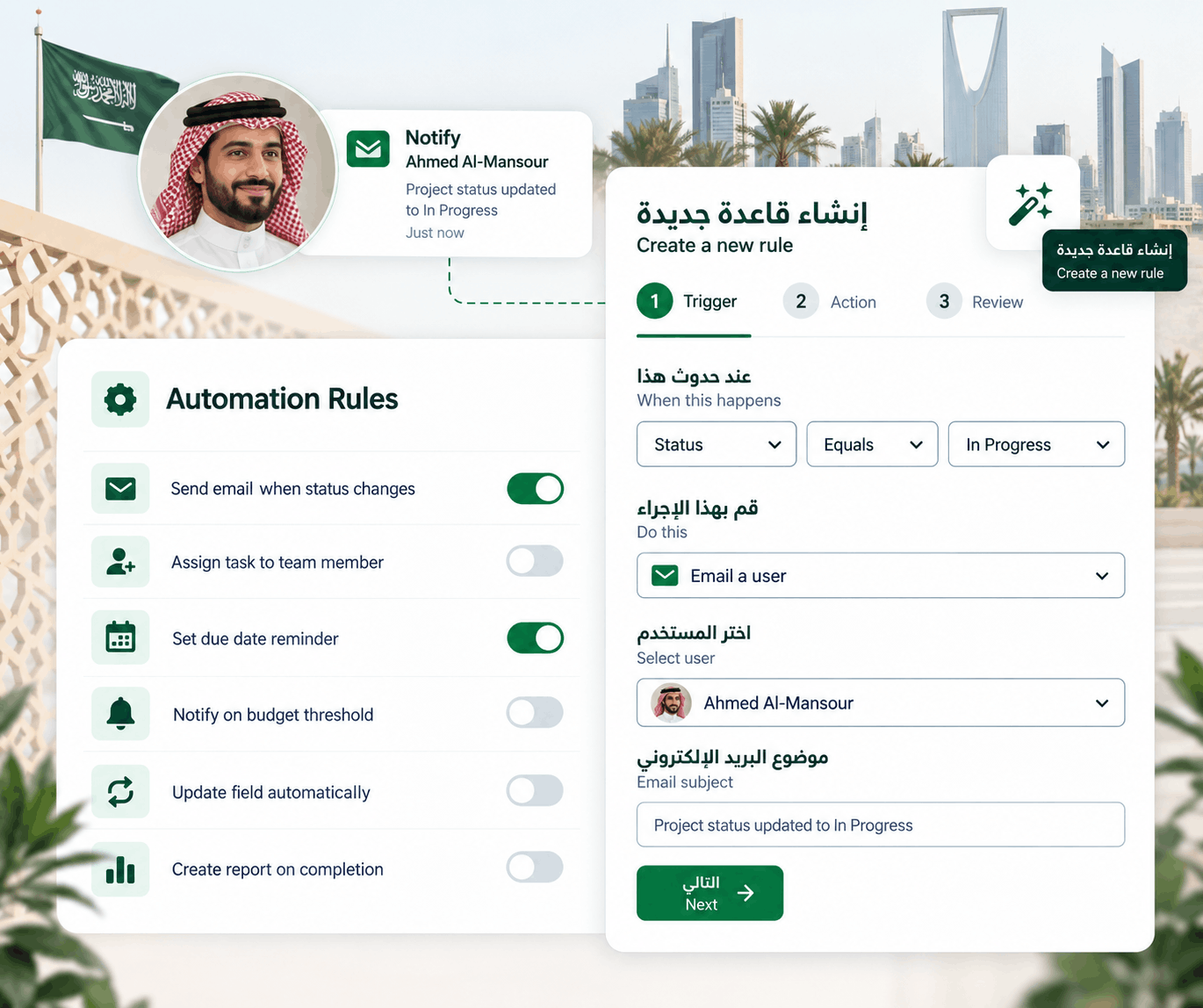
- Automation rules
- Dependencies and milestones
- Portfolio rollups
- Project health dashboards
Jira
Jira remains closely associated with software and technical teams. It is especially strong when IT work revolves around issues, backlogs, Agile planning, releases, technical requests, and repeatable workflows.
- Issue tracking
- Backlog management
- Agile workflows
- Automation
- Dashboards and reporting
- Technical project tracking
Wrike
Wrike combines project planning with request intake, approvals, dashboards, workload management, Agile workflows, and reporting. It can support both technical projects and cross-functional IT processes.
- Request forms
- Custom workflows
- Gantt charts
- Workload views
- Dashboards
- IT approvals
Smartsheet
Smartsheet is flexible enough to support Agile, Waterfall, and hybrid IT projects. It is particularly useful for structured intake, project reporting, portfolio visibility, and organization-wide planning.
- Project intake
- Portfolio reporting
- Dashboards
- Resource planning
- Automation
- Cross-platform integrations
Asana
Asana works well when IT teams need to coordinate technical work with HR, finance, operations, security, and other departments. Forms, automation rules, portfolios, dashboards, and workload views support a broad range of IT processes.
- IT request intake
- Workflow automation
- Portfolio views
- Dashboards
- Workload planning
- Cross-team collaboration
monday.com
monday.com provides customizable project boards alongside products for software development and service management. IT teams can build workflows around projects, requests, ticketing, service delivery, and internal processes.
- Custom project boards
- IT request workflows
- Automations
- Dashboards
- Software development workflows
- Service management options
ClickUp
ClickUp supports development roadmaps, bug tracking, Agile projects, project views, Docs, dashboards, custom fields, automation, and integrations inside a highly configurable workspace.
- Roadmaps
- Bug tracking
- Agile projects
- Docs
- Custom views
- Automations
What should IT project management software actually do?
IT project management requires more than assigning tasks and adding due dates.
Manage technical projects
Structure migrations, deployments, infrastructure upgrades, security programs, releases, and system implementations.
Track dependencies
Connect technical tasks so teams understand how delays affect downstream work and release milestones.
Monitor capacity
Understand when developers, engineers, administrators, or specialists are overallocated.
Control project budgets
Track resource costs, expenses, project budgets, and financial performance alongside delivery.
Automate IT workflows
Route work, update priorities, notify stakeholders, and trigger actions as technical work changes.
Report across portfolios
Give leadership a single view of technical initiatives, budgets, health, resources, schedules, and risk.
IT projects you can manage in one workspace
Cloud migration
Track discovery, architecture, application migration, testing, security reviews, dependencies, cutover, and post-migration work.
Security remediation program
Coordinate vulnerabilities, owners, deadlines, engineering resources, approvals, and remediation milestones.
Enterprise software rollout
Manage requirements, configuration, testing, training, integrations, migration, deployment, and stakeholder communication.
Database modernization
Plan environments, technical dependencies, data migration, validation, testing, resources, risks, and deployment.
Product release
Organize development work, bugs, dependencies, release milestones, QA, engineering capacity, and production readiness.
IT service improvement
Track process changes, automation projects, infrastructure work, service improvements, owners, and delivery KPIs.
Plan IT projects and the capacity required to deliver them.
KolApp connects technical projects with resource schedules, workloads, budgets, automation, dashboards, and portfolio visibility so IT leaders can manage delivery from one workspace.
IT project plans fail when resource availability is ignored
A technical project can have the right tasks and deadlines and still miss its target if the engineers required to deliver it are already committed elsewhere.
IT leaders often manage specialists across multiple initiatives: cloud engineers, network administrators, security analysts, developers, database specialists, architects, and support teams.
Connecting projects with resource scheduling software makes it easier to identify overbooked team members, capacity gaps, availability, and competing project demand before assigning additional work.
Manage more than one IT project at a time
IT leadership rarely needs visibility into only one project.
A CIO, CTO, PMO, or IT director may need to understand dozens of active initiatives across infrastructure, security, applications, data, engineering, and operations.
Portfolio-level views help teams compare project health, schedules, budgets, resource demand, risks, and delivery status without opening every project individually.
Learn more about project portfolio management in KolApp .
Keep IT project budgets connected to delivery
Technical initiatives can involve internal labor, contractors, cloud services, software licenses, vendors, equipment, and implementation expenses.
Project managers should be able to compare planned budgets against current costs and expected future spending while work is still in progress.
Explore KolApp project budget management for connecting project costs with resources and portfolio reporting.
How to choose IT project management software
Identify your dominant workflow
Decide whether your organization primarily manages development tickets, enterprise projects, infrastructure work, service requests, or a mix.
Evaluate resource planning
If technical specialists work across multiple projects, capacity planning should be part of the evaluation.
Check portfolio depth
Larger IT organizations need a clear way to roll individual projects into programs and portfolios.
Review automation
Look for ways to automate assignments, alerts, status changes, approvals, and stakeholder updates.
Consider budget visibility
Determine whether project managers and IT leaders need labor costs, expenses, forecasts, or portfolio financial reporting.
Keep adoption realistic
The most powerful platform still needs to be understandable enough for technical teams and stakeholders to use consistently.
Gantt charts are still useful for complex IT initiatives
Agile boards are useful for execution, but migrations, infrastructure programs, implementations, and large technical initiatives often have dependencies that stretch across teams and months.
A Gantt chart helps project managers visualize task sequences, milestones, dependencies, start dates, deadlines, and schedule changes alongside day-to-day execution.
IT project management software FAQs
What is IT project management software?
IT project management software helps technology teams plan, coordinate, track, and report on technical projects such as system implementations, software releases, migrations, security programs, and infrastructure upgrades.
What features should IT project management software include?
Common capabilities include task management, dependencies, timelines, Kanban boards, automation, dashboards, reporting, project intake, resource planning, capacity management, portfolios, and budget tracking.
Is Jira an IT project management tool?
Yes. Jira is widely used for technical project delivery, issue management, Agile workflows, software projects, and other IT work.
What is the difference between IT project management and IT service management?
IT project management focuses on temporary initiatives with defined goals and delivery outcomes. IT service management focuses more on operating, supporting, and continuously improving ongoing IT services and service requests.
Can IT project management software manage resources?
Some platforms include workload or resource planning capabilities. Tools that connect projects with resource scheduling can help IT managers compare project demand with team availability and capacity.
Can IT teams manage project budgets in project management software?
Platforms with budget management capabilities can help teams track planned budgets, resource costs, project expenses, forecasted spending, and financial performance throughout delivery.
IT project management resources
Manage IT projects, resources, budgets, and delivery from one place.
Give technical teams the project views they need while giving IT leaders visibility into capacity, budgets, portfolios, and delivery health.