
What Is Task Management?
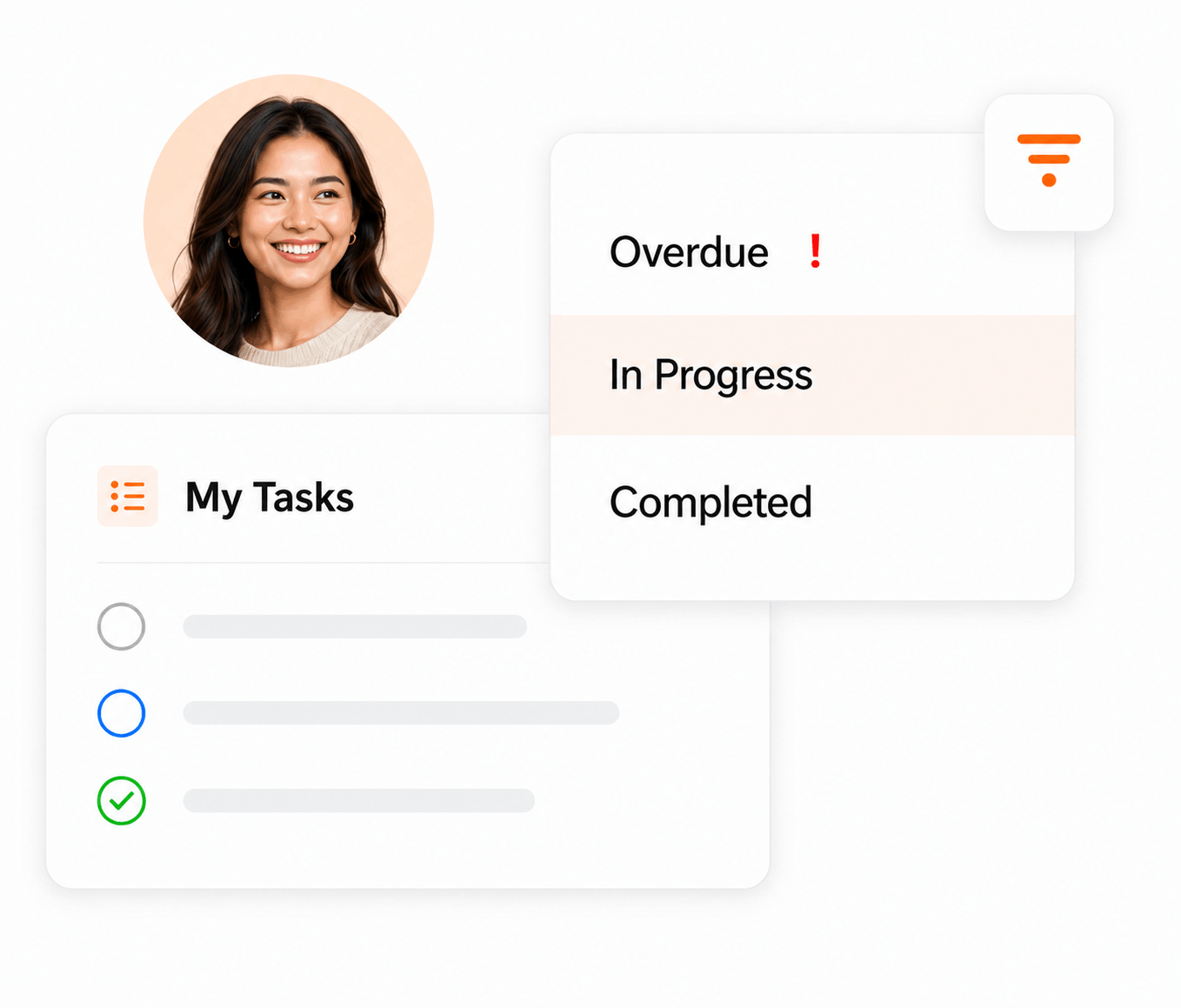
For an individual, task management might be a prioritized to-do list. For a team, it becomes a shared execution system. Tasks need owners, deadlines, context, priorities, statuses, dependencies, communication, and a reliable path from “to do” to “done.”
5 Best Task Management Software — Quick Shortlist
If you are actively comparing software, start here. Each product below serves a different kind of task-management buyer.
Best Task Management Software Comparison Chart
This table focuses specifically on capabilities that matter when teams move beyond a basic checklist. A checkmark means the platform offers that capability; exact availability can vary by plan.
| # | Tool | Best For | Kanban | Gantt | Automation | Dependencies | Resource Planning | Starting Point |
|---|---|---|---|---|---|---|---|---|
| 1 | task + project + resource management | ✓ | ✓ | ✓ | ✓ | ✓ | From $9/user | |
| 2 | cross-functional team workflows | ✓ | ✓ | ✓ | ✓ | — | Free tier + paid plans | |
| 3 | highly customizable task workflows | ✓ | ✓ | ✓ | ✓ | — | Free tier + paid plans | |
| 4 | visual and configurable workflows | ✓ | ✓ | ✓ | ✓ | — | Free tier + paid plans | |
| 5 | simple task and to-do management | ✓ | — | — | — | — | Free tier + paid plans |
KolApp is our product and is therefore highlighted. Competitor descriptions are included to help buyers compare fit rather than imply independent testing. Verify current plan limits and pricing with each vendor.
Task Management Software Reviews
Below is a closer look at why each tool made the list, which task-management features stand out, and where each product fits best.
KolApp
Why it stands out: KolApp is the strongest fit in this comparison for teams that want task execution connected to project planning and resource scheduling. Owners, priorities, due dates, milestones, Kanban, Gantt, dashboards and workflow automation live alongside workload, capacity and budget visibility.
- + Connects tasks to resources and project delivery
- + Strong automation and visual project views
- + Resource scheduling and budget context in the same suite
- − Newer platform than the larger incumbents
- − Smaller third-party integration ecosystem
Asana
Why it stands out: Asana is a mature work-management platform with strong task fundamentals. Teams can assign one owner, set due dates, break work into subtasks, identify dependencies, add collaborators and custom fields, and organize work across multiple project views.
- + Excellent ownership and accountability model
- + Strong cross-functional workflow support
- + Broad project views and automation
- − Advanced capabilities depend on plan
- − Can be more platform than a very small team needs
ClickUp
Why it stands out: ClickUp is built for teams that want to customize task structure heavily. Tasks support assignees, start and due dates, comments, custom fields, time estimates, relationships and dependencies, with subtasks for more granular work.
- + Deep task customization
- + Strong hierarchy for complex work
- + Many fields and relationship options
- − Configuration can feel dense
- − More setup for teams wanting simplicity
monday.com
Why it stands out: monday.com is a strong option for teams that think visually. Its board-based approach makes it easy to model task ownership, statuses and workflow stages, then layer on automations, dashboards and project views as the process grows.
- + Very visual workflow design
- + Flexible board structure
- + Strong automation ecosystem
- − Feature limits vary by tier
- − Highly customized boards require governance
Todoist
Why it stands out: Todoist is the lightest option here and excels at fast task capture and straightforward organization. It works well for individuals and smaller teams that prioritize recurring tasks, priorities, subtasks and clean shared lists over deeper project portfolio capabilities.
- + Fast to learn
- + Excellent for personal and small-team tasks
- + Low-friction recurring work
- − Less suited to portfolio/resource planning
- − Fewer advanced project controls
What Features Should Task Management Software Have?
Every task should have an accountable owner and visible collaborators.
Due dates, urgency and priority help teams decide what happens next.
Lists, Kanban, calendars and timelines let teams view work their way.
Connect tasks so blockers and sequencing are visible before delays happen.
Rules and reminders reduce repetitive follow-up and manual status changes.
Dashboards help managers understand progress, overdue work and bottlenecks.
Why Task Management Software Matters for Teams
Good task management gives teams a shared view of work, ownership, deadlines, and progress. Instead of burying these benefits in paragraphs, here is what changes when the work is organized in one system.
Keep Work Organized
See what needs to be done, who owns it, and when it is due from one workspace.
Tasks · owners · deadlinesKeep Context Together
Comments, files, updates, and decisions stay attached to the work instead of scattered across tools.
Comments · files · updatesReduce Manual Follow-Up
Rules, reminders, and status changes can keep work moving without constant check-ins.
Rules · alerts · handoffsCreate Accountability
Clear ownership and visible statuses make responsibilities easier to understand and track.
Ownership · status · progressFrom request to completed task
Task management works best when every item follows a clear path instead of living in an unstructured list.
How Task Management Improves Productivity
The productivity gain comes from making work easier to prioritize, execute, and review—not simply from creating more to-do lists.
Prioritize the Right Work
Use priorities, deadlines, and statuses to surface what needs attention first.
Spot Blockers Earlier
Visible progress and dependencies help teams identify work that is stalled before it becomes a larger delay.
Automate Repetitive Steps
Trigger reminders, notifications, approvals, and status updates as work changes.
Make Progress Visible
Boards and dashboards give teams and managers a faster way to understand what is pending, overdue, blocked, or complete.
The Task Management Lifecycle: From Creation to Completion
Task management is more than keeping a to-do list. It follows each piece of work through a clear lifecycle so teams know what needs to happen, who owns it, what is blocked, and when it is complete.
- Create the task: capture the work, expected outcome, context, and any supporting details.
- Prioritize and plan: set urgency, due dates, dependencies, and the order in which work should happen.
- Assign and schedule: give the task an owner and make sure the deadline fits the person’s workload and availability.
- Track and collaborate: update status, discuss blockers, share files or comments, and keep stakeholders informed.
- Complete and review: confirm the work is finished, close the task, and use status history or reporting to improve future workflows.
Core Task Management Skills
Effective task management depends on a small set of practical skills that help teams turn plans into finished work.
- Prioritization: deciding what should be worked on first based on urgency, impact, deadlines, and dependencies.
- Organization: keeping tasks, owners, statuses, files, and due dates structured and easy to find.
- Time management: estimating effort, scheduling work realistically, and protecting time for the highest-value tasks.
- Communication: making ownership, expectations, blockers, and changes visible to the people involved.
- Delegation: assigning work to the right person based on responsibility, skills, and available capacity.
- Problem solving: spotting blockers early and adjusting priorities, dependencies, or resources before delivery slips.
Task Management vs. Project Management
Manage the individual work
- Owners and assignees
- Priorities and due dates
- Statuses and subtasks
- Daily execution
Manage the larger outcome
- Milestones and schedules
- Dependencies and risks
- Budgets and resources
- Project-level reporting
How to Choose the Right Task Management Software
Do not choose a task manager from the feature count alone. Start with how your team actually works, then compare the capabilities that will affect adoption and delivery.
Team Size
Match the platform to the number of people, teams, and permission levels you need to coordinate.
Ask: Will this still work as we grow?Task Complexity
Look for subtasks, dependencies, milestones, and Gantt planning when work has multiple steps.
Ask: Are simple lists enough?Integrations
Consider calendars, communication tools, file storage, and the systems your team already relies on.
Ask: What must connect?Ease of Use
A powerful platform has little value if the team avoids it. Prioritize clear navigation and fast adoption.
Ask: Can the team learn it quickly?Price & Value
Compare the plan you will actually need, not just the lowest advertised starting price.
Ask: Which features require upgrades?Room to Scale
Growing teams may need projects, automation, dashboards, budgets, portfolios, and resource planning.
Ask: Will we outgrow it?If your team already manages multiple projects and shared resources, evaluate project and resource planning at the same time as task management. Migrating twice is much harder than choosing for the next stage of growth.
Want Tasks Connected to the Bigger Picture?
KolApp connects task management with projects, Kanban, Gantt, automation, dashboards, budgets and resource scheduling.
Frequently Asked Questions About Task Management
Quick answers to common questions teams ask when evaluating task management software.
What is task management?
Task management is the process of creating, organizing, assigning, prioritizing, tracking, and completing individual pieces of work.
What is task management software?
Task management software gives individuals and teams a central place to create tasks, assign owners, set deadlines and priorities, collaborate, and track work through completion.
What is the best task management software?
The best tool depends on your workflow. KolApp is designed for teams that want tasks connected to project and resource management; Asana suits cross-functional workflows; ClickUp emphasizes customization; monday.com emphasizes visual workflows; and Todoist emphasizes simplicity.
What is the difference between task management and project management?
Task management focuses on individual work items. Project management coordinates those tasks around larger outcomes such as milestones, schedules, budgets, risks, resources, and reporting.
What features should task management software include?
Useful features include assignees, due dates, priorities, statuses, subtasks, dependencies, comments, notifications, visual views, automation, and reporting. More complex teams may also need workload, resource, budget, and portfolio capabilities.
What are the benefits of task management software?
It can improve visibility, accountability, prioritization, collaboration, and consistency by keeping work, ownership, deadlines, and progress in one system.
Is task management software useful for small teams?
Yes. Small teams can use it to clarify ownership and deadlines without relying on scattered messages or spreadsheets. The key is choosing a tool that does not add unnecessary complexity.
Can task management software manage recurring tasks?
Many platforms support recurring work, although implementation and plan availability vary. Recurring tasks are useful for reviews, maintenance, reporting, onboarding, and other repeatable processes.
What is a task dependency?
A dependency connects tasks that must happen in a particular order. For example, development may need to finish before quality assurance can begin.
What is Kanban task management?
Kanban organizes tasks into visual columns representing workflow stages such as To Do, In Progress, Review, and Done. Teams move task cards across the board as work progresses.
Do I need Gantt charts for task management?
Not always. Gantt charts become more useful when tasks have dates, dependencies, milestones, and sequencing that need to be understood across a longer project timeline.
How does automation help with task management?
Automation can reduce repetitive administration by triggering notifications, reminders, assignments, or status changes when defined conditions are met.
How should teams prioritize tasks?
Teams commonly prioritize work using urgency, business impact, dependencies, deadlines, and available capacity. A consistent prioritization method is more important than the specific labels used.
Can task management software help manage workload?
Some platforms connect tasks with workload or resource planning so managers can see whether people have too much or too little assigned work. This is especially useful when resources are shared across projects.
Can task management replace spreadsheets?
For many collaborative workflows, yes. Dedicated software adds ownership, notifications, status history, comments, dependencies, automation, and live views that are difficult to maintain reliably in static spreadsheets.
How do I get a team to adopt a new task management tool?
Keep the initial workflow simple, agree on a small set of statuses and rules, clarify where updates should happen, train around real work, and expand the configuration only when the team needs it.
How much does task management software cost?
Pricing varies by vendor, plan, billing frequency, and feature level. Compare the tier that includes the capabilities your team actually needs rather than relying only on the advertised entry price.
Can task management and resource management work together?
Yes. Connecting tasks with resource planning helps managers understand not only what needs to be completed but also who is available and whether the team has enough capacity to deliver the work.