
Employee scheduling, time tracking, pricing and workforce-management differences for 2026.
| Category | Homebase | When I Work |
|---|---|---|
| Primary fit | Small businesses with hourly employees | Hourly and shift-based teams |
| Entry option | Free Basic plan for one location, up to 10 employees | Paid plans beginning at $2.50/user/month |
| Scheduling | Templates, availability, shift trades, auto-scheduling on higher plans | Templates, multi-week scheduling, OpenShifts, swaps and forecasting |
| Time tracking | Integrated time clock and attendance | Integrated time and attendance options |
| Payroll | Native payroll add-on | Payroll integrations rather than the same broad native HR/payroll positioning |
| HR | Hiring, onboarding and HR/compliance tools | More focused on scheduling, time and team communication |
| Pricing structure | Paid scheduling plans primarily per location | Per user/month |
Homebase currently offers a free Basic plan for one location with up to 10 employees. Its paid plans are structured primarily around locations, with Essentials, Plus and All-in-One adding progressively deeper scheduling, labor, HR and operational capabilities. Payroll is an additional service.
When I Work currently lists Essentials at $2.50 per user per month, Pro at $5 and Premium at $8. Higher tiers add more advanced scheduling rules, permissions, labor sharing, reporting, API/webhook access and SSO capabilities.
The pricing models can behave very differently as a company grows. A team with many employees concentrated at one site should model the cost differently from a business with smaller teams distributed across numerous locations.
Homebase gives managers reusable schedules, availability and time-off controls, shift coverage and scheduling assistance. Its broader workforce stack means scheduling can connect directly to time tracking, labor controls and HR workflows.
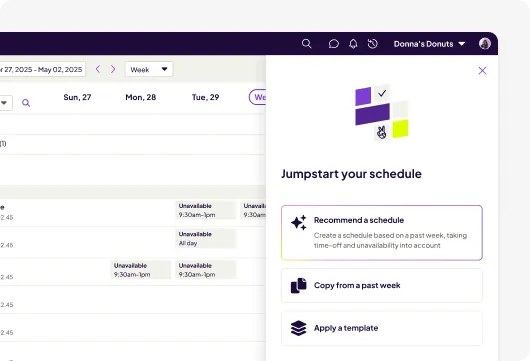
When I Work emphasizes fast schedule creation and employee self-service. Its scheduling stack includes templates, multi-week scheduling, OpenShifts, shift swaps, availability and forecasting, with additional controls as plans move upward.
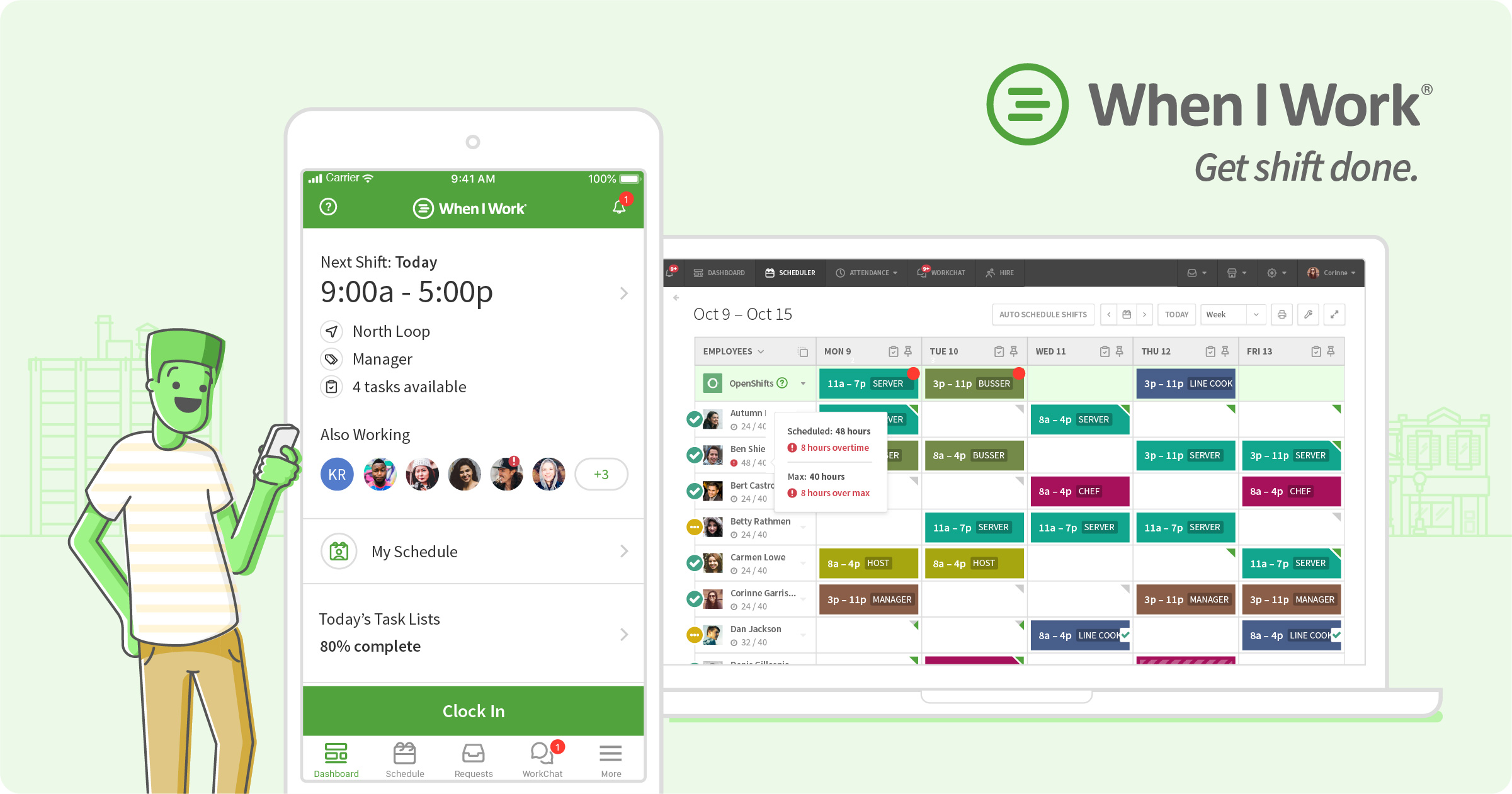
Both products connect schedules with worked time. Homebase combines scheduling and time clocks inside its hourly-workforce platform, while When I Work offers time and attendance capabilities designed to work alongside its employee scheduling tools. Buyers should compare the exact attendance, break, overtime and payroll-export controls available in the plan they are considering.
Both products are designed to reduce the amount of manual coordination managers handle through texts or spreadsheets. Employees can interact with schedules from mobile devices, while managers retain controls over coverage and approvals. When I Work’s OpenShifts is a particularly visible part of its scheduling workflow; Homebase similarly supports shift trades and coverage workflows.
This is one of the clearer differences in scope. Homebase extends beyond scheduling into hiring, onboarding, HR/compliance and native payroll options. That can matter to smaller employers looking to consolidate workforce administration.
When I Work is more concentrated around scheduling, time tracking and team communication. Teams that already have HR and payroll systems may prefer evaluating it primarily on how well its scheduling stack connects to their existing tools.
Both can support organizations operating across locations, but buyers should examine permissions, labor sharing, reporting and the pricing model. Homebase’s paid plans are generally location-oriented, while When I Work prices by user. Those structures can produce materially different costs as headcount and site count change.
Yes. Homebase currently offers Basic for one location with up to 10 employees, with basic scheduling and time-tracking capabilities.
When I Work currently lists Essentials at $2.50 per user per month. Pro and Premium add more advanced capabilities at higher per-user prices.
Yes. Both provide employee shift-management workflows. When I Work also emphasizes OpenShifts for making available shifts visible to eligible employees.
Homebase has a broader native HR and small-business workforce-management scope, including hiring, onboarding, HR/compliance and payroll options. When I Work is more tightly centered on scheduling, time and team communication.
Yes, but the plan capabilities and pricing structures differ. Businesses should model their actual number of employees and locations before comparing total cost.
Research note: Product capabilities and public pricing were checked against current vendor information in October 2026. Pricing and packaging can change.
