
Compare five leading employee scheduling platforms for hourly, frontline, restaurant and multi-location teams.
Staff scheduling software now goes far beyond a weekly calendar. Modern platforms can account for availability, qualifications, overtime, breaks, open shifts, labor budgets, demand and actual attendance. The important differences often appear after the schedule is published: filling call-outs, controlling overtime, verifying time and preparing hours for payroll.
PRODUCT-BY-PRODUCT BUYER ANALYSIS
Compare actual team requirements, not feature counts alone. Validate product tiers and current pricing with vendors.
| Product | Best fit | Tradeoff to check | Demo test |
|---|---|---|---|
| Deputy | Shift-based teams needing labor rules and multi-location scheduling | Compare scheduling, attendance and payroll-connection tiers | Build a peak-week roster, test overtime rules and a shift swap |
| Homebase | Small hourly businesses prioritizing simplicity | Check site/location, payroll and advanced scheduling costs | Publish shifts, log time and approve an absence |
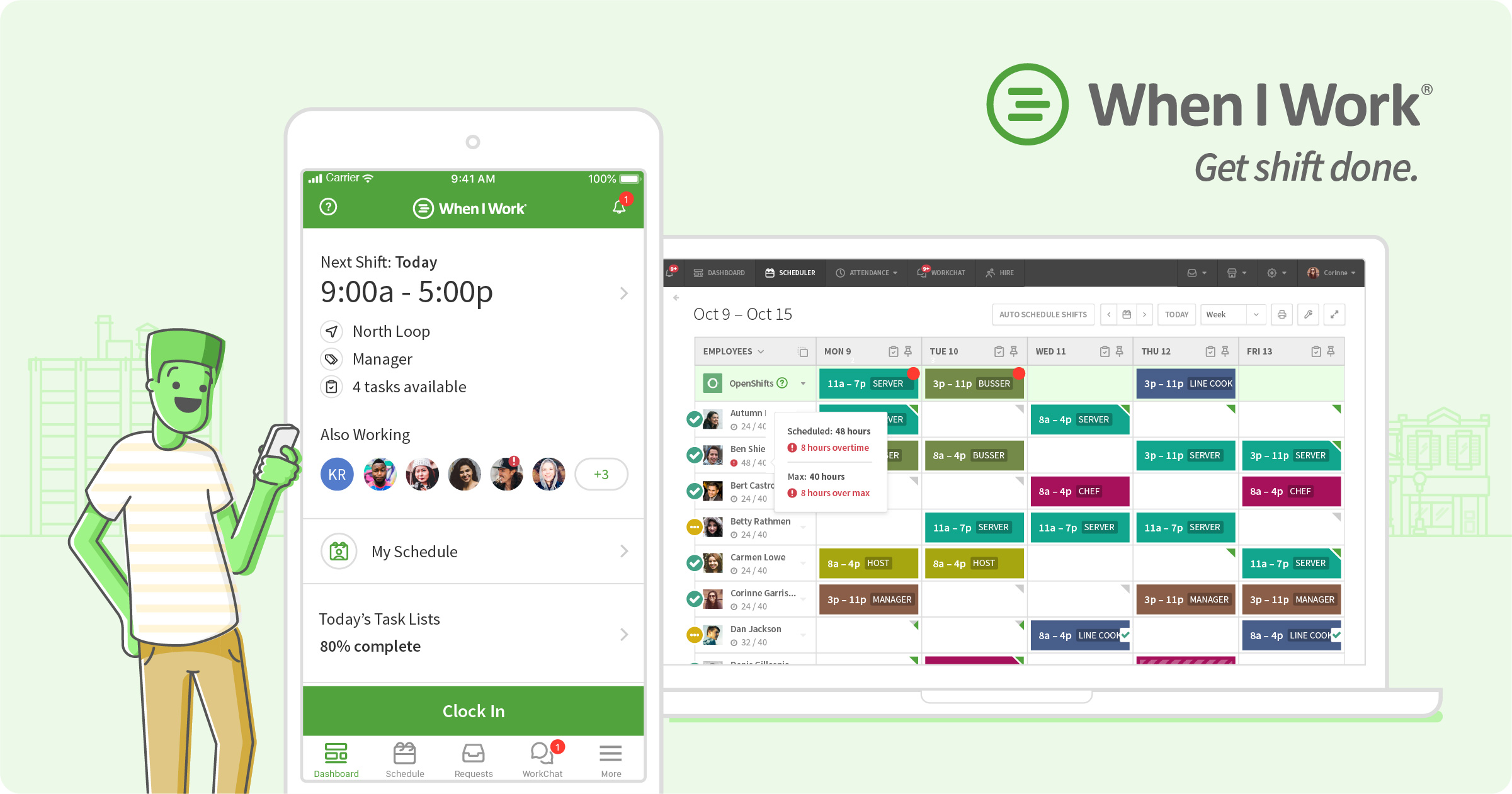
| When I Work | Managers seeking straightforward employee communication and scheduling | Confirm time features, automation and integration entitlements | Have staff update availability and pick up open shifts |
| 7shifts | Restaurants coordinating labor and changing shift demand | Validate POS integration and location-based pricing | Schedule a weekend service and reconcile labor forecasts |
Total-cost and implementation: Calculate employee and location fees, time tracking, payroll export, auto-scheduling, overtime and messaging. Check mobile usage and approvals.
| Software | Strong fit | Pricing approach |
|---|---|---|
| Deputy | Shift-based and multi-location teams | Per user |
| Homebase | Small hourly businesses | Free entry tier + location plans |
| When I Work | Hourly teams wanting straightforward scheduling | Per user |
| 7shifts | Restaurants and restaurant groups | Primarily per location |
| Connecteam | Deskless, field and frontline teams | Free small-team tier + paid plans |

Deputy covers availability, leave, replacements and shift swaps, while higher tiers add auto-scheduling, demand forecasting, labor optimization and wage or labor budgets. Current public pricing starts with Lite at $5 per user per month, Core at $6.50 and Pro at $9. Teams should account for Deputy’s published minimum monthly spend on these plans.
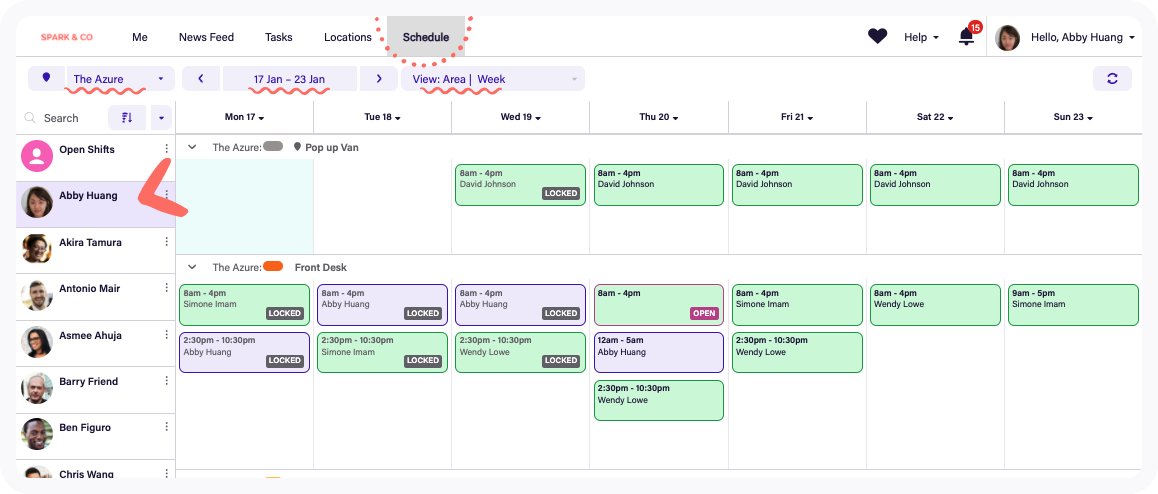

Homebase combines scheduling with time clocks, availability, shift changes, hiring, HR, team communication and payroll options. Its free entry point and location-based paid plans make the cost structure especially worth comparing for businesses deciding whether to consolidate several hourly-workforce tools.
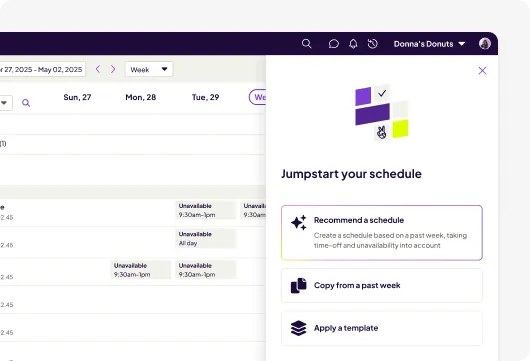

When I Work centers on employee scheduling, time and attendance, and team communication. It supports schedule templates, multi-week planning, OpenShifts, shift swaps and forecasting, with more advanced rules and permissions on higher tiers. Public plans currently start at $2.50 per user per month.

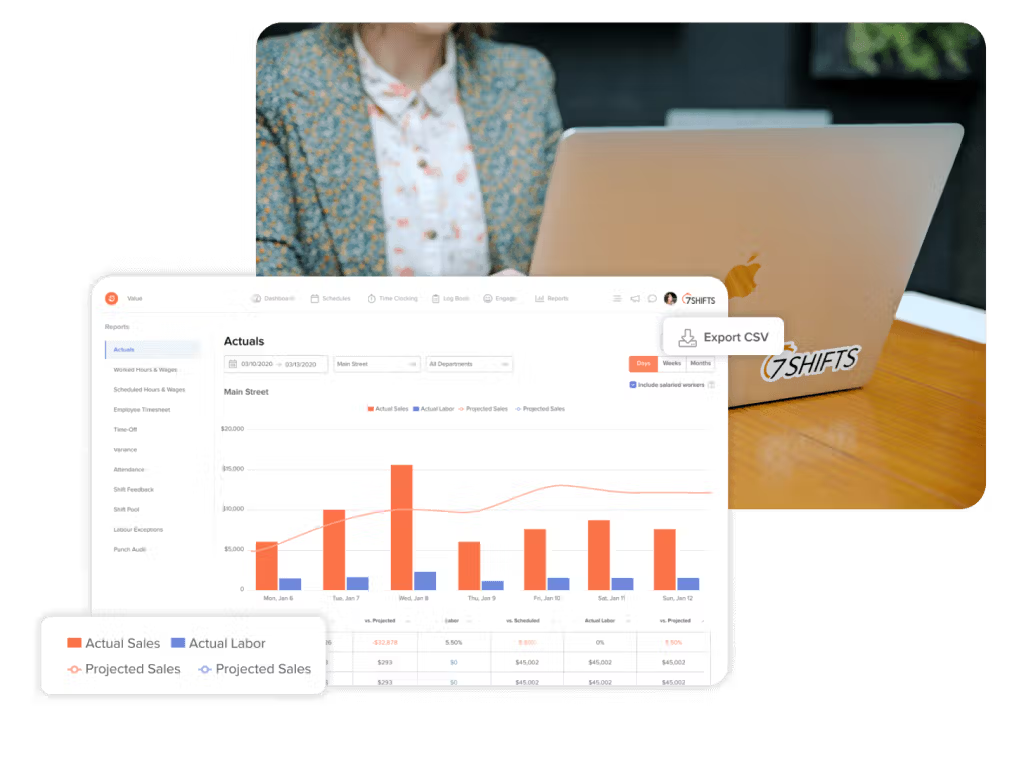
7shifts is built around restaurant staffing rather than generic shift scheduling. It connects schedules with restaurant labor targets, sales data, POS systems, tips, team communication and manager workflows. Its specialization makes it particularly relevant when restaurant operations are the core requirement.

Connecteam treats scheduling as part of a broader frontline-operations system. Managers can schedule around employees, jobs and locations, account for availability and qualifications, publish open shifts, communicate changes and connect worked time to timesheets. Its current product also emphasizes AI-assisted scheduling, conflict detection and labor-cost visibility. Connecteam promotes a free small-business plan for up to 10 users and paid plans starting from $29 per month.
Start with the operating problem rather than the longest feature list. Restaurants may prioritize POS data, tips and sales-based labor planning. Field-service teams may care about job locations, qualifications and mobile communication. Retailers may prioritize swaps, overtime and multiple locations. Small local employers may care most about scheduling, time clocks and payroll in one manageable system.
Then model pricing with your real headcount and locations. Per-user and per-location pricing can produce very different totals. Include the tier required for auto-scheduling, advanced time clocks, payroll, API access, SSO, labor forecasting and compliance—not merely the lowest advertised plan.
It helps managers create and publish employee shifts, manage availability and changes, and keep employees informed. Advanced products can connect schedules with time clocks, labor costs, forecasting, payroll and compliance.
No. Staff scheduling assigns employees to work shifts or jobs. Appointment scheduling generally lets customers reserve time with a business.
Homebase, 7shifts and Connecteam currently advertise free entry options with different limits and packaging. Verify current plan details before rollout.
Most modern employee scheduling platforms support swaps, open shifts or replacement workflows, often with optional manager approval.
Research note: Product capabilities and public pricing were checked against current vendor information and 2026 market research in October 2026. Pricing and packaging can change.