Best Staff Scheduling Software for Small Businesses in 2026
Compare scheduling tools for small hourly teams based on affordability, ease of rollout, employee self-service, time tracking and how well each platform can grow with the business.
Small businesses usually need something different from an enterprise workforce-management suite. Setup should be quick, employees should be able to check schedules and handle common shift requests themselves, and the price should still make sense with a modest headcount. At the same time, choosing an overly basic tool can create another migration once the business adds locations, managers or more complicated labor rules.
Small-business staff scheduling software compared
| Software | Small-business use case | Pricing structure |
|---|---|---|
| Homebase | Local hourly businesses wanting scheduling plus workforce administration | Free entry plan; paid plans primarily per location |
| When I Work | Hourly teams wanting focused scheduling and employee self-service | Starts at $2.50/user/month |
| Connecteam | Small deskless and field teams | Free small-business tier; paid plans available |
| Deputy | Growing shift teams needing stronger labor and compliance controls | Starts at $5/user/month |
| 7shifts | Small restaurants and restaurant groups | Free entry tier; paid plans primarily per location |
Homebase
Homebase is aimed directly at small businesses with hourly employees. Scheduling connects with time clocks, availability, shift changes and team communication, while the wider product extends into hiring, onboarding, HR/compliance and payroll. Its free Basic plan currently supports one location and up to 10 employees, giving very small teams a practical entry point.
When I Work
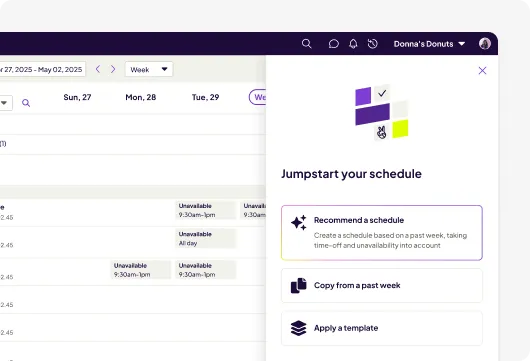
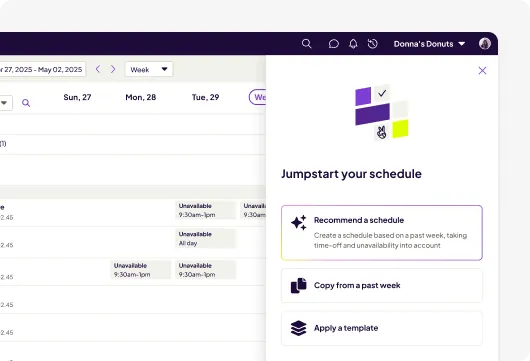
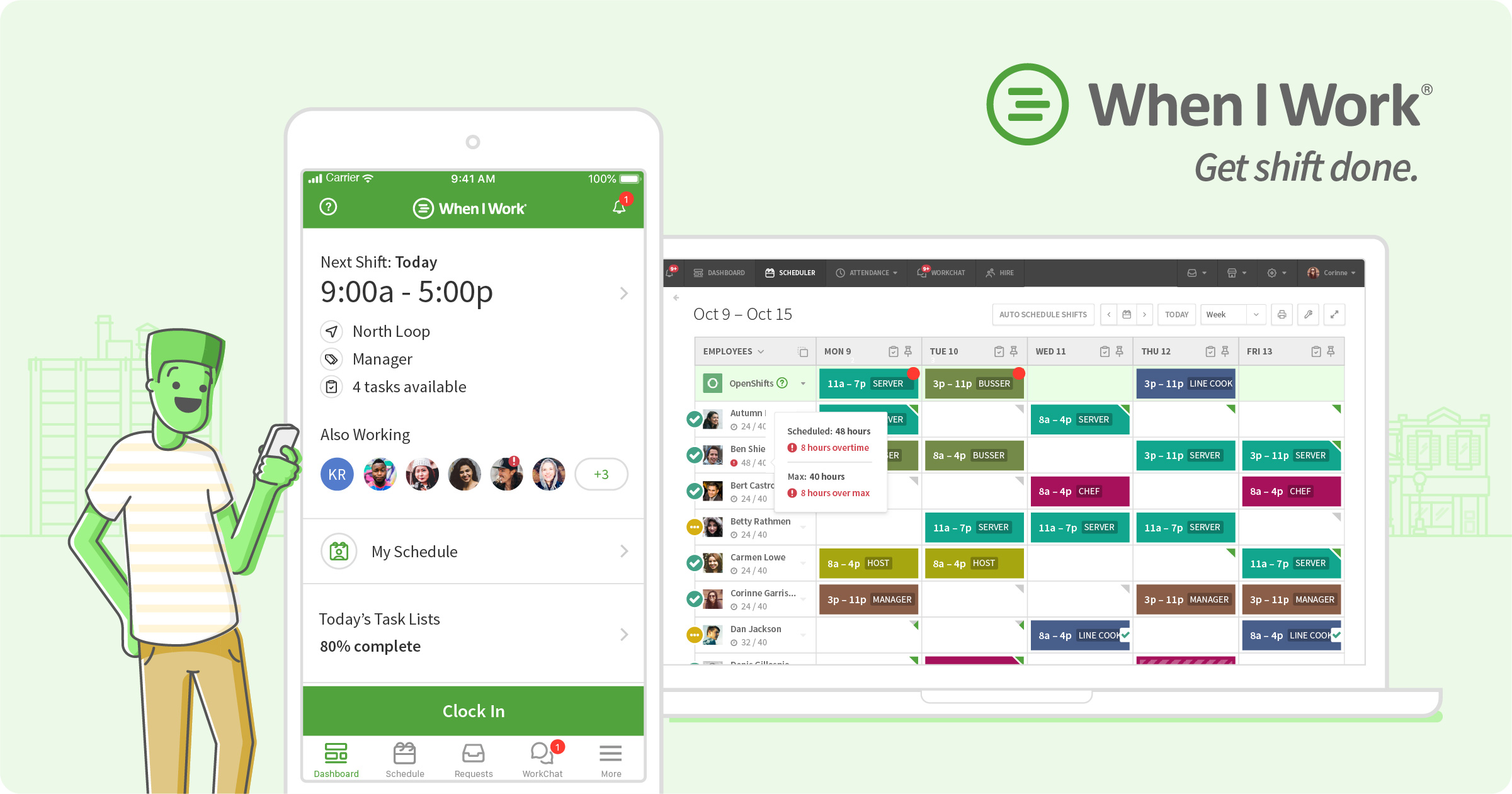
When I Work concentrates on employee scheduling, time and attendance, and team communication. Small businesses can build reusable schedules, manage availability, publish OpenShifts and let employees participate in shift changes from their phones. Current Essentials pricing begins at $2.50 per user per month.
Connecteam
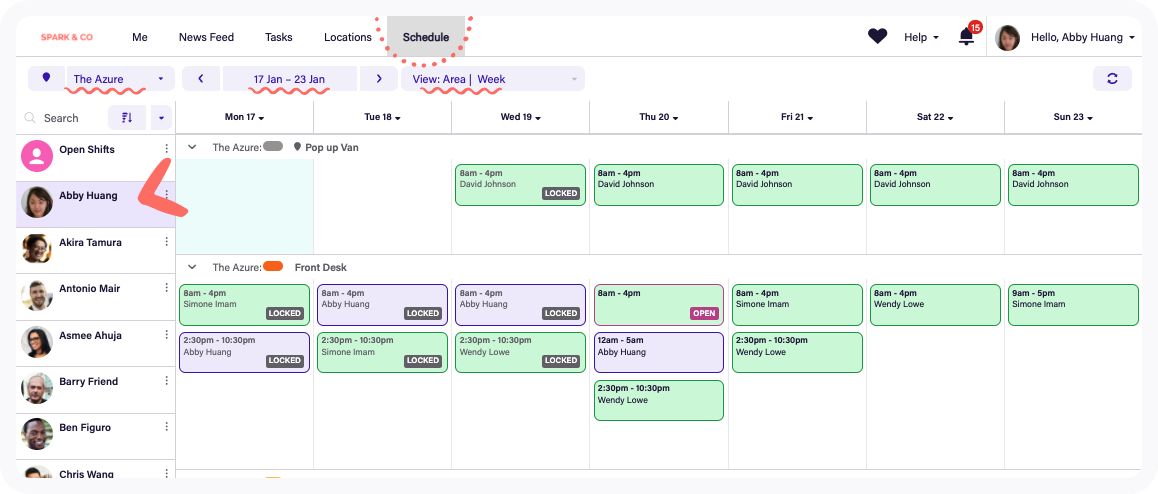
Connecteam is useful when the schedule needs to carry more operational context than a start and end time. Managers can schedule employees around jobs and locations, account for availability and qualifications, communicate changes and connect worked time to timesheets. Connecteam currently promotes a free small-business plan for up to 10 users.
Deputy
Deputy becomes particularly relevant when a small business has outgrown simple calendar scheduling. Lite covers schedules, basic time tracking, leave, availability and swaps. Core adds auto-scheduling, demand forecasting, labor optimization and wage or labor budgets. Current pricing starts at $5 per user per month, and businesses should account for Deputy’s published monthly minimum.
7shifts
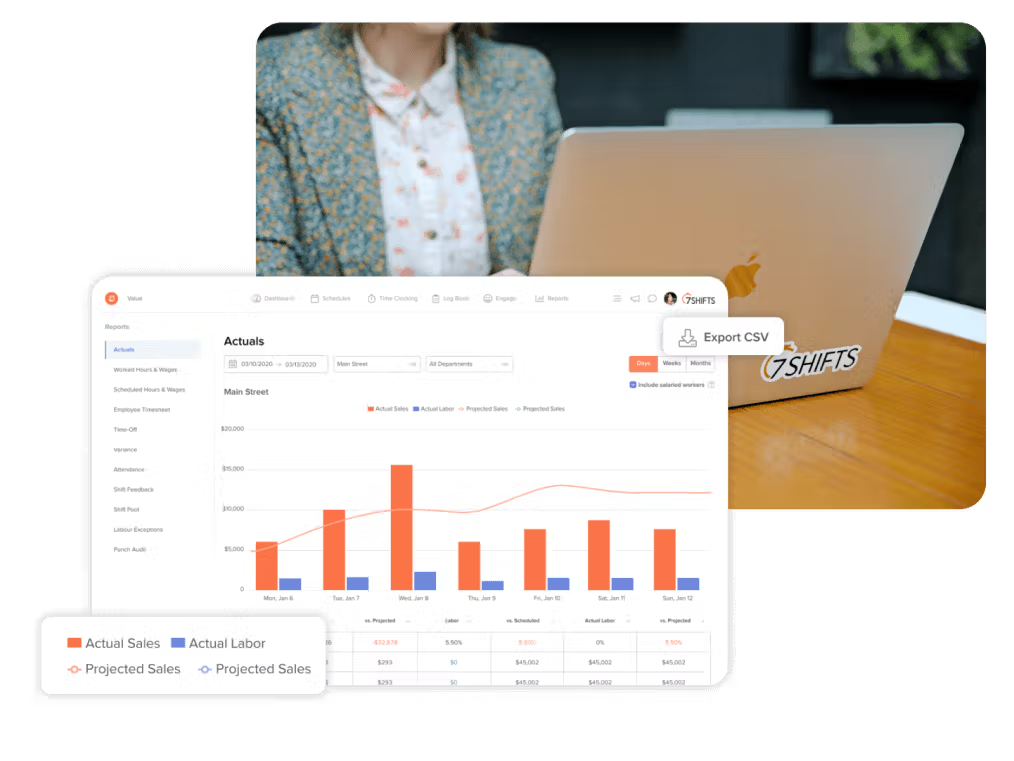
For a small restaurant, generic scheduling features do not tell the whole story. 7shifts is built around restaurant labor and can connect scheduling with restaurant POS data, sales-versus-labor planning, tips and manager workflows. Its free Comp tier currently supports a single location with up to 15 employees, while paid tiers add deeper restaurant workforce capabilities.
How should a small business choose scheduling software?
First, identify what happens around the schedule. If employees only need to see shifts, submit availability and swap coverage, a focused product may be enough. If managers also need payroll, onboarding and HR administration, a broader platform can reduce duplicate systems. Field teams should examine job and location workflows, while restaurants should evaluate POS, tip and labor-sales integrations.
Second, calculate the cost at today’s headcount and at the headcount you expect in a year. Per-user pricing is predictable by employee count, while per-location pricing can be attractive for dense teams but changes as new sites open. Include add-ons and the plan required for advanced scheduling rather than comparing only entry prices.
Small-business scheduling features worth prioritizing
- Fast schedule creation and reusable templates
- Employee availability and time-off requests
- Open shifts and shift swaps
- Mobile notifications and schedule access
- Time clock and attendance
- Overtime and break controls
- Payroll integration or export
- Simple manager permissions
- Pricing that still works as headcount grows
Frequently asked questions
Is there free staff scheduling software for small businesses?
Yes. Homebase, 7shifts and Connecteam currently advertise free entry options with different employee and location limits. Compare the included capabilities, not just whether the plan costs $0.
How many employees justify scheduling software?
There is no fixed threshold. Even a small team can benefit once availability, time off, shift swaps or frequent schedule changes become difficult to coordinate manually.
Should a small business use scheduling software with payroll?
It can simplify administration when scheduling, actual hours and payroll share data. Businesses that already have a payroll system should instead check the quality of the scheduling product’s integration or export workflow.
What is the difference between per-user and per-location pricing?
Per-user pricing grows with employee count. Per-location pricing generally grows as sites are added. The less expensive model depends on how many employees work at each location.
Can small-business scheduling software handle multiple locations?
Yes, many products can. Check which plan unlocks multi-location management, permissions, reporting and employee sharing before choosing.
Research note: Public pricing and product capabilities were checked against current vendor information in October 2026. Plans, promotions and packaging can change.