
Compare mobile-friendly scheduling apps for hourly, restaurant, field and multi-location teams, with a focus on schedule access, shift swaps, time clocks and manager workflows.
PRODUCT-BY-PRODUCT BUYER ANALYSIS
Compare actual team requirements, not feature counts alone. Validate product tiers and current pricing with vendors.
| Product | Best fit | Tradeoff to check | Demo test |
|---|---|---|---|
| Homebase | Small hourly teams wanting accessible mobile schedules | Check restrictions on free and paid locations, messaging and time tracking | Post a schedule and test employee notifications |
| When I Work | Employees frequently changing availability or swapping shifts | Compare scheduling, time and payroll integration costs | Submit a swap from a phone and check manager approval |
| Connecteam | Deskless and field teams that also need team communication | Check user tiers, modules, forms and operations add-ons | Run shift check-in and a task checklist from mobile |
| Deputy | Multi-location employers needing scheduling rules | Review premium automation and attendance features | Test recurring shifts, leave and labor coverage alerts |
Total-cost and implementation: Model total active employees, locations, app modules, payroll export and leave management. Published starting prices can change; verify with the vendor.
| App | Good fit | Current entry pricing |
|---|---|---|
| Homebase | Small hourly businesses | Free entry plan |
| When I Work | Focused hourly scheduling | $2.50/user/month |
| Connecteam | Deskless and field teams | Free small-business plan |
| Deputy | Labor controls and multi-location teams | $5/user/month |
| 7shifts | Restaurants | Free entry plan |

Homebase gives employees mobile access to schedules, availability, time-off and shift-change workflows while managers connect schedules with time clocks, communication, labor controls and broader HR/payroll options. Its free entry plan makes it especially accessible to small single-location teams.
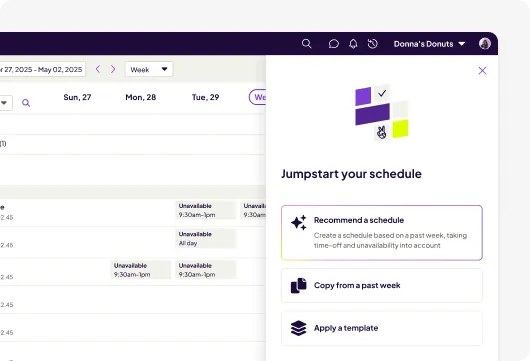

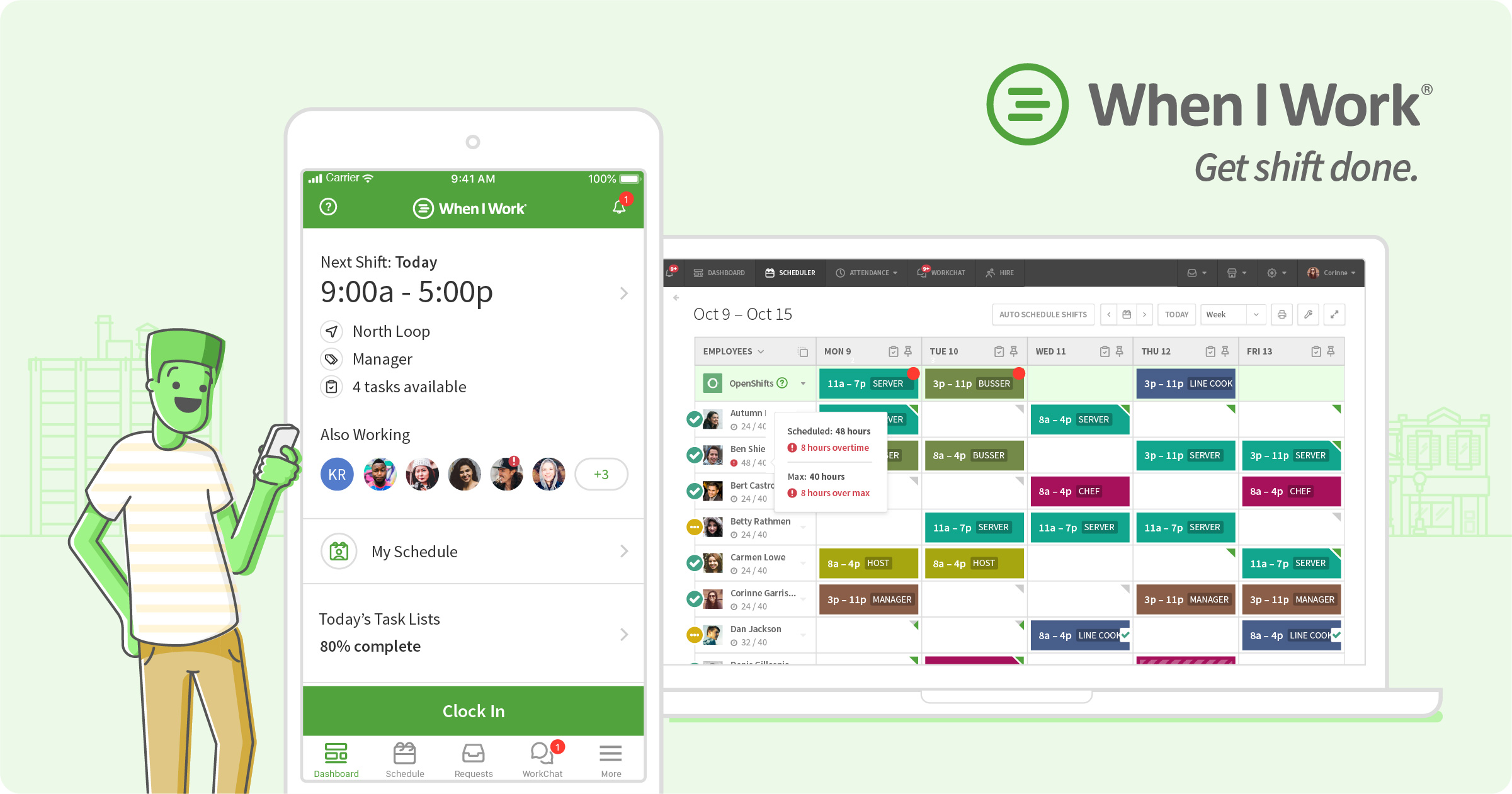
When I Work centers its experience on scheduling, time and attendance, and team communication. Employees can interact with OpenShifts and shift swaps while managers use templates, multi-week schedules, availability and forecasting tools. Its current Essentials plan starts at $2.50 per user per month.

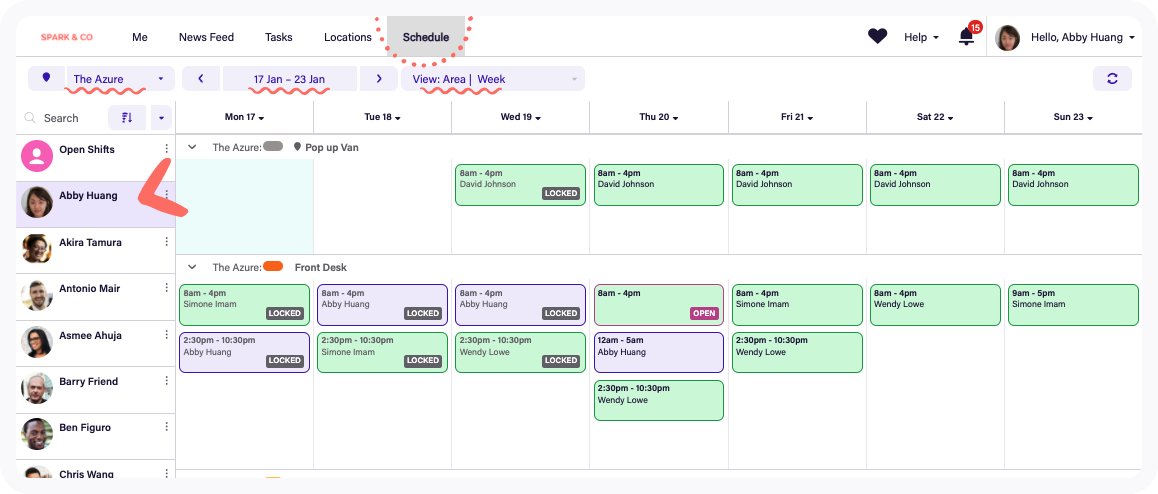
Connecteam is particularly relevant when employees work away from a central workplace. Scheduling can include jobs, locations, tasks and instructions, while the broader mobile product supports communication, time tracking and frontline operations. Connecteam currently promotes a free small-business plan for up to 10 users.

Deputy combines mobile employee scheduling with availability, leave, swaps, time tracking and communication. Higher tiers add auto-scheduling, demand forecasting and labor optimization, making it relevant when managers need a mobile app backed by more sophisticated workforce rules.

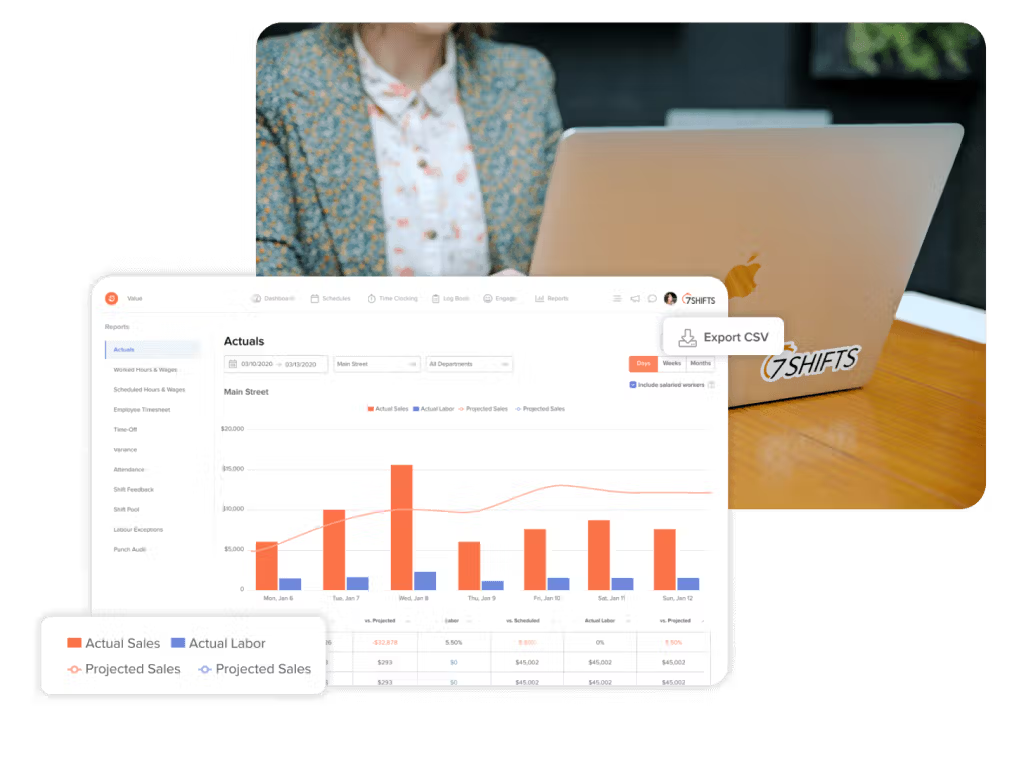
7shifts builds scheduling around restaurant operations. Employees get schedule and shift-management workflows while managers can connect staffing with restaurant labor targets, sales forecasts, POS data and other restaurant-specific processes. The free Comp tier currently supports one location with up to 15 employees.
Mobile access alone is not enough. Test the employee workflow for checking shifts, availability, time off, open shifts, swaps and notifications. Then test the manager workflow for last-minute coverage, approvals, schedule edits, attendance and overtime. A good mobile app should remove administrative steps rather than simply reproduce a desktop calendar on a smaller screen.
An employee scheduling app lets managers publish work schedules and employees access or interact with those schedules from mobile devices. Many also support time off, availability, swaps, time clocks and messaging.
Yes. Homebase, Connecteam and 7shifts currently advertise free entry options with different limits.
Many scheduling apps support swaps, open shifts or replacement workflows, often with manager approval.
Many do, although packaging varies. Check whether mobile clock-in, geofencing and attendance are included in the plan you are evaluating.
Research note: Product capabilities and public pricing were checked against current vendor information and 2026 market research in October 2026. Plans and pricing can change.