Best Restaurant Scheduling Software for 2026
Compare scheduling platforms for restaurants based on labor forecasting, shift swaps, time clocks, POS connectivity, payroll, tips and multi-location operations.
Restaurant scheduling software compared
| Software | Restaurant use case | Pricing approach |
|---|---|---|
| 7shifts | Restaurant-specific labor, scheduling, tips and operations | Free tier; paid plans primarily per location |
| Homebase | Small restaurants wanting scheduling plus HR/payroll | Free tier; paid plans primarily per location |
| Deputy | Demand-based scheduling and compliance | From $5/user/month |
| When I Work | Simple hourly scheduling and shift coverage | From $2.50/user/month |
| Sling | Budget-conscious restaurant scheduling and communication | Free/paid options |
7shifts
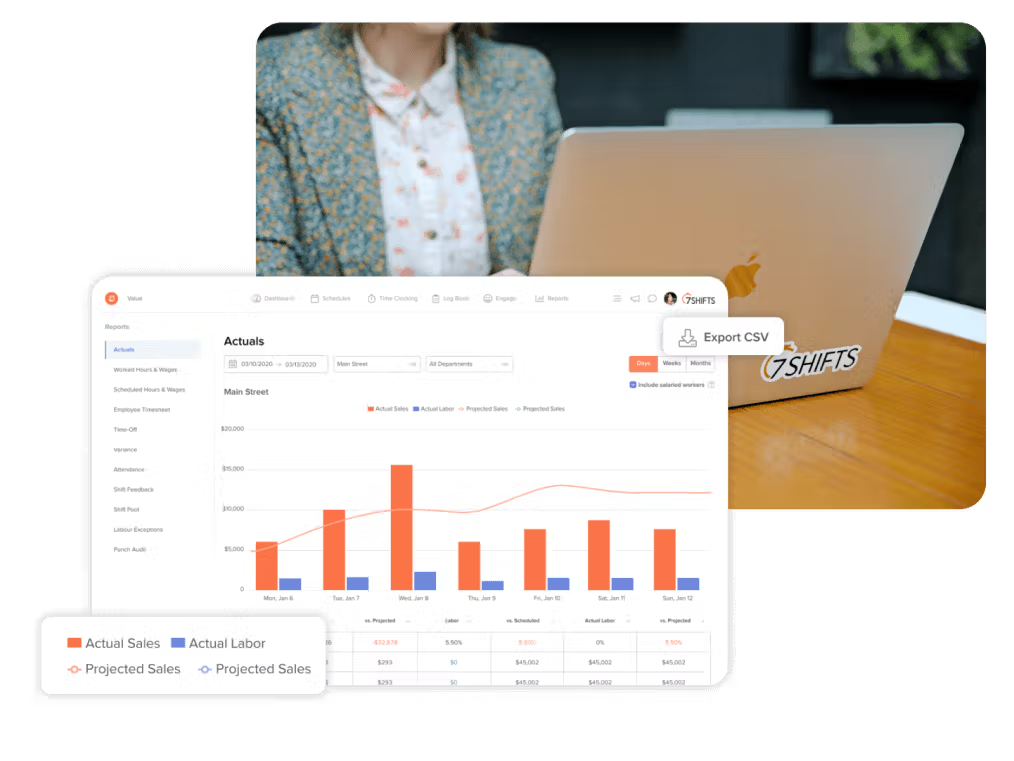
7shifts is designed around restaurant staffing rather than adapting a generic calendar to food service. Scheduling can connect with sales and labor data, availability, time off, team communication and restaurant POS systems. Higher tiers extend into labor compliance, manager workflows, tips, tasks, payroll and advanced labor forecasting.
The free Comp plan supports basic scheduling for a small single-location restaurant. Current public pricing lists Essentials at $44.99 per month per location, Pro at $89.99 and Premium at $149.99; annual discounts or promotions can change the displayed price. Premium also includes payroll with a per-employee-paid component.
Homebase
Homebase combines employee scheduling with time clocks, availability, shift changes, team communication and broader hiring, HR and payroll capabilities. That breadth can be useful for independent restaurants that want fewer separate workforce systems rather than deep restaurant-specific operations.
Deputy
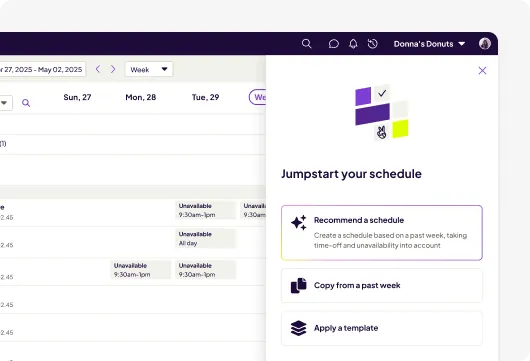
Deputy starts with shift scheduling, time clocks, availability, leave and replacements. Its Core tier adds auto-scheduling, demand forecasting, labor optimization, wage and labor budgets and more advanced compliance capabilities. Current public pricing is $5 per user per month for Lite, $6.50 for Core and $9 for Pro.
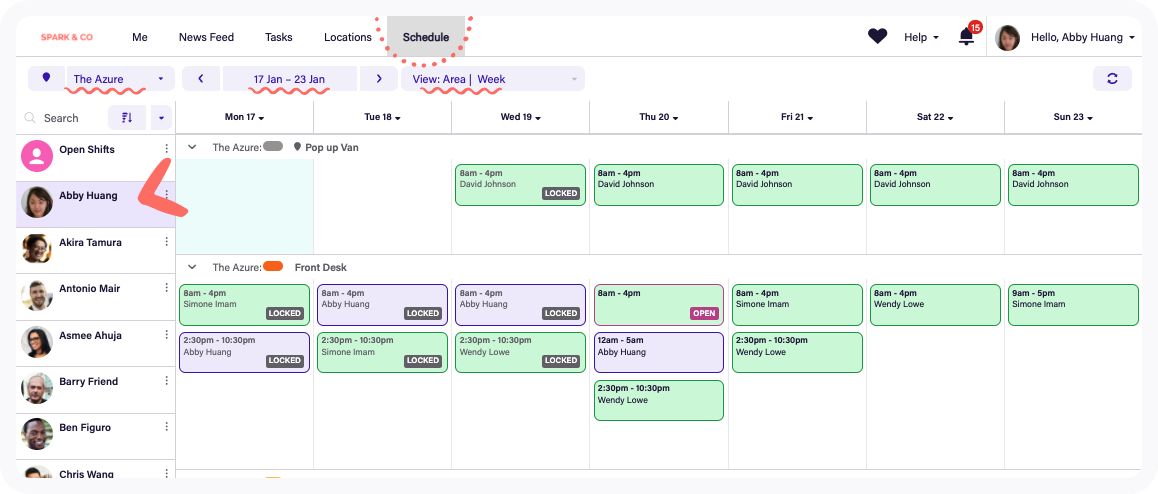
When I Work
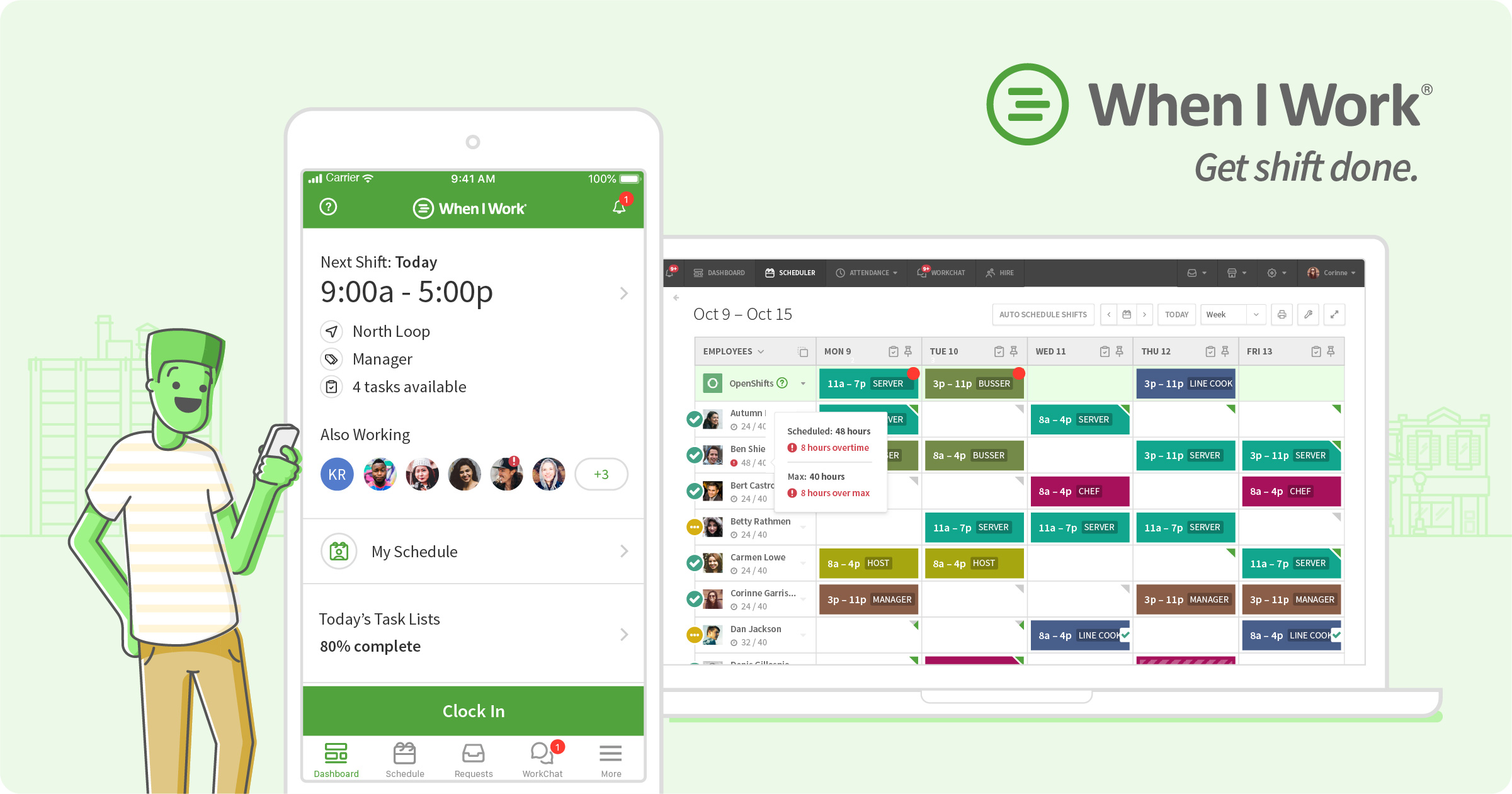
When I Work focuses on hourly-team scheduling, time and attendance, and communication. Schedule templates, OpenShifts, swaps, availability and mobile employee access make it relevant for restaurants that primarily need to simplify shift coordination without adopting a restaurant-specific operations platform.
Sling
Sling combines shift scheduling with availability, time-off, communication and employee coordination. It is often evaluated by smaller hospitality operations that want an accessible scheduling layer and do not require the deeper restaurant labor stack found in more specialized products. It is positioned as a free or low-cost option for smaller operations.
How to choose restaurant scheduling software
Start with the systems the restaurant already depends on. A scheduler that connects cleanly to the POS, time clock and payroll system can reduce manual labor data entry. Then examine whether sales forecasts can inform staffing levels, whether managers can see projected labor costs before publishing, and how easily employees can handle availability, time off and shift coverage.
Multi-location operators should also evaluate location permissions, employee sharing, standardized scheduling rules and consolidated reporting. A single independent café has a very different scheduling problem from a restaurant group operating dozens of locations.
Restaurant scheduling features worth evaluating
- Sales and labor forecasting
- POS integrations
- Front- and back-of-house role scheduling
- Availability and time off
- Open shifts and shift swaps
- Overtime, break and compliance alerts
- Mobile time clock
- Tip management or tip integrations
- Payroll integration
- Multi-location scheduling
- Manager logbooks and operational handoffs
Frequently asked questions
What is restaurant scheduling software?
Restaurant scheduling software helps managers assign employees to shifts and roles while managing availability, time off and coverage. Restaurant-focused platforms may also connect staffing with POS sales, labor budgets, tips, payroll and compliance.
Is there free restaurant scheduling software?
Yes. 7shifts offers a free Comp tier for small single-location restaurants, while Homebase and Sling also have free entry options with their own limits.
Why does POS integration matter?
POS data can help restaurant managers compare sales with labor and, in some systems, improve demand-based staffing decisions. Integration also reduces the need to move operational data manually between systems.
Should restaurant scheduling software include payroll?
Not necessarily. Some restaurants prefer an integrated payroll option while others already have payroll software. The important question is whether scheduled and worked hours can move accurately into the payroll workflow.
Can restaurant scheduling software handle multiple locations?
Many platforms can, but permissions, employee sharing, consolidated reporting and pricing vary substantially. Multi-unit operators should test those workflows directly.
Research note: Product capabilities and public pricing were checked against current vendor information and 2026 restaurant-scheduling research in October 2026. Plans and pricing can change.