
Project Budget Tracking Software: Track Costs, Budgets & Project Health
Learn how project budget tracking software helps teams monitor costs, connect resource rates with scheduled work, forecast spending, and identify budget risks before projects go over budget.

Delivering a project on time is only part of successful project management. Teams also need to understand what the project is costing, how much of the approved budget remains, and whether current spending is sustainable through completion.
Project budget tracking software gives project managers, PMOs, operations teams, and business leaders a centralized way to monitor the financial side of project delivery. If you are still building the initial estimate, start with our project cost calculator.
Instead of keeping project schedules in one tool, resource allocations in another, and project budgets in spreadsheets, teams can connect financial performance more closely with the work and people driving those costs. That connection becomes especially important when project resource planning and financial planning happen across the same portfolio.
What Is Project Budget Tracking Software?
Project budget tracking software helps organizations establish project budgets and monitor financial performance throughout the project lifecycle.
Rather than simply recording an original approved budget, teams can use project budget management software to understand how costs change as resources are allocated and work progresses.
- Set and monitor project budgets
- Track project costs
- Monitor resource and labor costs
- Understand budget utilization
- Compare project progress with spending
- Monitor remaining project budget
- Identify potential budget risks
- Review financial health across multiple projects
Example: If a project is only 45% complete but has already consumed 68% of its budget, project leaders have an early signal that costs may be increasing faster than project progress.
Why Project Budget Tracking Matters
Projects rarely go over budget because of one single expense. Budget pressure usually develops gradually as schedules extend, additional resources are assigned, project requirements change, or unexpected work is introduced. Capacity constraints and unbalanced project workloads can also push labor costs higher than expected.
Without continuous visibility, teams may not recognize these trends until a project is already close to its financial limit.
Project budget tracking changes the question from “How much did the project cost?” after completion to “Are we on track to finish within budget?” while there is still time to respond.
Track Projects, Resources and Budgets Together
KolApp connects project management, resource scheduling, project budgets, dashboards, and portfolio visibility in one workspace. Understand where project costs are coming from while keeping the work and resources behind those costs visible.
Explore KolApp Budget Tracking →Track the Project Budget Metrics That Matter
Project managers shouldn't have to rebuild a spreadsheet whenever leadership asks for a financial update. A project budget dashboard should make the most important financial information easy to understand.
These numbers become even more useful when viewed alongside project progress, resource allocation, schedules, milestones, and overall project health.
Connect Resource Rates With Project Costs
People are often one of the largest costs associated with project delivery. That's why resource planning and project budget tracking should work together. Understanding how labor, resource rates, and scheduled hours contribute to overall spending is a key part of project cost tracking software.
With resource rates, teams can understand what scheduled project time means financially.
In this example, John has a resource rate of $50 per hour and 25 hours of project time. That represents $1,250 in project resource cost.
When this information is connected with resource scheduling software, project managers gain a clearer understanding of how staffing decisions can affect the overall project budget. Teams can also use a resource capacity calculator to validate whether the planned hours are realistic.
Resource Rate × Project Time = Resource Cost.
Connecting resource costs with the overall project budget makes it
easier to understand where project spending is coming from.
Project Budget Tracking Software vs. Spreadsheets
Spreadsheets are often the starting point for project budget management. They're flexible and familiar, but they become increasingly difficult to maintain as organizations manage more projects, resources, and stakeholders. If you are starting in Excel, our project budget template provides a structured baseline before moving to a connected system.
| Spreadsheet Tracking | Project Budget Tracking Software |
|---|---|
| Manual budget updates | Centralized budget visibility |
| Separate from project work | Connected with project execution |
| Separate resource calculations | Resource rates connected with project costs |
| Manual variance analysis | Faster financial analysis |
| Difficult portfolio reporting | Cross-project visibility |
| Harder to scale | Built for multiple projects |
Project Budget Forecasting
Knowing how much a project has already consumed is important. Understanding where the project may be heading is even more valuable.
Project budget forecasting gives teams a forward-looking view of financial performance by considering current costs, remaining work, resource requirements, and project schedules. Forecast quality also improves when teams compare resource demand with available capacity before assuming future staffing costs.
This can help teams investigate questions such as:
- Is this project trending toward its budget limit?
- How much budget is likely to remain?
- Are costs increasing faster than project progress?
- Which projects require closer financial review?
- How could additional resource allocations affect project costs?
Project Budget Tracking for PMOs
Budget tracking becomes even more important for a PMO managing many projects simultaneously. The same applies to resource management across multiple projects, where shared people can influence the cost and schedule of several initiatives at once.
Instead of reviewing every project individually, PMO leaders need visibility across programs and portfolios so they can identify financial risks requiring attention.
- Projects approaching their budgets
- Projects with increasing resource costs
- Programs experiencing financial pressure
- Portfolio-level budget health
- Resource costs across multiple initiatives
- Budget trends across projects and business units
Why Use KolApp for Project Budget Tracking?
KolApp is designed to connect the financial side of project management with the operational side of delivering the work.
Instead of treating project budgets as a separate spreadsheet or financial report, teams can manage projects, resources, schedules, and budget information from a connected platform.
Know What Your Projects Are Costing
KolApp helps teams connect project budgets with resource rates, project time, scheduling, and delivery—giving project managers and PMOs a clearer picture of project financial health.
Start Your Free Trial →See Budget Health Across Your Project Portfolio
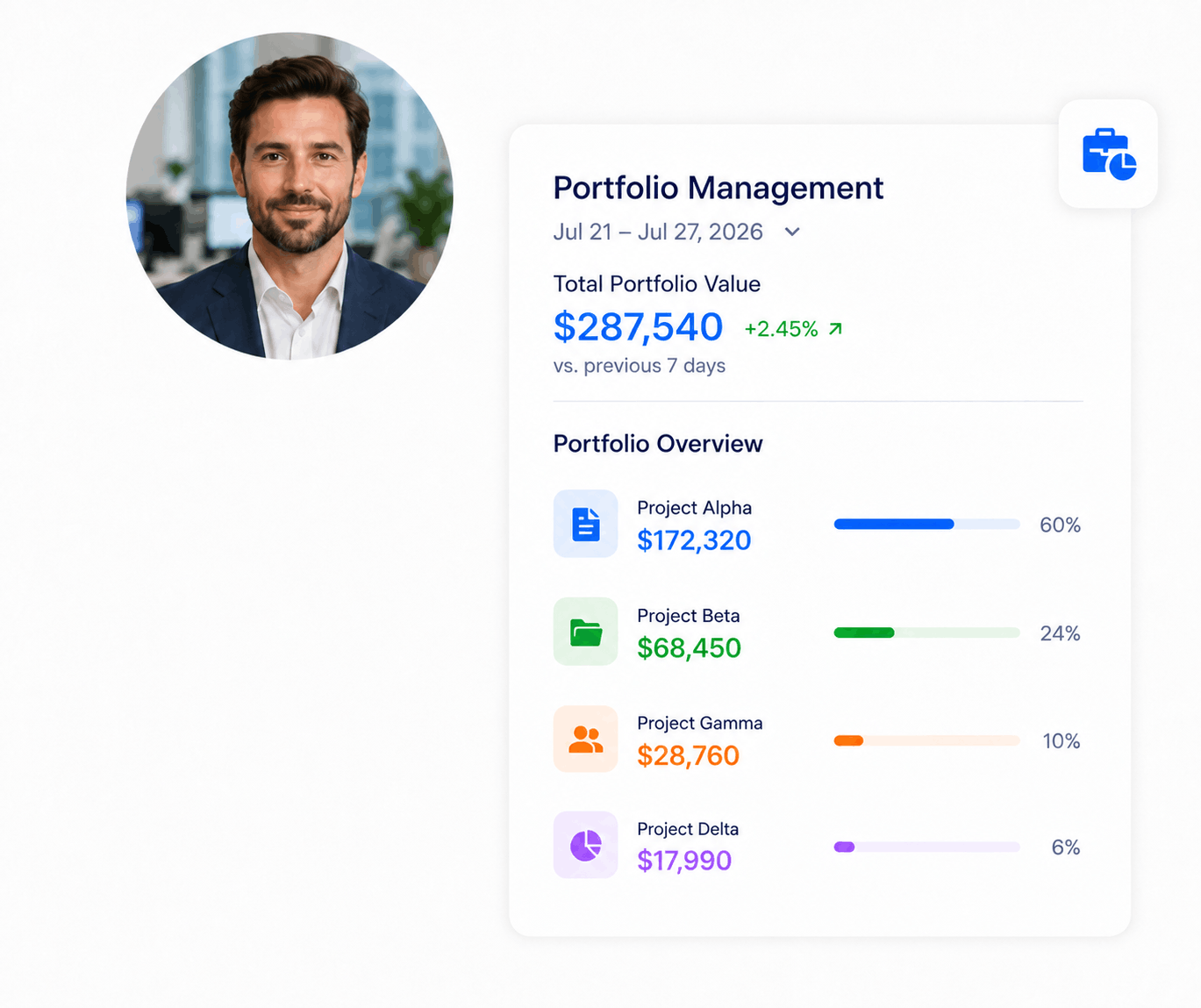
A single project approaching its budget may require attention. Multiple projects experiencing the same problem can become a portfolio-level risk.
Portfolio visibility allows leadership to look beyond individual project updates and understand where financial pressure exists across the organization.
Business Unit → Portfolio → Program → Project
Connecting financial and project health across organizational levels
gives PMOs and leadership a clearer view of which initiatives require
attention.
Use AI to Understand Project Budget Risk
As the number of projects grows, manually reviewing every budget, resource plan, schedule, and status update becomes increasingly difficult.
AI-assisted project analysis can help teams interpret project information and surface areas that may require closer attention.
- Which projects have the highest budget risk?
- Which projects are consuming resources faster than expected?
- Where are resource costs increasing?
- Which projects require attention this week?
How to Choose Project Budget Tracking Software
The best project budget tracking software shouldn't simply give teams another place to enter a budget number.
It should help project leaders understand the relationship between money, resources, schedules, and project progress.
Where are we now?
Understand the current project budget, resource costs, remaining budget, schedule, and overall project progress.
Where are we going?
Evaluate whether current project and resource trends suggest that costs could become a problem before delivery is complete.
What needs attention?
Quickly identify projects, programs, portfolios, or resources that require additional review. When the warning is driven by staffing, reviewing resource utilization can help distinguish healthy allocation from excessive workload.
Related Project Budget and Resource Planning Guides
Project budgets are easier to control when cost planning stays connected with capacity, workload, and resource scheduling.
Frequently Asked Questions About Project Budget Tracking
What is project budget tracking software?
Project budget tracking software helps teams monitor project budgets, resource costs, spending, financial performance, and budget health as projects progress.
How do you track project costs?
Project costs can be tracked by establishing a project budget, monitoring resource and other project costs, comparing costs with project progress, and regularly reviewing the remaining budget. For a deeper look at labor costs, resource rates, expenses, and cost drivers, see our guide to project cost tracking software .
How do resource rates affect project budgets?
Resource rates help translate project time into cost. For example, a resource with a $50 hourly rate assigned 25 hours of project work represents $1,250 in resource cost.
What is budget vs. actual in project management?
Budget vs. actual compares the amount planned for a project with the amount actually consumed or spent, helping teams identify cost variance and potential financial risks.
Can project management software track project budgets?
Yes. Project management software with budget and resource management capabilities can connect project financial information with project work, resource allocations, schedules, dashboards, and portfolio reporting.
Stop Managing Project Budgets in Separate Spreadsheets
Bring project budgets, resource rates, scheduling, project management, dashboards, and portfolio visibility together with KolApp. Understand what your projects are costing while keeping the work and resources driving those costs connected.
Start Your Free Trial →