
Why Managing Resources Across Multiple Projects Gets Difficult
A single project may look perfectly staffed when viewed on its own. The problem appears when the same people are supporting five, ten, or twenty projects at the same time. This is why multi-project resource scheduling needs a combined resource view.
Without a cross-project resource view, managers can assign someone to Project A without seeing that the same person is already heavily committed to Projects B, C, and D. That is where double bookings, hidden overload, rushed handoffs, and unrealistic delivery dates begin.
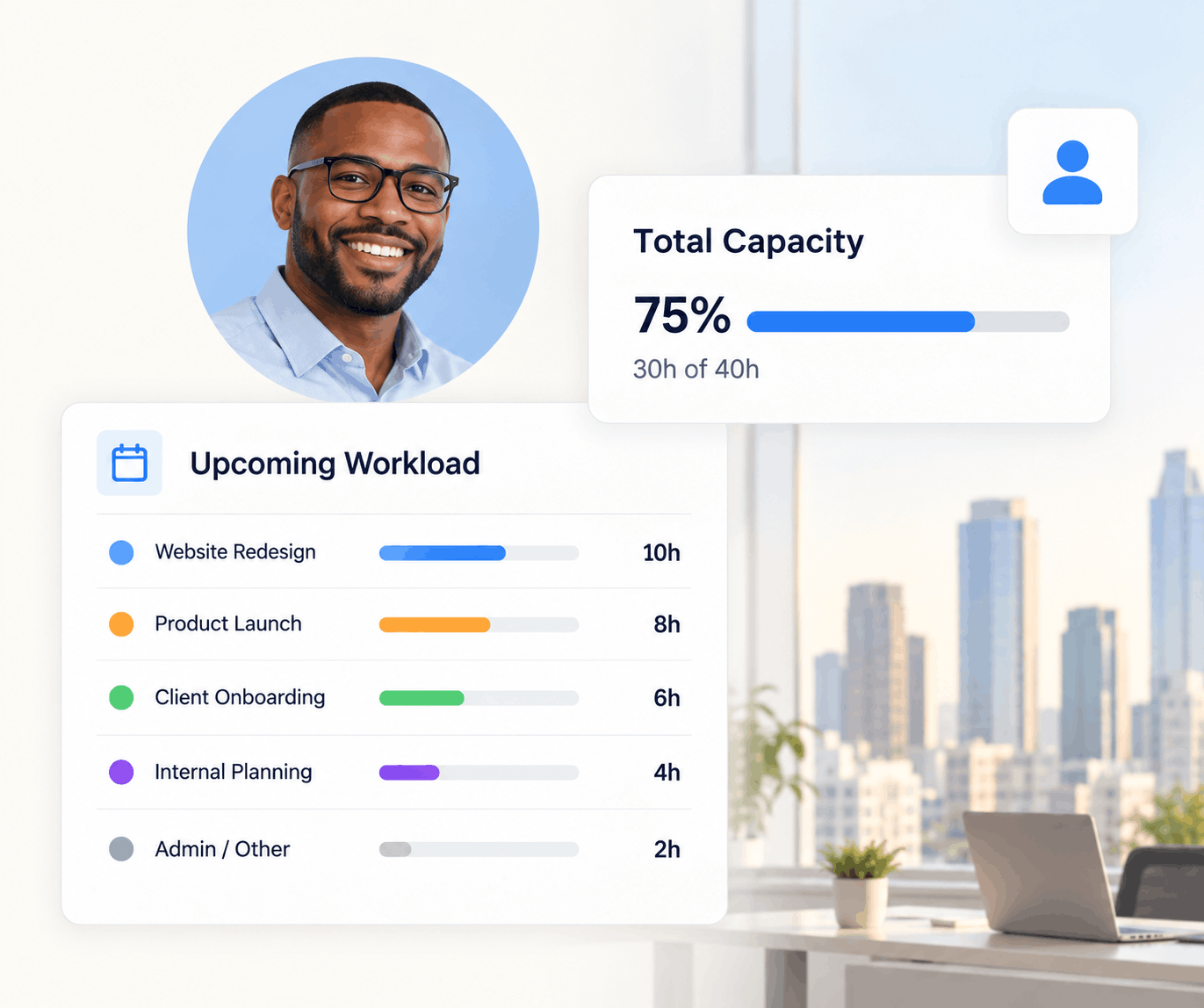
Resource management software for multiple projects combines assignments, capacity, availability, workload, utilization, and future demand across every active project. It helps managers identify shared-resource conflicts, find unused capacity, and rebalance work before individual project commitments create portfolio-wide overload.
Fragmented Assignments
Resource commitments are spread across different project plans, calendars, and spreadsheets.
Hidden Overload
Each project looks reasonable independently, while the person's combined workload is unsustainable.
Competing Priorities
Several project managers may need the same specialist during the same week.
What to Look for in Multi-Project Resource Management Software
One Resource View Across Projects
See every assignment for each person, role, contractor, or team without opening projects individually.
Capacity Planning
Compare available capacity with assigned and upcoming demand before adding new work.
Availability & Time Off
Include work hours, leave, meetings, and unavailable time when evaluating who can take on more.
Conflict Detection
Flag overlapping bookings, unavailable resources, and workload pressure before assignments are finalized.
Skills & Roles
Find resources based on the role or skills a project requires instead of simply choosing whoever appears free.
Utilization & Forecasting
Track how capacity is being used today and where future demand may create staffing gaps.
Example: One Resource Across Four Projects
Consider a senior designer with 40 available hours in a week. Four project managers independently request time from the same person.
Each request looks reasonable—until you combine them.
A multi-project resource management system surfaces that conflict before all four commitments become promises. Managers can move dates, reduce allocations, assign another resource, or deliberately reprioritize the work. See how to prevent resource overallocation across projects.
Single-Project Planning vs. Multi-Project Resource Management
| Capability | Project-by-Project Planning | Multi-Project Resource Management |
|---|---|---|
| View project assignments | Yes | Yes |
| See total workload per person | Limited | Across all projects |
| Identify cross-project conflicts | Difficult | Centralized |
| Compare capacity and demand | Project-specific | Team / portfolio-wide |
| Forecast staffing gaps | Limited | Across upcoming work |
| Rebalance resources | Within one project | Across competing projects |
Managing several projects with the same team?
KolApp connects resource capacity, availability, workload, utilization, and project demand so managers can make staffing decisions with the full picture.
Multi-Project Resource Demand vs. Capacity
Once several projects compete for the same people, resource planning becomes a demand-versus-capacity problem. Demand is the time, roles, skills, or effort projects require. Capacity is the usable working time available after existing assignments, schedules, and time off are considered.
Combine Project Demand
Add the resource requirements from active and upcoming projects instead of evaluating each initiative separately.
Compare With Capacity
Use realistic availability and capacity to understand whether the team can support those commitments.
Resolve the Gap
Move dates, rebalance assignments, change priorities, or add capacity when demand exceeds supply.
For a deeper planning model, see resource demand vs. capacity and the resource capacity calculator.
Benefits of Managing Resources Across Projects
Prevent Overallocation
See combined workload before assigning another project to someone who is already full.
Use Available Capacity
Find underused people or teams who can support work instead of defaulting to the same resources.
Prioritize More Deliberately
When two projects compete for the same specialist, leaders can make the tradeoff visible and intentional.
Forecast Hiring Needs
Persistent capacity gaps can reveal where new hires, contractors, or different skill coverage may be needed.
Resource planning becomes a portfolio decision.
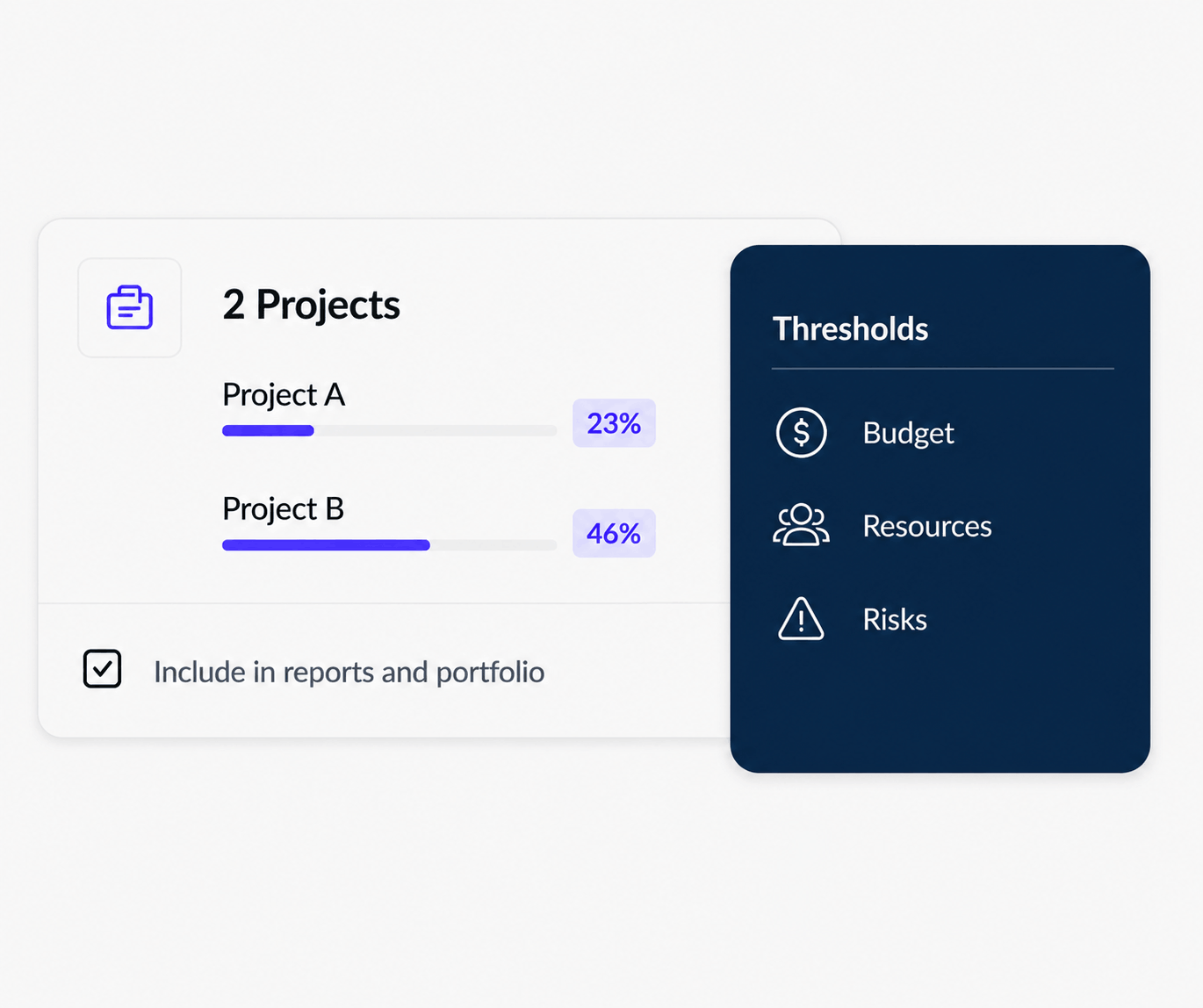
As the number of projects grows, resource management is no longer only about individual schedules. Leaders need to understand how resource pressure, project health, budgets, and risk interact across the portfolio.
Multi-Project Resource Management vs. Resource Scheduling
Resource management is broader than scheduling. Resource scheduling focuses on when people or assets are booked. Multi-project resource management adds the wider context needed to decide whether those bookings make sense: capacity, workload, availability, utilization, skills, project demand, and portfolio priorities.
Teams that only need a calendar of assignments may focus primarily on scheduling. Teams managing competing projects usually need both scheduling and project resource planning so resource decisions stay connected to delivery.
How KolApp Handles Resources Across Multiple Projects
KolApp gives managers a connected view of people, roles, skills, assignments, availability, capacity, workload, utilization, and project demand. Resource planning stays connected to project execution instead of living in a separate spreadsheet.
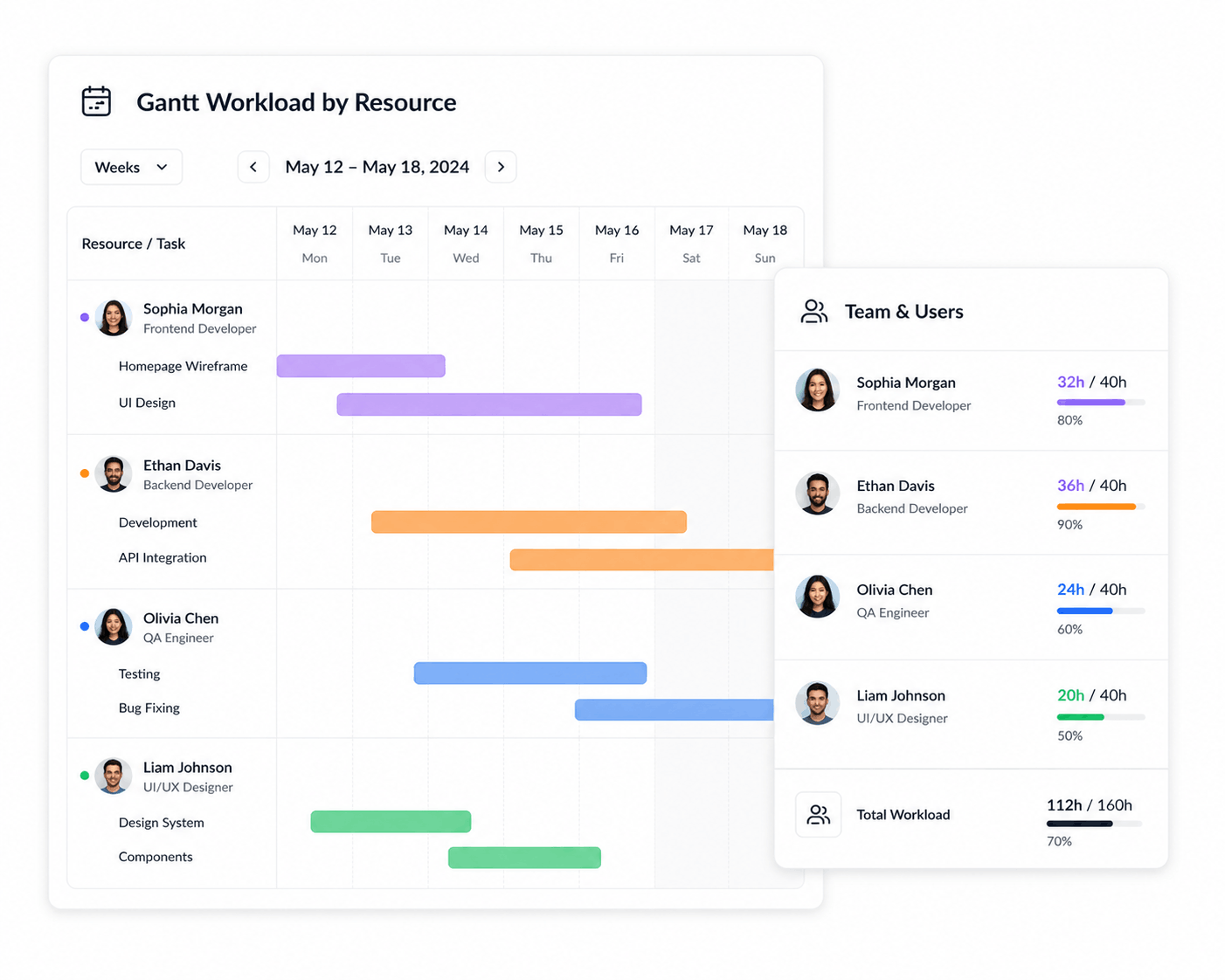
Managers can review existing commitments, identify overlapping assignments, understand who has room for more work, and rebalance plans before resource conflicts affect delivery. KolApp also connects resource schedules with project budgets and portfolio-level visibility.
Keep the schedule connected to the work.
Project dates and resource assignments affect each other. A connected system makes it easier to see what happens to workloads when timelines move or priorities change.
Who Needs Multi-Project Resource Management?
- PMOs: coordinate shared resources across portfolios, programs, and competing initiatives.
- Consulting firms: balance consultants across client engagements while monitoring billable capacity.
- Agencies: coordinate creative, strategy, and production specialists across many client projects.
- IT organizations: manage engineers and specialists who support projects alongside operational responsibilities.
- Construction and field teams: coordinate people, contractors, equipment, and shared assets across jobs.
- Growing project teams: replace spreadsheets once resource planning becomes too interconnected to manage manually.
How to Evaluate Resource Management Software
Do not test the software with one simple project. Create several overlapping projects and assign the same resources to each. Then add time off, move a project date, and introduce a new urgent request.
The platform should make it easy to answer: Who is overloaded? Who has capacity? Which projects are competing for the same people? What happens if the schedule changes? Where will we need more capacity next month? For future demand, resource forecasting software adds a forward-looking staffing view.
Related Multi-Project Resource Management Guides
Multi-Project Resource Scheduling
Coordinate shared-resource assignments across simultaneous project schedules.
Team Capacity Planning Software
Understand how much additional project demand teams can realistically support.
Team Availability Software
Account for schedules, time off, commitments, and remaining availability.
Workload Management Software
See total workload across projects and identify where work needs rebalancing.
Resource Utilization Software
Measure how much available capacity is being used across people and projects.
Resource Forecasting Software
Forecast upcoming staffing demand and identify future resource gaps.
Prevent Resource Overallocation
Catch cross-project conflicts before shared people become overloaded.
Project Management + Resource Scheduling
Keep project execution and resource assignments connected in one workflow.
Frequently Asked Questions
What is resource management software for multiple projects?
It is software that gives managers a cross-project view of resource assignments, availability, capacity, workload, utilization, and demand so shared people or assets can be planned across several projects.
How do you manage resources across multiple projects?
Centralize resource assignments, compare total demand with available capacity, account for time off and existing commitments, identify conflicts, and rebalance work across projects before finalizing schedules.
How can software prevent resource overallocation?
A cross-project workload view can show when a person's combined assignments exceed available capacity, allowing managers to adjust dates, allocations, priorities, or staffing before work begins.
What should multi-project resource management software track?
Useful capabilities include resource assignments, availability, work hours, time off, capacity, workload, skills, utilization, project demand, conflicts, and future staffing needs.
Can KolApp manage resources across multiple projects?
Yes. KolApp connects resource planning with project management so managers can see assignments, capacity, availability, workload, utilization, and demand across projects while keeping resource decisions tied to delivery plans.
See Every Project. Balance Every Resource.
Manage shared people, capacity, availability, workloads, and project demand from one connected KolApp workspace.
Start Your Free Trial