
Why Team Capacity Planning Matters
Team capacity planning helps managers understand how much work employees can realistically support during a given period. It connects project demand with available capacity and the actual working time available across the team. If you need a quick estimate, use our resource capacity calculator.
This becomes especially important when employees work across several projects. Someone may appear available inside one project while already carrying a full workload across other initiatives. That is why multi-project resource management needs a combined view of assignments.
The resource looks available.
Managers see an open schedule in one project but cannot easily see the person's total commitments across the organization.
The real workload becomes visible.
Assignments can be compared with available capacity before more work is committed.
What to Look for in Team Capacity Planning Software
Cross-Project Capacity
Aggregate assignments across active projects so managers can understand each person's real workload.
Capacity Settings
Define realistic working capacity instead of assuming every employee has the same number of available hours. Our employee capacity calculator shows how PTO, holidays, overhead, and planning buffers affect usable time.
Availability & Time Off
Account for PTO, holidays, schedules, calendar commitments, and unavailable time before assigning work.
Future Capacity
Look ahead to upcoming weeks and months to see when resources become available for new work.
Resource Scheduling
Connect available capacity with scheduled assignments across projects, tasks, and initiatives. See how to improve resource scheduling when plans change frequently.
Utilization Reporting
Understand how available capacity is being used across employees, projects, and teams. Use our resource utilization calculator to measure how much capacity is being consumed.

What a Useful Capacity View Should Tell You
A capacity view should do more than show whether someone has been assigned work. Managers need to understand how much of each person's available capacity has already been committed.
Example team capacity
In this example, Sam is already over capacity while Taylor still has room for additional work. A manager can use that information to rebalance assignments before overload begins affecting deadlines.
Team Capacity Planning vs. Basic Resource Assignment
| Capability | Basic Resource Assignment | Capacity Planning |
|---|---|---|
| Assign people to work | Yes | Yes |
| See project assignments | Yes | Yes |
| See total workload per person | Limited | Yes |
| Compare workload with capacity | Usually limited | Core capability |
| Account for availability | Varies | Important capability |
| See capacity across projects | Limited | Yes |
| Identify unused capacity | Difficult | Yes |
| Forecast future capacity | Manual | Designed for planning |
Don't commit to work before checking capacity.
KolApp connects project planning with team capacity, workload, availability, scheduling, utilization, and portfolio visibility.
Capacity Planning Across Multiple Projects
Capacity becomes harder to understand when employees support several projects simultaneously.
A project manager may see that a developer has 20 hours assigned to one project and assume another 20 hours are available. But that same developer may already have 15 hours committed to another initiative.
Their real remaining capacity is only five hours.
Team capacity planning software should therefore combine assignments across projects instead of evaluating resource availability one project at a time. This is a core part of effective project resource planning.
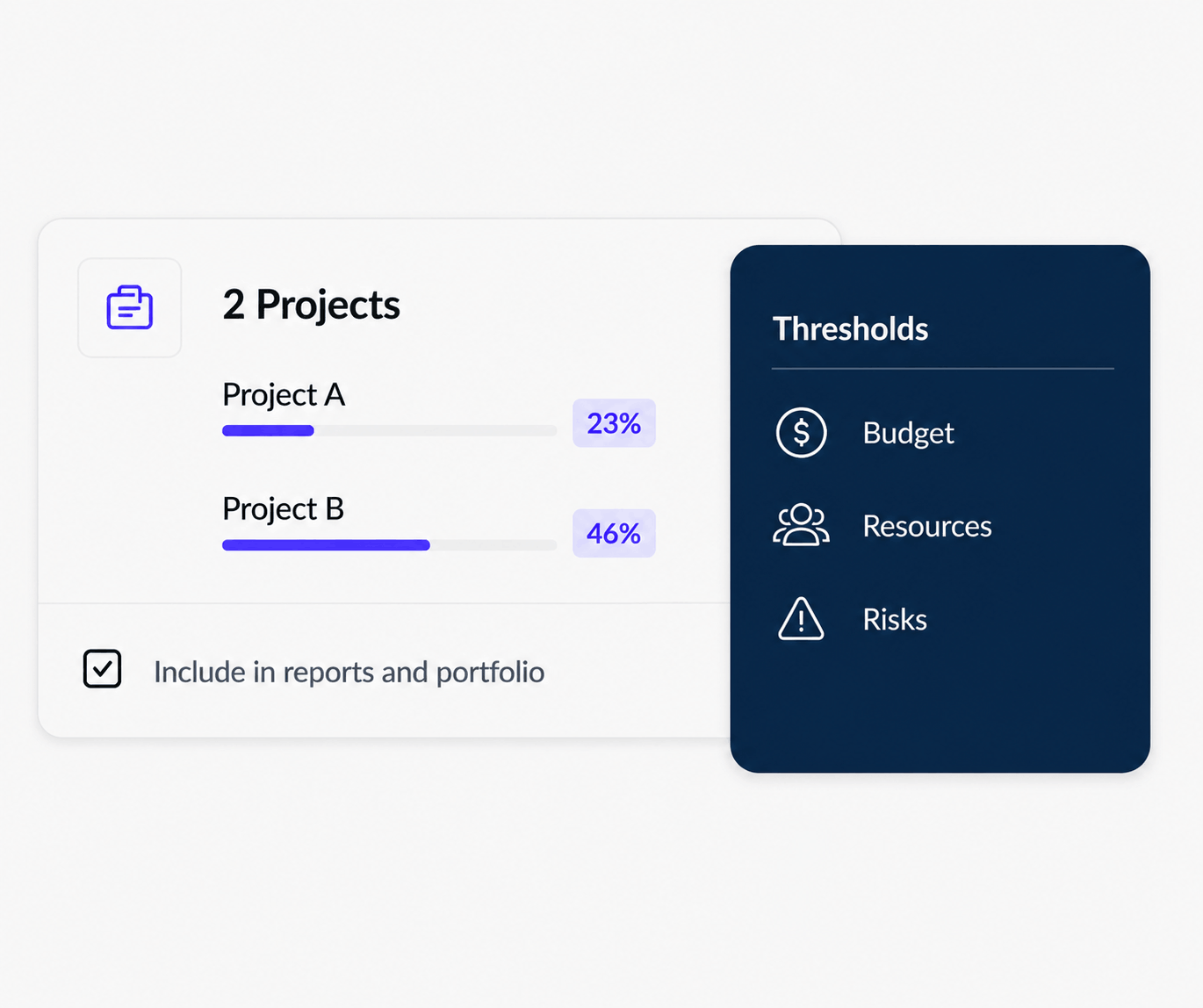
One person. Multiple projects. One real capacity.
See how assignments across different initiatives combine to consume each resource's available working time.
Capacity vs. Workload: What's the Difference?
Capacity is the amount of work a person or team can realistically handle during a specific period.
Workload is the amount of work already assigned during that same period.
Comparing the two tells managers whether someone is under capacity, approaching capacity, or already overloaded. A structured project workload management process helps managers act on that information before delivery is affected.
How much can they handle?
Available working time after schedules, PTO, leave, and other unavailable time are considered.
How much is already assigned?
The combined project tasks, assignments, and commitments consuming that capacity.
Business Benefits of Better Capacity Planning
Fewer Overloaded Resources
Spot capacity pressure before another assignment is added to someone who is already full.
Better Capacity Use
Find people with available capacity and distribute work more deliberately.
More Realistic Project Plans
Build schedules around the people and working capacity actually available to deliver them.
Clearer Staffing Decisions
See whether resource shortages are temporary or whether persistent demand may require additional capacity.
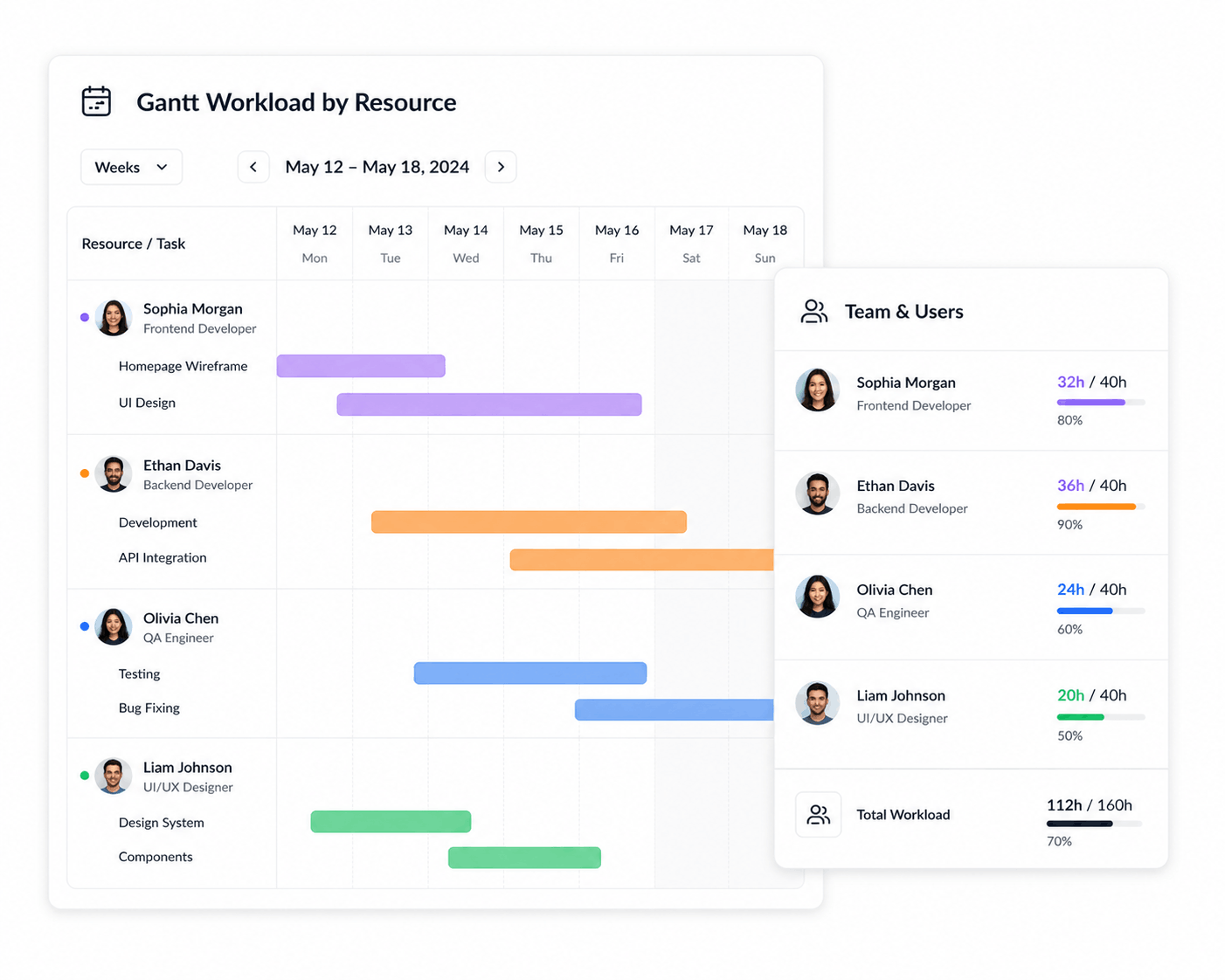
Turn available capacity into a realistic schedule.
Capacity tells you who has room. Resource scheduling helps determine when that person should work and where their available time should be allocated. For a broader comparison of tools, see our guide to the best resource scheduling software.
Team Capacity Planning With KolApp
KolApp combines project management with resource scheduling and capacity visibility. Managers can plan project work, review assignments across projects, account for resource availability, monitor workload, and identify where capacity needs to be rebalanced.
Because project and resource planning stay connected, capacity decisions can be made with context about timelines, budgets, priorities, and broader portfolio health. Teams can also connect staffing decisions with project budget tracking and project cost planning.
Instead of maintaining a separate capacity spreadsheet, teams can connect resource availability directly with the work creating demand.
Who Should Consider Team Capacity Planning Software?
- PMOs: understand resource capacity across programs, portfolios, and projects.
- Agencies: balance creative and delivery teams across overlapping client work.
- Consulting firms: manage consultants across engagements while protecting available and billable capacity.
- IT teams: coordinate specialists working across projects and operational responsibilities.
- Software teams: balance engineering capacity across releases, bugs, product development, and technical initiatives.
- Growing teams: replace spreadsheet-based capacity planning as project volume increases.
Also see resource management software for multiple projects, project management software with capacity planning, project management software with workload management, and project management software with resource scheduling.
Frequently Asked Questions
What is team capacity planning software?
Team capacity planning software helps managers compare available working capacity with current and future assignments so they can understand how much additional work employees and teams can realistically support.
How do you calculate team capacity?
Team capacity is based on available working time during a period after accounting for schedules, PTO, holidays, leave, and other unavailable time. See our step-by-step guide on how to calculate team capacity for projects.
What is the difference between workload and capacity?
Workload is the work assigned to a person or team. Capacity is the amount of work they can realistically handle during the same period.
Why should capacity be visible across projects?
People often support several projects at once. Looking at only one project can hide the total amount of capacity already consumed by other assignments.
Can capacity planning help prevent overallocation?
Yes. Comparing combined assignments with realistic availability can reveal overload before managers commit additional work.
What is the difference between capacity planning and resource scheduling?
Capacity planning determines how much work people can realistically support. Resource scheduling determines when that available time will be allocated to specific projects and tasks.
Does KolApp include team capacity and resource planning?
KolApp connects project planning with resource scheduling, workload, capacity, availability, utilization, budgets, and portfolio visibility.
Plan Work Around Your Team's Real Capacity
Connect capacity, workload, availability, projects, and resource scheduling so your team can make better commitments before work is assigned.
Start Your Free Trial