
Project Scheduling Software That Connects Plans, People and Progress
Build realistic project schedules, assign the right people, manage dependencies and see capacity before work becomes delayed.
Top 5 project scheduling software tools
Five strong options—matched to the teams they serve best.

Best for scheduling work and people together
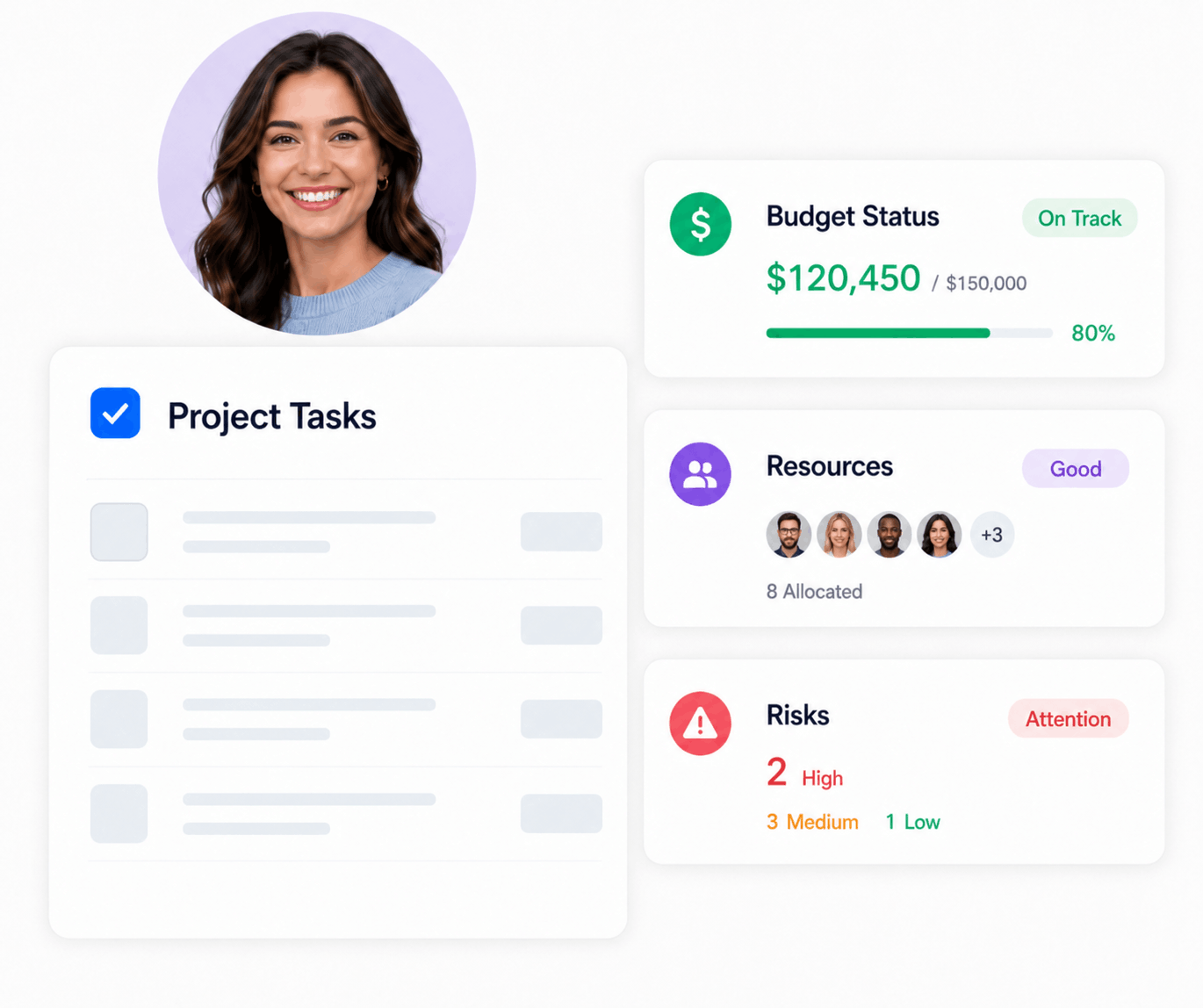
Gantt, Kanban, resource capacity, budgets and portfolio health in one calmer workspace.
monday.com
Flexible work platformBest for highly customizable workflows
Strong visual views, automations and integrations. The flexibility can require more setup and governance.
Smartsheet
Spreadsheet-style planningBest for spreadsheet-oriented teams
Familiar grid planning with Gantt charts and dependencies. A natural step up from Excel-style schedules.
Microsoft Planner
Structured schedulingBest for Microsoft-centered organizations
Premium plans add timeline scheduling and dependencies, with deeper portfolio capabilities in higher plans.
ClickUp
Task-heavy work managementBest for teams wanting many work views
Combines Gantt, calendar, timeline and workload views with a broad task-management feature set.
Want project scheduling without separating resource planning?
KolApp keeps the timeline, team capacity and portfolio picture connected.
What is project scheduling software?
Project scheduling software helps teams turn a scope of work into a time-based plan. It organizes tasks, milestones, owners, durations and dependencies so everyone can see what must happen, when it should happen and who has the capacity to do it.
Unlike a simple task list, scheduling software shows how one delay affects the rest of the project—and whether the proposed schedule is actually achievable with the people available.
A date is not a schedule.
A reliable schedule connects work, sequence, capacity and progress. If any one of those is missing, the finish date is mostly a guess.
Build a realistic schedulePlan work visually
Map tasks, milestones and phases across a timeline instead of managing disconnected due dates.
Connect dependencies
Show which activities block others and understand the downstream effect of schedule changes.
Validate team capacity
Check availability and workload before committing people to a plan they cannot realistically deliver.
Track the live plan
Compare actual progress with the schedule and surface risks early enough to respond.
Essential project scheduling software features
The best platform should make the schedule easier to understand and easier to maintain—not add another layer of administration.
Gantt timelines
Visualize start dates, end dates, durations, milestones and overlapping work across the full project.
Task dependencies
Connect related work and automatically understand how changes affect downstream activities.
Resource availability
See working hours, time off and existing assignments before placing new work on the schedule.
Multiple project views
Move between Gantt, Kanban, Grid and calendar-style views without rebuilding the plan.
Workflow automation
Trigger assignments, notifications and status changes when schedule conditions are met.
Portfolio visibility
Roll project schedules into portfolio dashboards for a clearer picture of risk, health and priorities.
Which type of scheduling tool fits your team?
Not every scheduling product solves the same problem. Compare the operating model—not just the length of the feature list.
| Option | Best for | Project planning | Resource capacity | Portfolio oversight |
|---|---|---|---|---|
| Spreadsheets | Small, static plans | Manual | Manual | Limited |
| Basic task managers | Simple team to-do lists | Yes | Limited | Limited |
| Standalone Gantt tools | Timeline-focused planning | Strong | Varies | Varies |
| Resource scheduling tools | Availability and utilization | Limited | Strong | Varies |
| KolApp | Projects + resources together | Strong | Strong | Built in |
The right choice depends on team size, workflow complexity and the level of resource and portfolio visibility required.
How project scheduling works in practice
Define
Break the project into phases, deliverables and tasks.
Sequence
Add durations, milestones and dependencies.
Staff
Assign available people based on capacity and skills.
Adapt
Track progress and adjust the live schedule as work changes.
Common project scheduling use cases
Software and IT projects
Coordinate discovery, design, development, testing and deployment while managing technical dependencies.
Consulting engagements
Schedule consultants across client work without creating conflicts or exceeding available billable capacity.
Marketing campaigns
Connect content, creative, approval and launch activities to one visible delivery timeline.
Construction and operations
Sequence work packages, owners and milestones while monitoring schedule risk across active projects.
Schedule the project and the people in one place
Many tools create a polished timeline without answering the most important question: does the team have room to deliver it? KolApp connects project planning with resource scheduling, availability, workload, project health, budgeting and portfolio reporting.
How to choose project scheduling software
Shortlist products by testing them against the way your team really plans and delivers work.
Can it manage both tasks and resources?
A timeline without availability data can hide overloaded people and unrealistic commitments.
Can stakeholders see the right level of detail?
Teams need actionable task views; leaders need concise project and portfolio health reporting.
Can the plan adapt without heavy manual work?
Look for dependencies, reusable templates, automations and flexible views that reduce schedule maintenance.
Will adoption be realistic?
Choose an interface teams can understand quickly, then test it with a real project during the trial.
What should project scheduling software actually help you do?
At its simplest, project scheduling software connects tasks to dates, owners and dependencies. Its value becomes clearer when something changes: a review takes longer, a specialist is unavailable, or a new priority arrives halfway through the week.
See the sequence
A task list tells you what is due. A schedule also tells you what must finish first. Use Gantt charts and dependencies to make handoffs visible before they become blockers.
Check who is available
An owner’s name is not proof they have time. Pair the project timeline with resource scheduling to check existing assignments and time off before agreeing to a delivery date.
Reuse the sensible parts
Recurring projects often need the same reviews, approvals and handoffs. Start with project templates, then adjust durations and owners for the actual job.
Keep handoffs moving
Decide which updates need a person and which can follow a rule. Workflow automation can support reminders and notifications, but someone still needs to resolve a blocked decision.
A website launch: four stages, one shared designer
Imagine a small team preparing a website launch. The following is an illustrative plan, not a delivery estimate. Each stage needs the previous stage’s approval before starting.
| Stage | Working days | Owner | Ready to start when… |
|---|---|---|---|
| Scope and content outline | 1–3 | Project lead | Stakeholders agree on the brief |
| Page design | 4–8 | Designer | Scope and content outline are approved |
| Build | 9–15 | Developer | Design is approved |
| Test and launch | 16–18 | QA and project lead | Build is ready for testing |
The conflict a timeline alone can miss
The designer has 24 hours available for project work during the design week. Another project already needs 10 hours, leaving 14—not 24—for this launch.
If the design needs 20 hours, the team must cover a six-hour gap: reduce scope, use another qualified designer, or move the dates. Adding a deadline does not add capacity.
Read how to prevent resource overallocation →How to build a project schedule your team can maintain
1. Start with deliverables
Define the output before assigning dates. “Publish the approved landing page” is easier to estimate and verify than “work on the website.” Break large deliverables into tasks with clear completion criteria.
2. Separate effort from duration
A task requiring eight hours of effort may take three working days when its owner is shared across projects. Account for availability, review time and waiting—not just hands-on work.
3. Add only real dependencies
Connect work that genuinely relies on an earlier result. Do not chain every task together simply because it appears next in a list; some activities can run in parallel.
4. Agree on the next review
Keep the plan current by reviewing upcoming milestones, blocked tasks and changes to availability. Record why a key date changed so stakeholders understand the decision.
One project can look healthy while the team is overbooked
Project scheduling answers “When should this work happen?” Resource scheduling answers “Who can do it during that period?” When several managers share the same people, both views matter.
Bring assignments together before approving the next project. Our guide to multi-project resource scheduling software covers the cross-project view in more detail.
For project managers
Look ahead for competing assignments, approval bottlenecks and unavailable specialists. Resolve the conflict with the other project owner rather than moving dates in isolation.
For portfolio leaders
Use portfolio management to put schedule decisions in context. If two projects need the same specialist, business priority should help determine which commitment moves.
Test these three things during a software trial
Use a small real project instead of an empty demo board. The goal is to see whether the software makes everyday scheduling decisions easier.
Move a task that has a successor
Check whether downstream dates move automatically or need approval. Confirm what happens around weekends and non-working days. Dependency behavior and plan limits vary by product.
Assign someone who already has other work
Can you see their total commitments without opening every project? Check how the tool represents part-time availability, time off and the difference between a booking and an effort estimate.
Share the plan with a stakeholder
Find out whether they can understand milestones and changes without learning the entire tool. Check guest permissions and whether sharing adds a licensing cost.
Frequently asked questions
What is the best software for project scheduling?
The best option depends on whether you only need a timeline or also need resource capacity, workflow management and portfolio reporting. KolApp is designed for teams that want project and resource scheduling in one connected workspace.
What is the difference between project management and project scheduling software?
Project scheduling focuses on when work happens, its sequence and its dependencies. Project management is broader and may also cover tasks, collaboration, budgets, risks, reporting and portfolios.
Can project scheduling software manage multiple projects?
Yes. Multi-project scheduling should show overlapping timelines, shared resource demand and portfolio-level health so managers can resolve conflicts across projects.
Does KolApp include resource scheduling?
Yes. KolApp combines project views with a dedicated scheduler for availability, assignments, time off and workload visibility.
How much does KolApp cost?
KolApp project management plans start at $9 per user. Visit the pricing page for current plan details and trial options.