
Conflict Booking

Stop double bookings before they disrupt work.

Automatically detect overlapping assignments, unavailable resources, and scheduling conflicts before they impact projects. Give teams a clear way to review, resolve, and prevent booking issues.

πŸ‘€
Create bookingSchedule people, rooms, assets, or equipment
β–¦
Check availabilityCompare dates, times, and existing reservations
⚠
Detect conflictFlag overlaps, double bookings, and unavailable resources
$
Resolve issueMove, replace, or adjust the conflicting booking
βœ“
Confirm bookingKeep schedules accurate and dependable

Everything your team needs to prevent booking conflicts

Double-Booking Detection
Real-Time Availability
Conflict Alerts
Resolution Workflows
Booking History
Real-Time Conflict Detection

Catch overlapping bookings instantly.

KolApp checks every new reservation against existing assignments, availability, time off, and resource schedules so conflicts are identified before a booking is confirmed.

  • Detect overlaps across people, rooms, vehicles, and equipment.
  • Check availability in real time as bookings are created.
  • Prevent conflicting assignments from reaching the schedule.
Explore Capacity Management
KolApp booking conflict detection dashboard
Clear Conflict Alerts

Show teams exactly what is causing the conflict.

Give managers clear alerts that explain which booking, date, person, or asset is creating the issue, so they can resolve it without searching through multiple schedules.
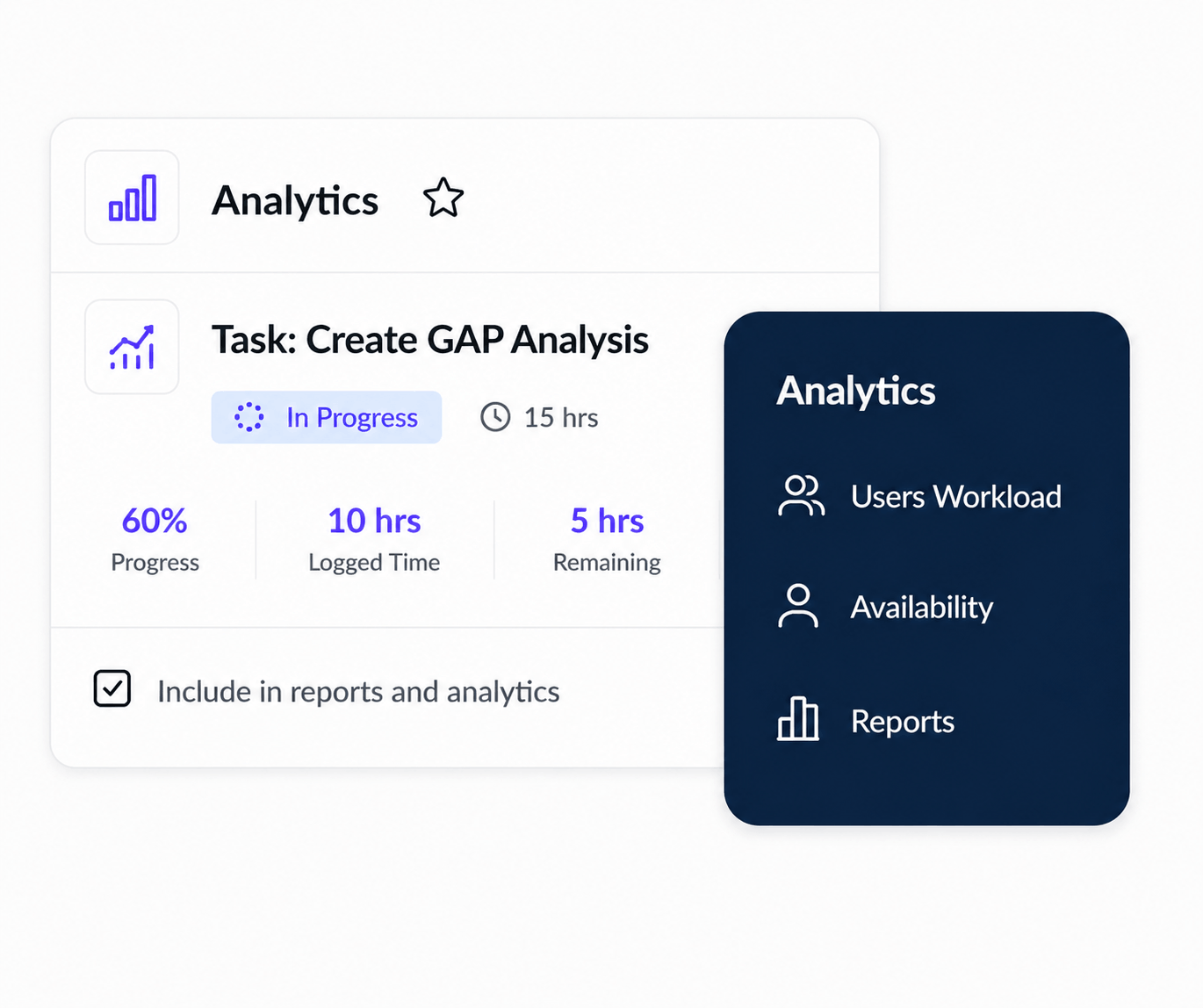
  • Highlight the exact bookings that overlap.
  • Show unavailable dates, time-off conflicts, and resource limits.
  • Provide clear context before a booking is approved or changed.
Explore Asset Management
KolApp booking conflict alert view
Resolution Workflows

Resolve conflicts without rebuilding the schedule.

Move the booking, choose another resource, adjust the duration, or replace the assignee directly from the conflict workflow while keeping project and scheduling context intact.
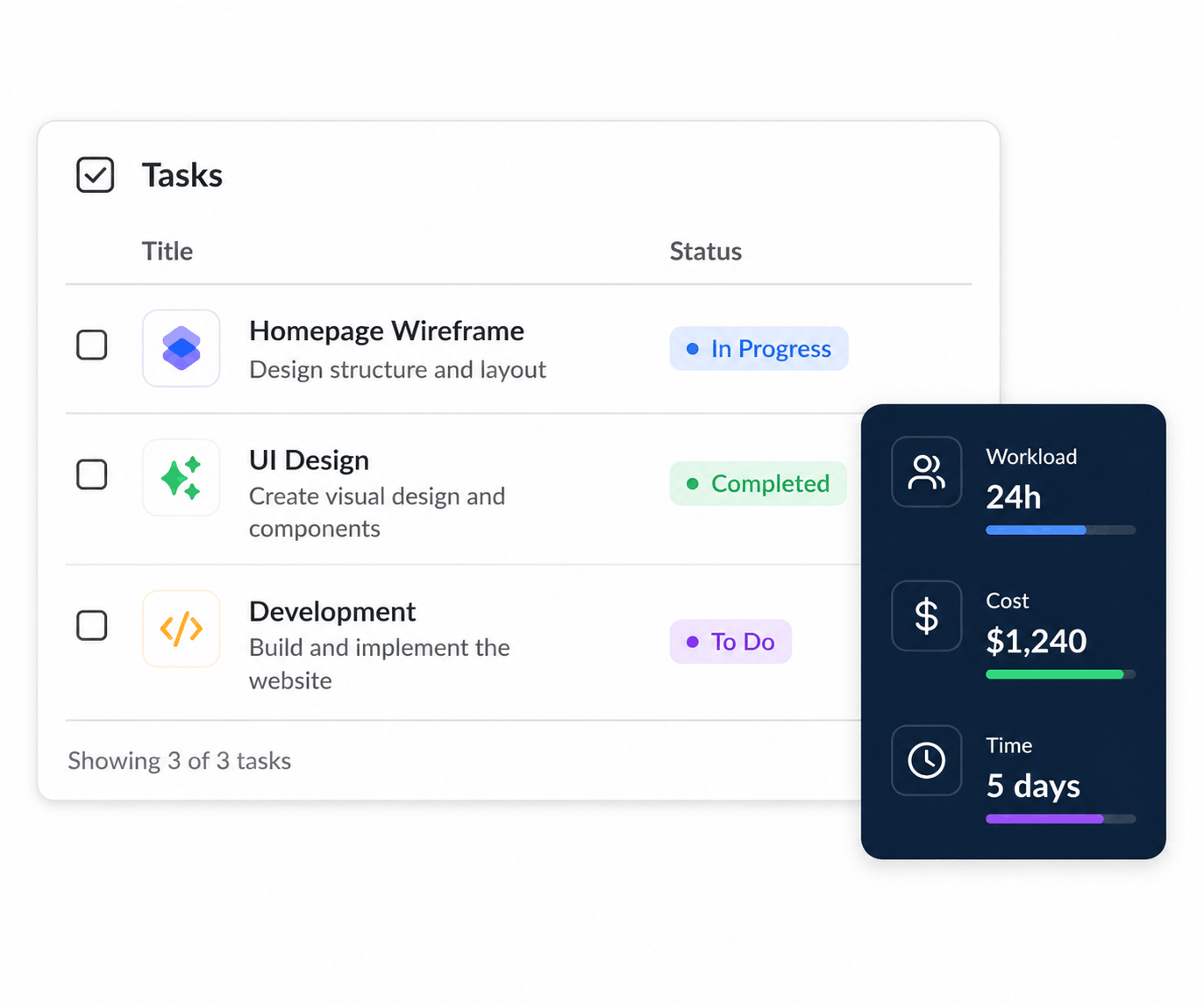
  • Move conflicting bookings to another date or time.
  • Replace unavailable people, rooms, or assets.
  • Update schedules without losing project details.
Explore Workload Management
KolApp conflict resolution workflow
Booking Visibility & History

Understand recurring conflicts and booking patterns.

Use shared schedules, booking history, and conflict reports to understand where overlaps happen most often and improve how teams reserve people and shared resources.
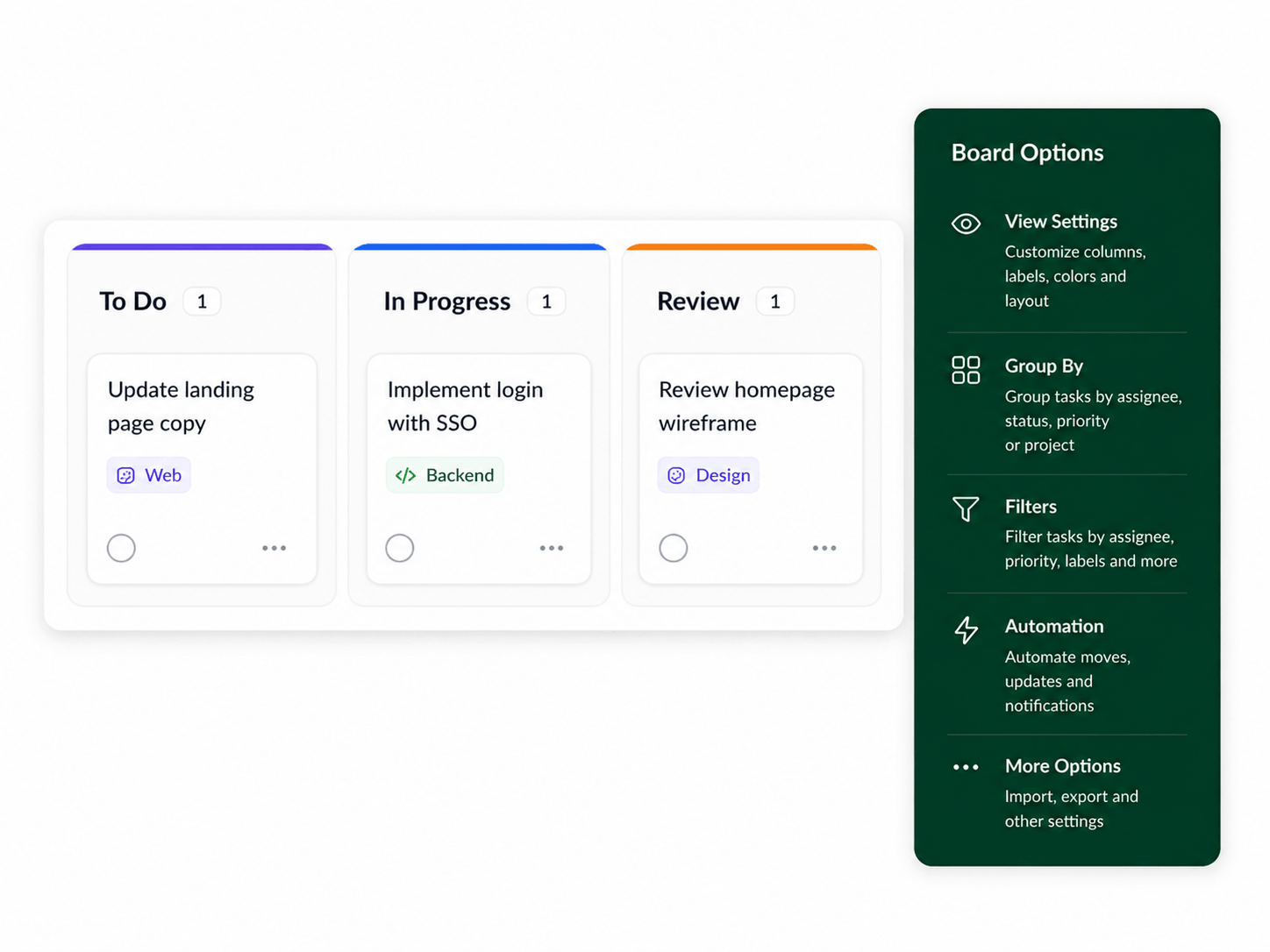
  • Review current, resolved, and historical booking conflicts.
  • Identify recurring overlap patterns by team, project, or resource.
  • Improve scheduling policies using real booking data.
Explore Scheduler Reports
KolApp booking history and conflict reports
Key Benefits

Keep bookings accurate, reliable, and conflict-free.

KolApp gives teams a clearer way to detect, understand, and resolve booking conflicts without switching between spreadsheets, calendars, and disconnected scheduling tools.

β–¦

Prevent double bookings

Automatically check every reservation against existing schedules and availability.

⚠

Resolve issues faster

Move, replace, or adjust conflicting bookings from one clear workflow.

$

Protect delivery plans

Keep schedule overlaps from delaying projects, teams, or shared resources.