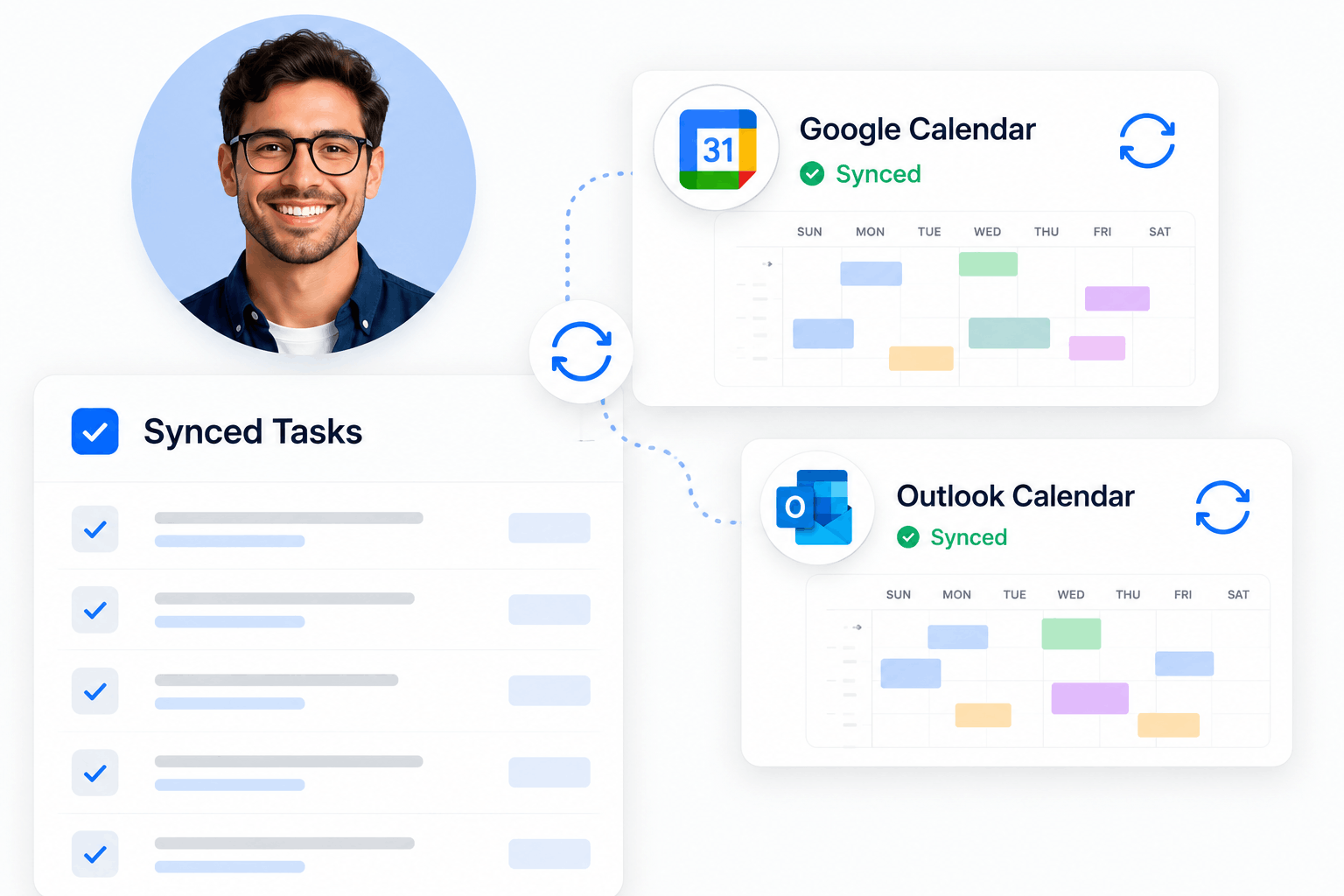
Scheduler Integrations

Connect your calendar. Keep every schedule accurate.

Sync KolApp Scheduler with Google Calendar and Microsoft Outlook so meetings, time off, and calendar events are reflected before new work is booked.

What calendar sync does for your team Connected calendars give schedulers a more complete view of availability before work is assigned.
▣
Meeting Sync Bring meetings and calendar events into resource planning automatically.
◷
Time-Off Visibility See blocked time and planned absences before assigning new work.
✓
Live Availability Understand who has room for more work across every project schedule.
!
Conflict Detection Identify overlapping bookings and calendar commitments before they become problems.

Calendar visibility built directly into resource scheduling

Meetings
Time Off
Availability
Bookings
Conflict Detection
Available Integrations

Connect the calendars your team already uses.

KolApp keeps scheduling focused and simple with direct integrations for Google Calendar and Microsoft Outlook.

Google Calendar

Available

Connect Google Calendar to bring meetings and calendar events into KolApp's resource availability view.

  • Reflect calendar events when checking user availability.
  • Reduce booking conflicts caused by meetings and blocked time.
  • Keep personal calendars and project schedules aligned.
Microsoft Outlook

Available

Connect Microsoft Outlook so meetings and calendar activity are visible when planning resources and schedules.

  • Use Outlook calendar activity when reviewing availability.
  • See blocked time before assigning new work or bookings.
  • Improve scheduling accuracy across Microsoft 365 teams.
Connected Availability

See calendar commitments before you book.

Calendar events can affect whether someone is truly available. KolApp brings that context into the Scheduler so teams can make better assignment decisions.

  • Review meetings and blocked time alongside project bookings.
  • Spot scheduling conflicts before assignments are confirmed.
  • Make availability more accurate across every project.
Connected Availability
Conflict Prevention

Make better scheduling decisions with complete context.

When calendar commitments and project assignments live in separate places, conflicts are easy to miss. KolApp helps combine that availability context in one clear scheduling view.

  • Identify unavailable time before adding new bookings.
  • Balance workloads around meetings and existing commitments.
  • Reduce manual calendar checks and scheduling back-and-forth.
Calendar Sync
↔
Connected SchedulingCalendar activity and resource bookings in one view.
◷
Better AvailabilityUse meetings and blocked time when planning work.
!
Fewer ConflictsCatch scheduling issues before assignments are made.
✓
Less Manual WorkReduce back-and-forth calendar checking across teams.