
Time Off & Availability

Plan work around real availability.

Track vacations, holidays, sick leave, working hours, and custom schedules in one place. Give managers an accurate view of who is available before projects and tasks are assigned.

πŸ‘€
Set availabilityWorking hours, schedules, and time zones
β–¦
Request time offVacation, sick leave, and personal time
⚠
Review conflictsSee schedule impact before approval
$
Update schedulesReflect changes across projects and teams
βœ“
Plan confidentlyAccurate staffing and realistic timelines

Everything your team needs to manage availability clearly

Time-Off Requests
Work Schedules
Approval Workflows
Holiday Calendars
Availability Reports
Centralized Availability

See who is available before assigning work.

Bring working hours, time off, holidays, time zones, and existing commitments into one clear view. Managers can quickly understand who is available and when they can take on more work.

  • View availability by person, team, role, department, or location.
  • Account for working hours, time zones, and custom schedules.
  • Keep availability connected to projects and resource plans.
Explore Capacity Management
KolApp team availability dashboard
Time-Off Management

Make time-off requests simple and transparent.

Let employees submit vacation, sick leave, personal time, and other absence requests from one place while managers review the impact before approving them.
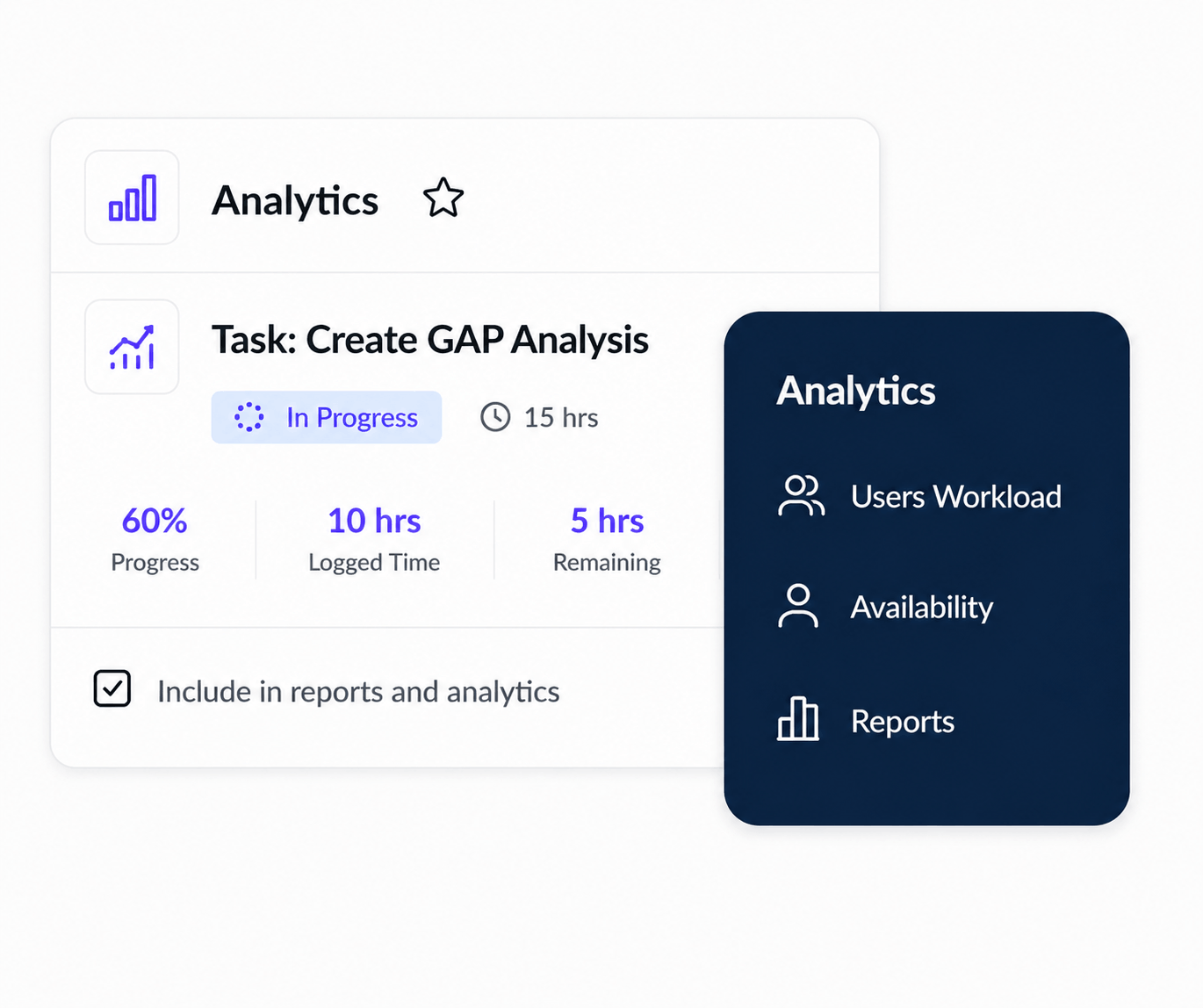
  • Support vacation, sick leave, personal days, and custom leave types.
  • Track pending, approved, declined, and cancelled requests.
  • Give employees and managers clear request histories.
Explore Scheduler Permissions
KolApp time-off request and approval view
Approvals & Conflict Detection

Understand schedule impact before approving leave.

See project deadlines, staffing needs, overlapping absences, and existing assignments before a request is approved. Managers can make informed decisions without checking multiple calendars.
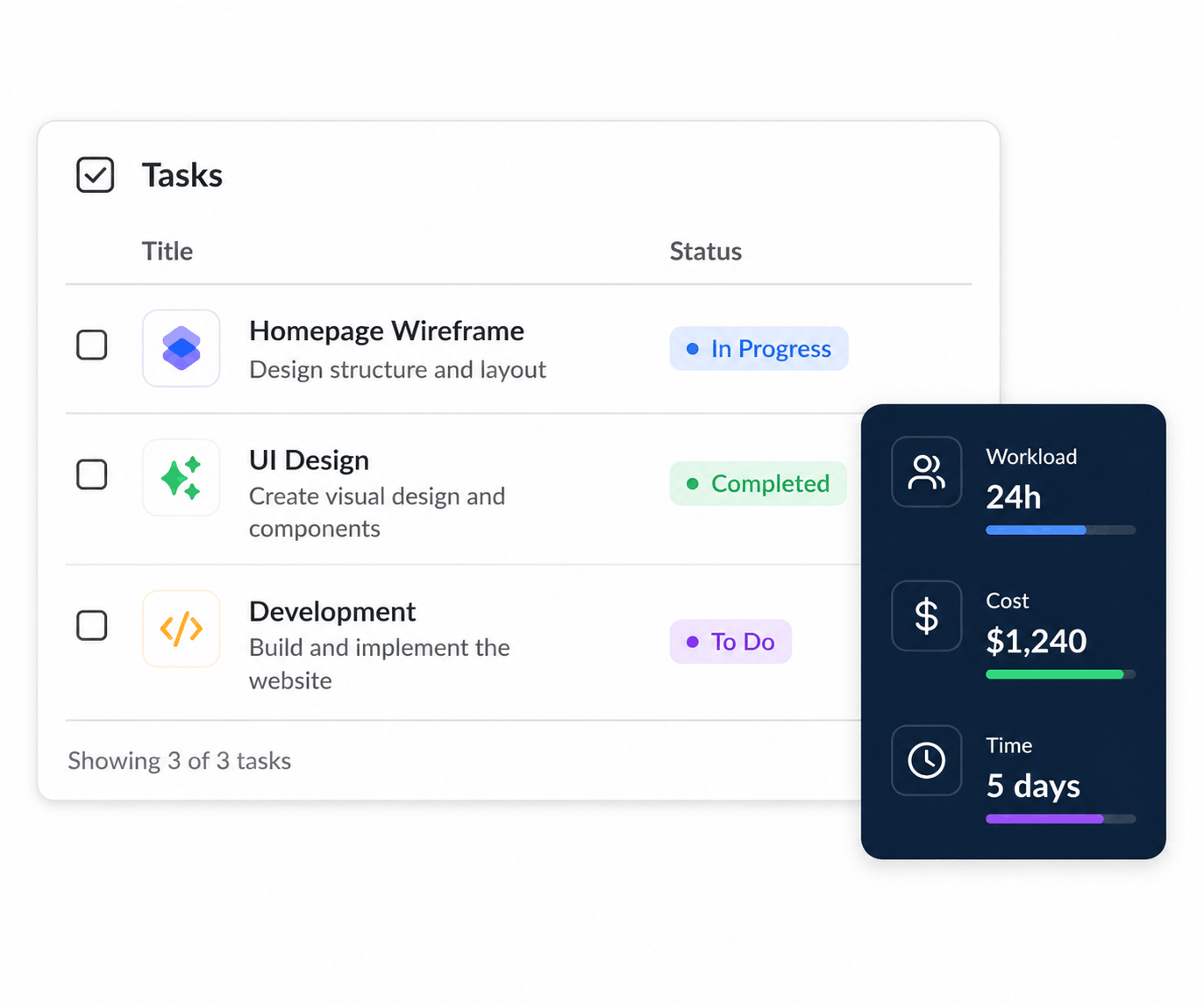
  • Flag overlapping absences and coverage gaps.
  • Review project and workload impact before approval.
  • Reassign work or adjust schedules when coverage is limited.
Explore Conflict Detection
KolApp availability conflict detection view
Calendars & Reporting

Keep availability visible across the organization.

Use shared calendars and availability reports to understand absence patterns, remaining capacity, upcoming coverage gaps, and team availability across departments and locations.
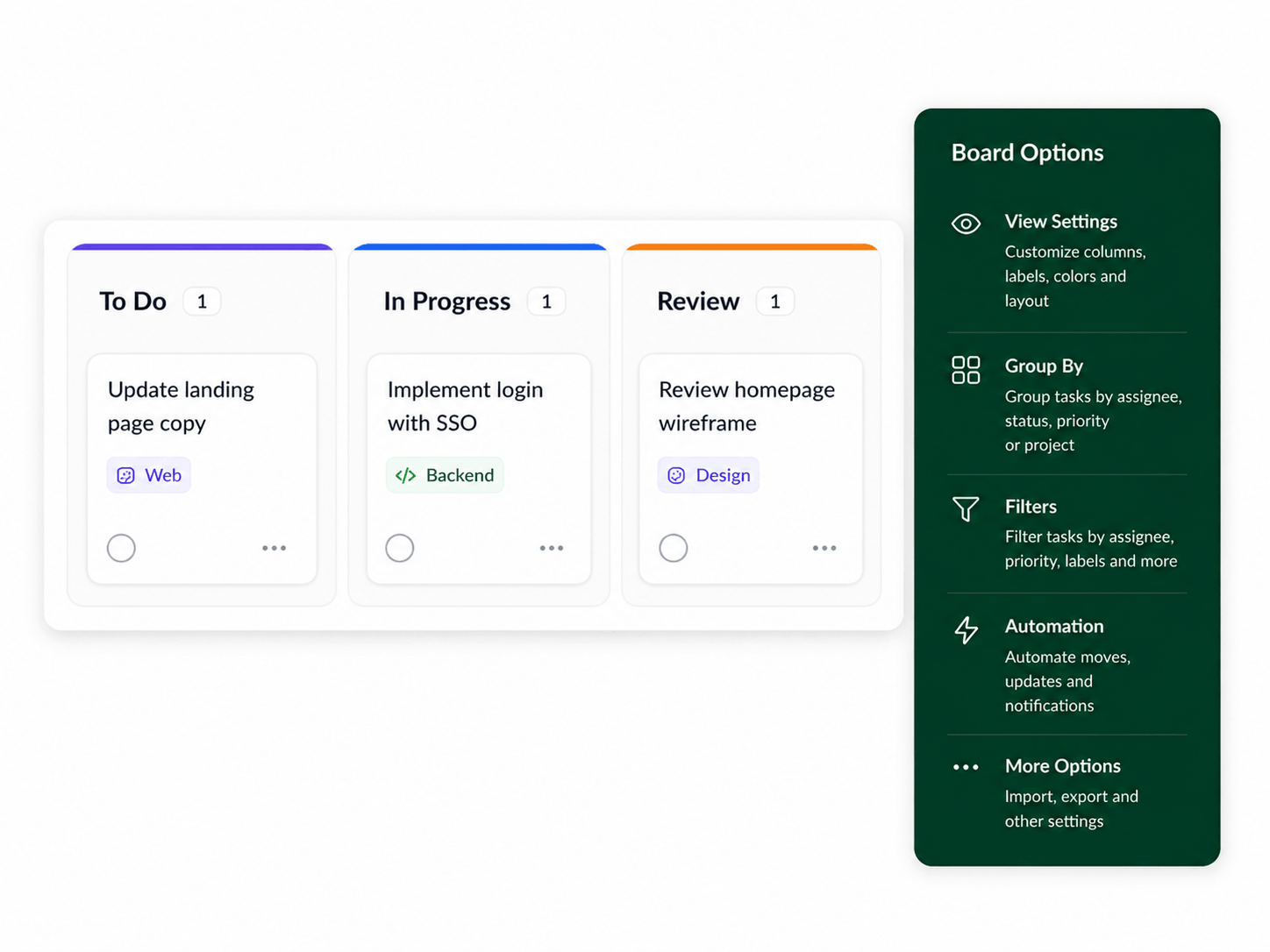
  • View team time off and availability in shared calendars.
  • Track absence trends by team, leave type, and time period.
  • Plan staffing and project timelines using accurate availability.
Explore Scheduler Reports
KolApp time-off calendar and availability reports
Key Benefits

Keep schedules accurate, transparent, and connected.

KolApp gives teams a clearer way to manage working hours, leave requests, holidays, and resource availability without switching between spreadsheets, calendars, and disconnected HR tools.

β–¦

Plan with confidence

Use real availability to create more realistic assignments and project timelines.

⚠

Simplify approvals

Give employees and managers one clear workflow for requesting and approving leave.

$

Improve visibility

See upcoming absences and coverage gaps before they disrupt delivery.