
Scheduling Reports

Turn scheduling data into clear, actionable reports.

Track time off, billable hours, utilization, availability, workload, and scheduled capacity in one reporting workspace. Give managers the insight they need to plan staffing, control costs, and improve delivery.

πŸ‘€
Collect schedule dataHours, assignments, availability, and time off
β–¦
Measure performanceBillable hours, utilization, and capacity
⚠
Spot trendsOvertime, absences, workload gaps, and pressure
$
Filter reportsAnalyze by person, team, project, or date range
βœ“
Plan betterMake informed staffing and scheduling decisions

Everything your team needs to understand scheduling performance

Time-Off Reports
Billable Hours
Utilization
Workload Trends
Capacity Forecasting
Time-Off Reporting

Understand time off and team availability.

See vacation, sick leave, personal time, holidays, and other absences across teams and departments. Identify upcoming coverage gaps and understand how time off affects project staffing.

  • Report on approved, pending, declined, and cancelled leave.
  • Compare absence trends by person, team, leave type, or period.
  • See remaining availability before assigning project work.
Explore Time-Off Planning
KolApp time-off and availability reporting dashboard
Billable Hours & Utilization

Track billable work and resource utilization.

Compare billable and non-billable scheduled hours to understand productivity, profitability, and how effectively teams are being utilized across clients and projects.
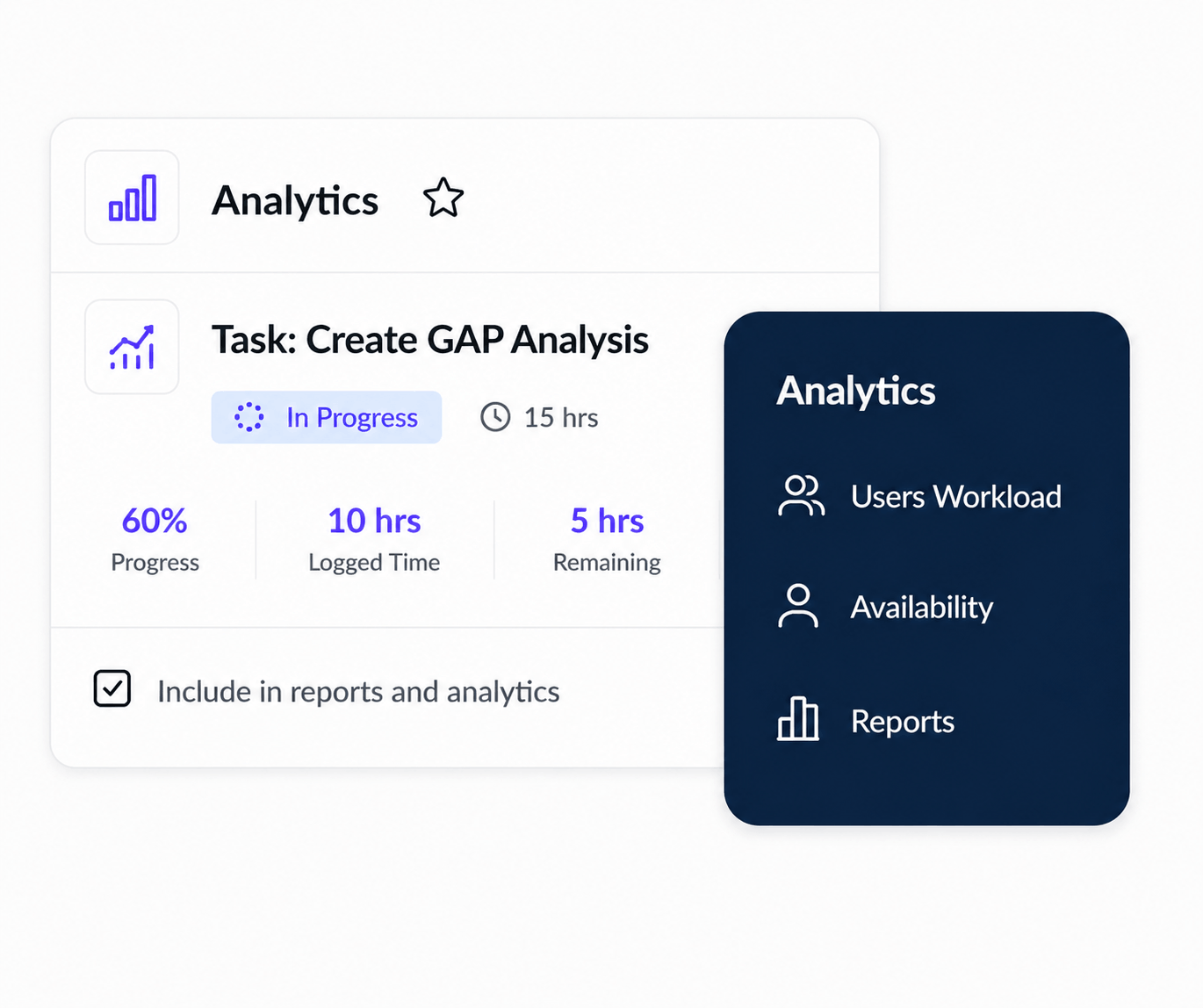
  • Track billable, non-billable, internal, and available hours.
  • Measure utilization by person, role, team, project, or client.
  • Identify underused resources and excessive billable pressure.
Explore Budget Tracking
KolApp billable hours and utilization report
Workload & Capacity Trends

See where workload pressure is building.

Analyze scheduled hours, open capacity, overtime, and workload distribution over time. Spot recurring bottlenecks before they affect delivery or create burnout.
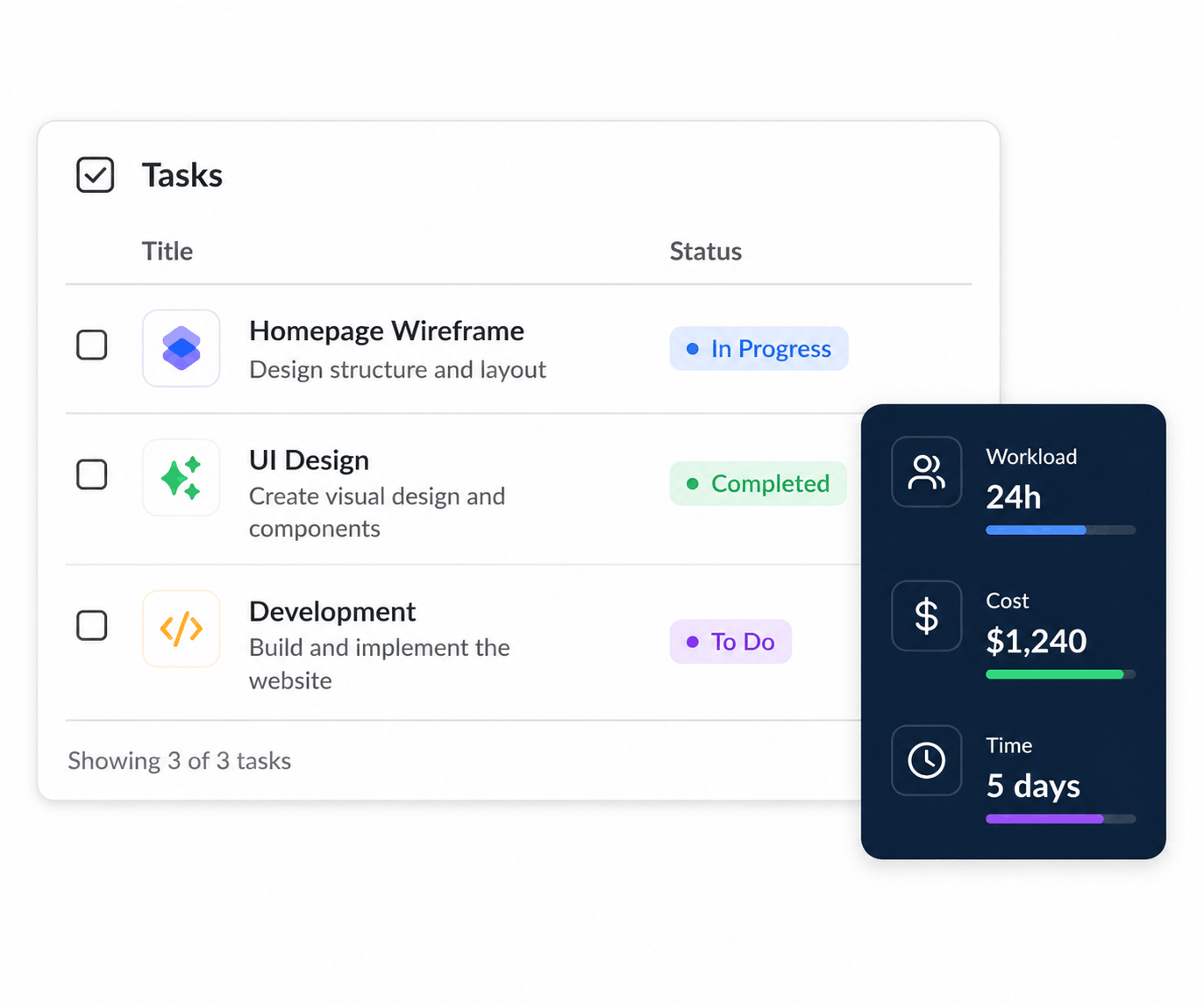
  • Compare planned workload against available capacity.
  • Identify overloaded, balanced, and underutilized resources.
  • Forecast future staffing gaps using scheduled demand.
Explore Workload Management
KolApp workload and capacity trend report
Flexible Reporting

Build reports around the questions that matter.

Filter and group scheduling data by employee, team, department, role, project, client, location, or date range. Give stakeholders clear views without rebuilding spreadsheets.
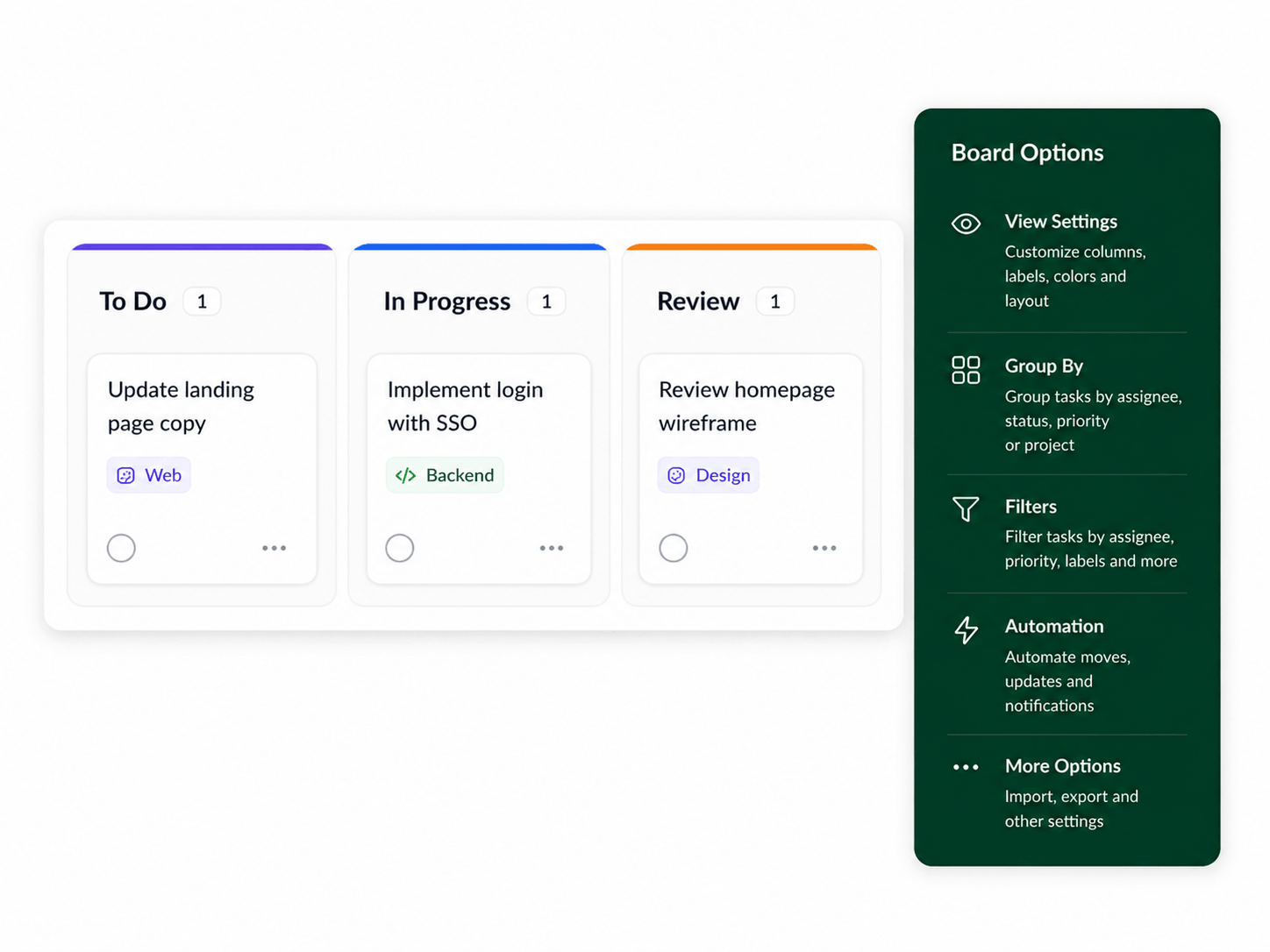
  • Filter reports by user, project, team, client, or time period.
  • Compare scheduled, available, billable, and time-off hours.
  • Export or share reports for staffing and leadership reviews.
Explore Scheduler Permissions
KolApp flexible scheduling reports dashboard
Key Benefits

Make scheduling decisions with better data.

KolApp gives managers a clearer way to understand time off, billable hours, utilization, workload, and capacity without switching between spreadsheets, calendars, and disconnected reporting tools.

β–¦

Improve utilization

See how scheduled time is distributed and identify unused capacity.

⚠

Protect profitability

Track billable hours and understand how scheduling affects project margins.

$

Plan staffing earlier

Use time-off, workload, and capacity trends to anticipate future staffing needs.