
Plan class coverage, coordinate faculty and staff, reserve rooms and equipment, and give every academic program the resources it needs from one visual scheduler.
Education schedules change throughout the term. KolApp Scheduler gives schools one place to see availability, coordinate faculty and support staff, reserve shared spaces, and balance capacity across programs and departments.
Schedule classes, office hours, student services, events, and academic programs while accounting for faculty availability, room capacity, shared equipment, and time off.
Match faculty, substitutes, advisors, administrators, and support teams to classes and programs based on role, workload, and availability.
See which faculty members, classrooms, labs, equipment, and shared resources are booked, available, away, or over capacity.
View class schedules, assigned instructors, planned hours, room availability, and program coverage across your school, district, or institution.
See faculty and staff assignments by day, week, or month and understand exactly where everyone is booked.
Reserve classrooms, labs, studios, equipment, vehicles, and shared spaces alongside the people who need them.
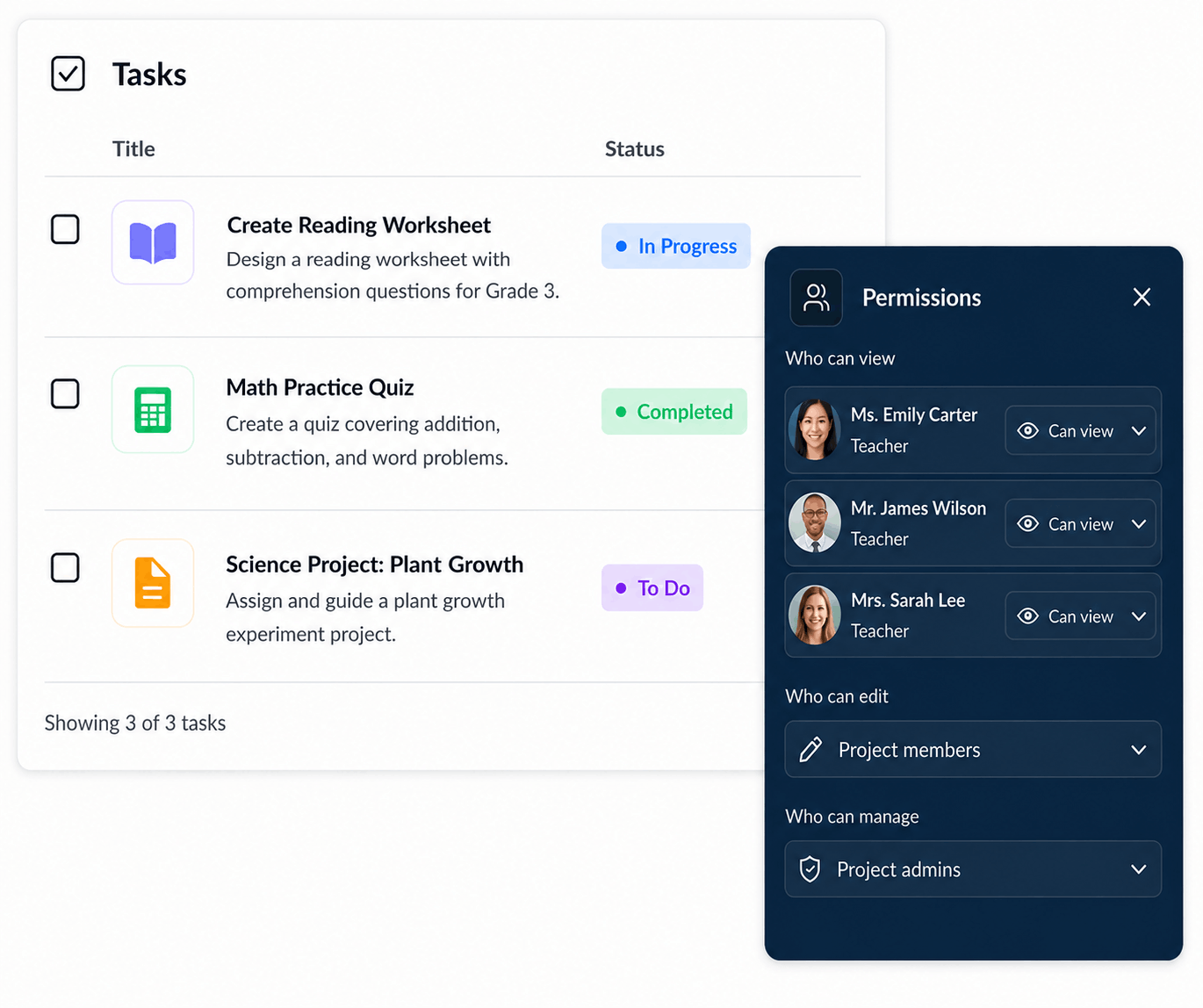
Control who can view, create, edit, approve, and manage bookings. Give administrators broad oversight while faculty and coordinators access only the schedules and resources relevant to them.
Set clear scheduling permissions for administrators, department heads, faculty, staff, and external coordinators.
Allow teams to manage their own faculty, rooms, labs, and equipment without exposing unrelated schedules.
Compare class and program demand with the actual availability of instructors, advisors, support staff, classrooms, labs, equipment, and shared resources across the institution.
Understand how much faculty, staff, classroom, and program capacity is assigned, available, or overcommitted.
See where instructors, support teams, rooms, or departments are stretched and where more capacity is available.

Coordinate academic demand, faculty availability, classroom capacity, shared resources, and program schedules without losing visibility across your institution.