
Work Management System Definition
A work management system creates a common structure for coordinating how work enters an organization, who is responsible for it, when it should happen and how progress is measured.
Unlike a simple task list, a work management system can span multiple types of work. A team may use the same system to run a project, process recurring requests, schedule resources, manage approvals and report progress to leadership.
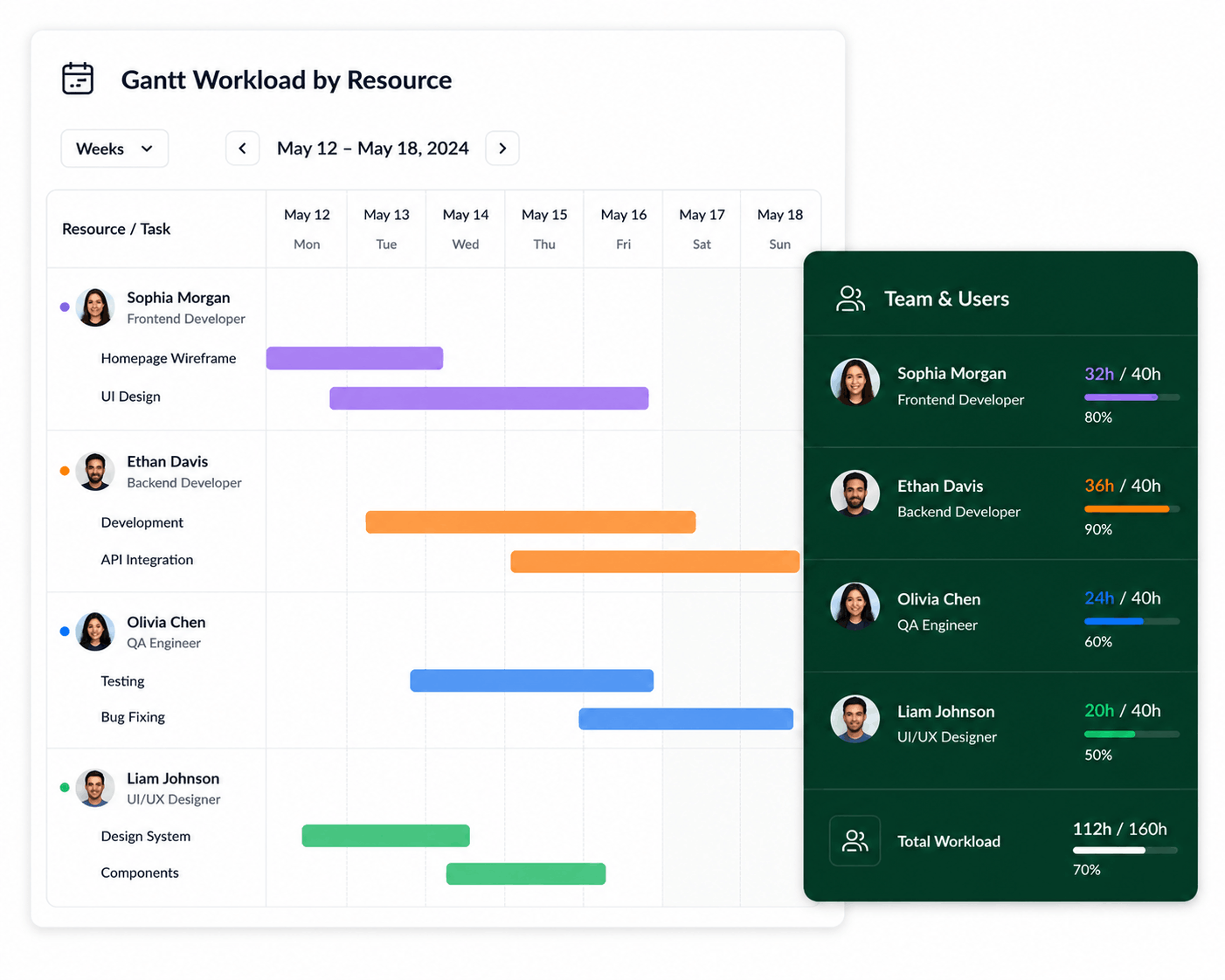
How Does a Work Management System Work?
Most work follows a simple lifecycle. The system provides visibility and structure at each stage so information does not have to be reconstructed through spreadsheets, email and status meetings.
Collect requests, tasks, ideas and planned initiatives.
Set priorities, owners, dates, resources and dependencies.
Collaborate, update status and move work through its workflow.
Review progress, workload, delays and outcomes.
Key Features of a Work Management System
Task Management
Create tasks, assign owners, set priorities, add deadlines and track progress. See task management best practices.
Project Planning
Coordinate milestones, schedules, dependencies and deliverables across larger initiatives.
Workflow Management
Define how requests and tasks move from intake through review and completion.
Resource Visibility
Understand assignments, workload and available capacity across people and projects.
Automation
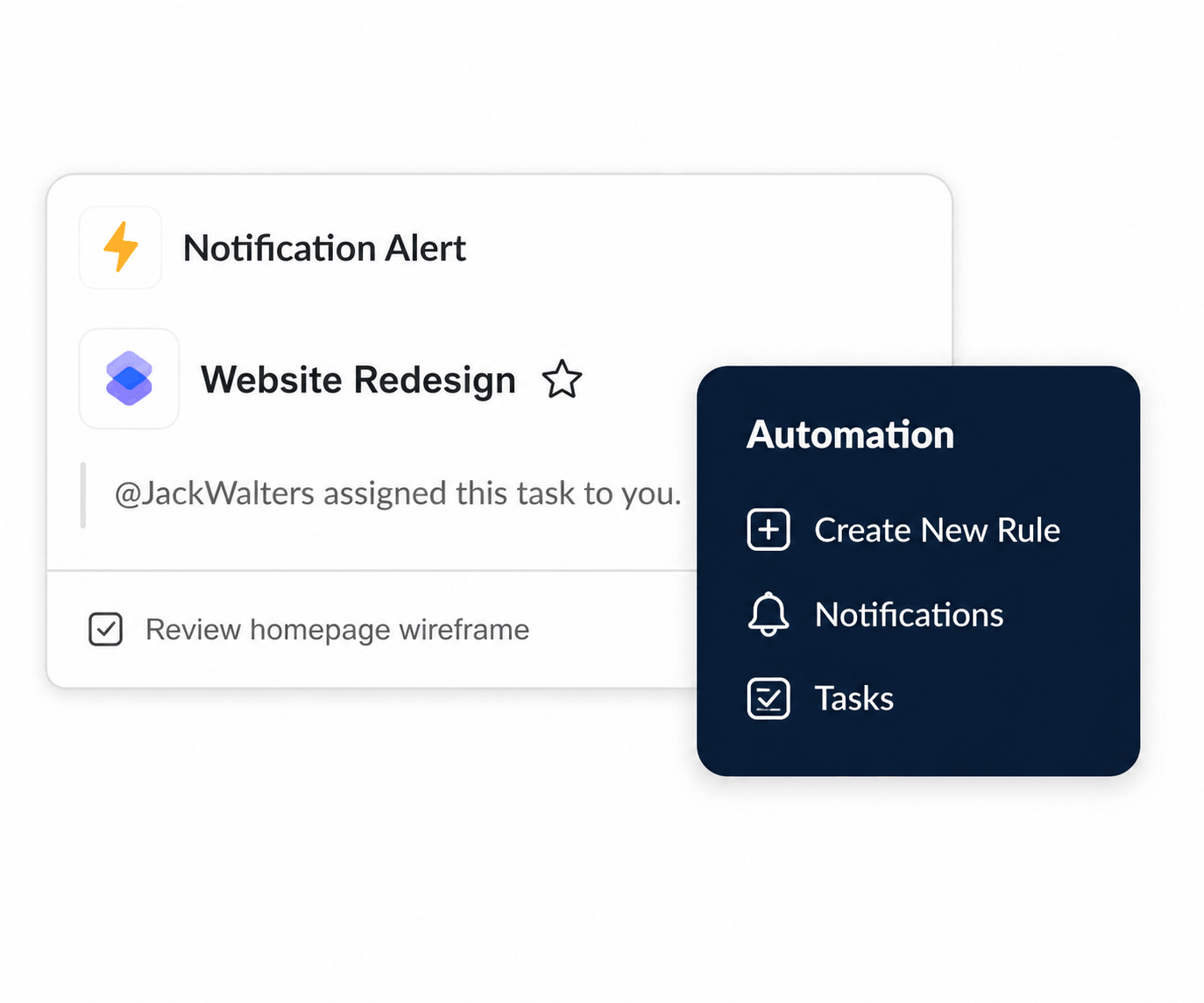
Reduce repetitive follow-up with notifications, rules, reminders and status changes.
Dashboards & Reporting
Turn task, project and resource data into useful status and performance visibility.
Make the system do more of the follow-up.
Work management becomes more useful when updates can trigger the next action automatically. Rules and notifications help keep tasks moving without relying on constant manual reminders.
Benefits of Work Management Systems
- Creates one source of truth for work
- Clarifies ownership and accountability
- Reduces disconnected spreadsheets
- Makes deadlines and priorities visible
- Improves cross-team coordination
- Helps identify overloaded resources
- Reduces repetitive status updates
- Improves management reporting
Work Management System Examples
The same underlying system can support very different teams because the structure is based on how work moves rather than one specific industry.
Coordinate campaigns, creative requests, content calendars and recurring reporting.
Manage upgrades, internal requests, infrastructure projects and maintenance work.
Plan client projects while coordinating shared people and delivery capacity.
Track recurring processes, approvals, improvement initiatives and cross-team work.
Work Management System vs. Task Management
Task management is one part of work management. Task management focuses on individual pieces of work: owners, priorities, due dates and status. A work management system connects those tasks to larger projects, workflows, resources, automation, reporting and recurring operational work.
| Area | Task Management | Work Management |
|---|---|---|
| Tasks & owners | Core focus | Included |
| Projects | May be included | Usually connected |
| Resource planning | Limited or varies | May connect workload and capacity |
| Cross-team workflows | Varies | Broader focus |
| Reporting & portfolios | Usually lighter | Can span teams and initiatives |
If your team is deciding where simple task tracking ends and broader planning begins, see task management vs. project management.
Work Management System vs. Project Management System
A project management system is primarily designed around defined projects. A work management system can include those projects while also coordinating recurring, operational and ad hoc work.
| Capability | Work Management System | Project Management System |
|---|---|---|
| Projects | Yes | Yes |
| Everyday Tasks | Yes | Usually |
| Recurring Work | Core use case | Varies |
| Cross-Team Workflows | Core use case | Varies |
| Project Scheduling | Often included | Core use case |
| Resource Visibility | May be included | May be included |
| Primary Scope | Organization-wide work | Defined projects |
Read Work Management vs. Project Management to see where the two approaches differ and overlap.
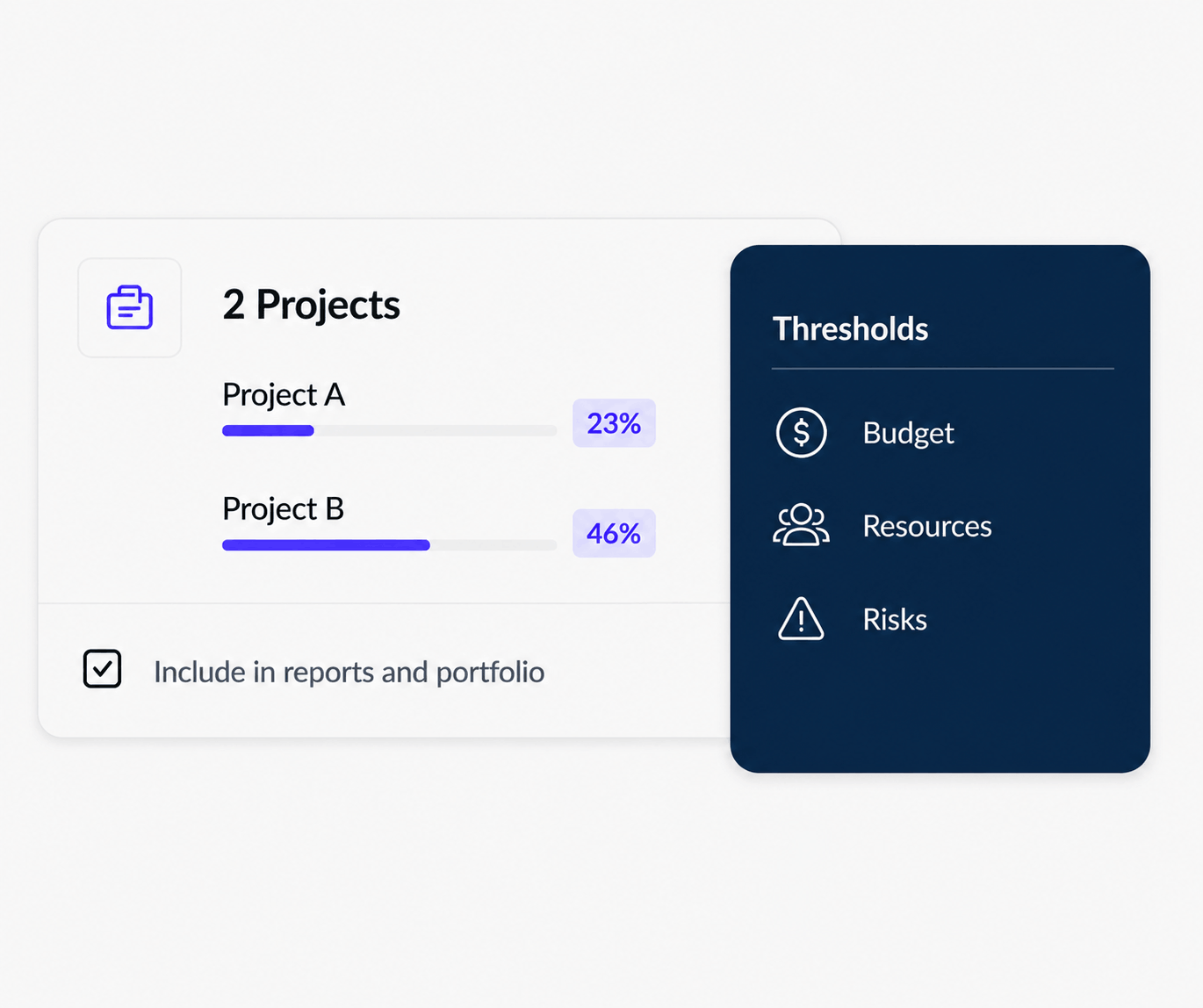
See more than whether a task is done.
A connected work system can give leaders visibility into project progress, budgets, resources and risks—without rebuilding the picture manually for every status meeting. At scale, that visibility can roll into portfolio management.
How Resource Planning Fits Into Work Management
Work management becomes more useful when managers can see not only what needs to be done, but whether the people responsible for that work have enough time and capacity to deliver it. Resource planning adds availability, workload, utilization and cross-project commitments to the work-management picture.
That distinction matters when several initiatives compete for the same team. Project management with capacity planning helps teams compare planned demand with usable capacity, while multi-project resource scheduling shows when shared people are booked across overlapping timelines.
When Does a Team Need a Work Management System?
A work management system becomes especially useful when work is spread across multiple tools and managers struggle to answer basic questions about priorities, ownership, status or capacity. For teams still coordinating plans manually, see resource planning without spreadsheets.
Common signs include repeated status meetings, duplicated spreadsheet tracking, missed handoffs, unclear ownership, overloaded employees and project plans that do not reflect the team's actual workload.
One System Should Reduce Work — Not Add More
The goal of work management is not to create another administrative layer. A good system should reduce manual coordination by making ownership, status, schedules, resources and important context easier to see.
How to Choose a Work Management System
Start with the work your organization needs to coordinate. Then evaluate whether the platform can support that work without becoming unnecessarily complicated.
- Ease of use: Can contributors update work without extensive training?
- Flexibility: Can different teams adapt workflows without creating chaos?
- Project planning: Are timelines, dependencies and milestones available when needed?
- Resource planning: Can managers understand capacity and assignments? Stronger platforms may connect this to project resource planning.
- Automation: Can repetitive follow-up and workflow steps be reduced?
- Reporting: Can managers and executives see useful information at the right level?
- Integrations: Can the system connect with the tools the organization already uses?
- Scalability: Can it grow from team-level work into more complex projects and portfolios?
See our guide to the best work management software for teams in 2026.
Related Work Management Guides
Best Work Management Software
Compare work management platforms and the capabilities teams should evaluate.
Work Management vs. Project Management
Understand where broader work coordination differs from traditional project management.
Task Management vs. Project Management
See how individual task tracking connects to larger project planning.
Workload Management Software
Balance assignments and identify overloaded or underused team members.
Team Capacity Planning Software
Understand how much additional work your team can realistically support.
Project Resource Planning Software
Connect project demand with people, schedules, availability and capacity.
Resource Management for Multiple Projects
Coordinate shared resources across simultaneous projects and priorities.
Project Management + Resource Scheduling
Keep project plans and dated resource assignments connected.
How KolApp Supports Work Management
KolApp connects task and project management with resource scheduling, workflow automation, dashboards, portfolio visibility and budget-oriented planning.
This allows teams to manage everyday execution while giving managers a broader view of project health, resource commitments and work across multiple initiatives. For shared-resource environments, see resource management software for multiple projects.
Frequently Asked Questions
What is a work management system?
A work management system is a platform or structured process for organizing tasks, projects, workflows, people and priorities across a team or organization.
What is the purpose of a work management system?
Its purpose is to make work easier to plan, assign, execute and monitor while improving visibility into ownership, priorities and progress.
Is a work management system the same as project management software?
Not exactly. Project management focuses on defined projects, while work management can include projects plus recurring, operational and ad hoc work.
What are the main features of a work management system?
Common features include tasks, projects, workflows, collaboration, automation, dashboards, reporting and, in some platforms, resource planning and portfolio visibility.
Who uses work management systems?
Marketing, IT, operations, professional services, product, HR and other teams can use work management systems to coordinate different types of work.
Connect Work, Projects and Resources
Use KolApp to organize tasks, plan projects, coordinate resources and keep teams aligned in one workspace.